Joey L Tutorial DVD Available on instant download and data DVD
I found myself furiously clicking around Photoshop re-editing original photographs pulled from external hard drives, scribbling notes trying to lay out the patterns I worked in, and brewing new techniques wild eyed and maniacal. All of this while trying to stay awake and keep my voice calm and normal while I narrated and recorded it all in the middle of the night.
The result of months (maybe years? Who knows! I lost track of time) of this came out much cleaner and bigger than I had thought and turned into this tutorial that I’m quite proud of. I’m offering the knowledge of my techniques to you to better your own craft, whether it be to add that new-aged edgy look to your professional work or simply to bring something fresh to the results of your hobby. Check it out...
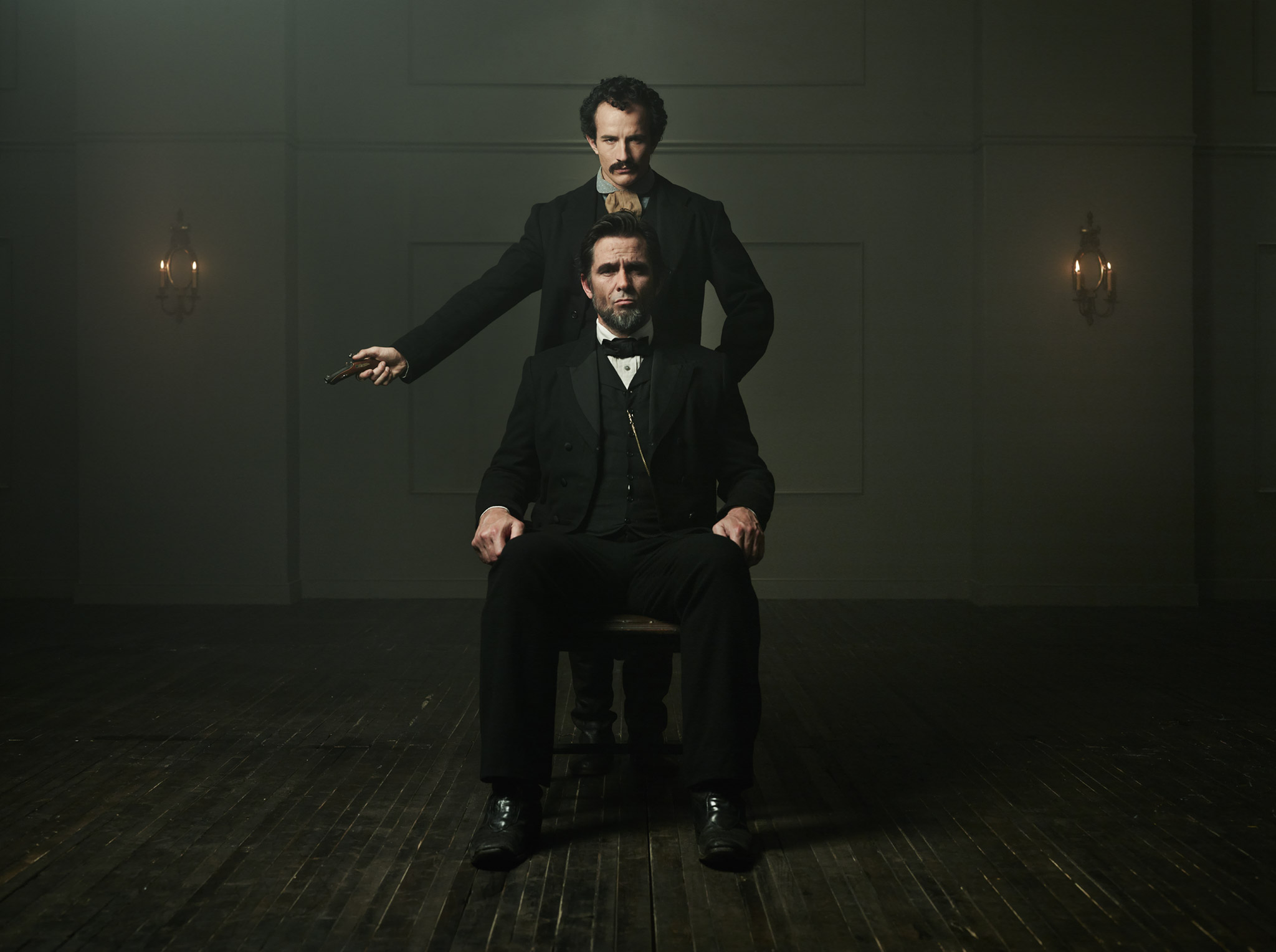
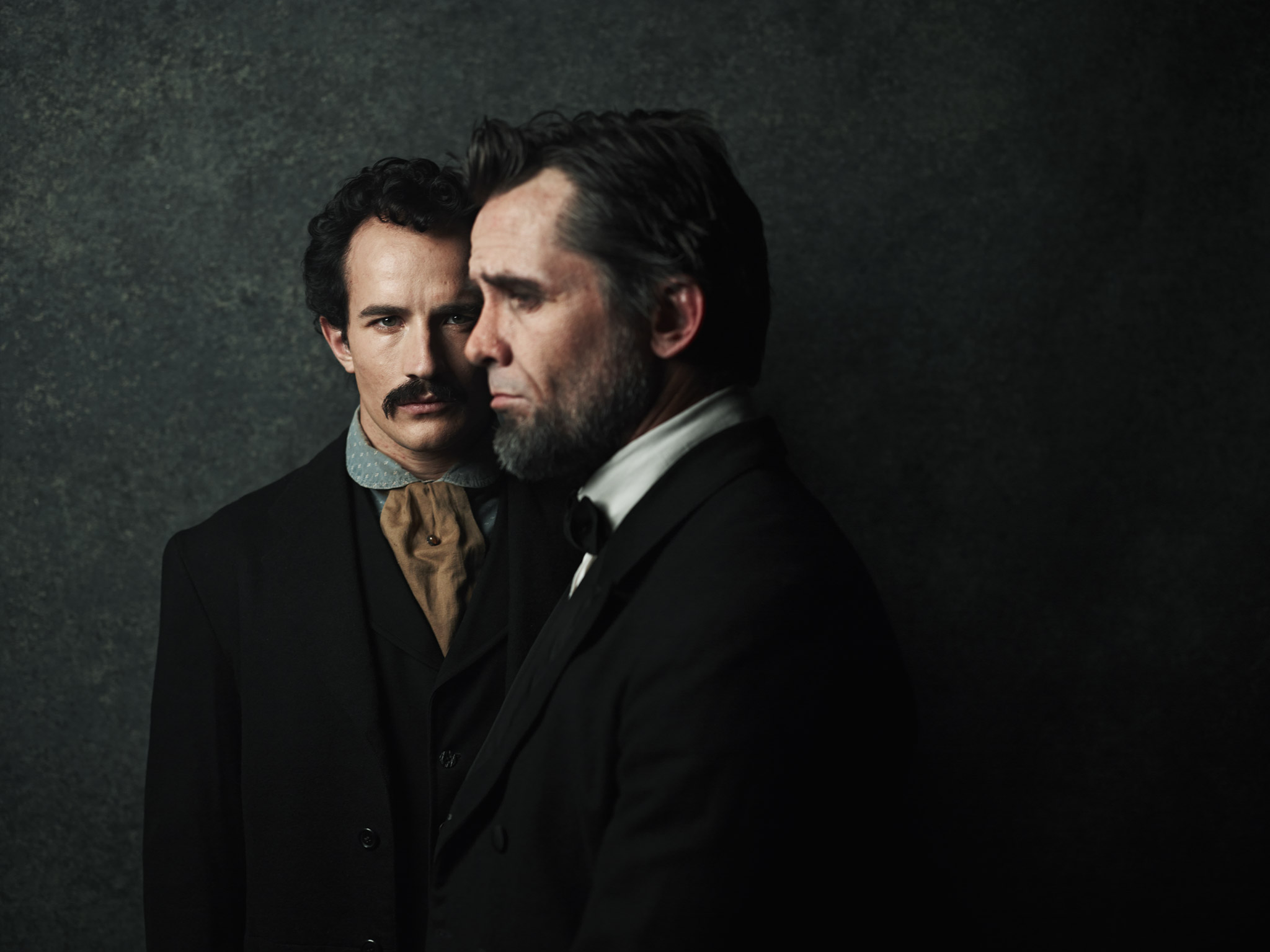
In this package containing2 hours of material,you will find-
Behind the scenes footagefrom many unique photo shoots covering an array of concepts and lighting situations, including detailed diagrams of the light set ups and props. Both studio lighting and simple techniques using standard reflectors are used
Narrated live screen capture of the editing process, describing in detail all my techniques step by step and how you can do them yourself. Even my granny can follow along, but I am confident there is something for everyone to learn.
Each technique is broken into individual lessonsand within the lessons there are different example pictures. This makes sure that you fully understand the range the technique has to offer on individual photographs
A library of custom high resolution (12.7 mega pixel) grunge texturesyou can use in your own photos- cracks, aged paper, metallic scratches and abrasions, and some other gross stuff I can’t even identify! (But it sure looks neat). There are over 50 textures on the disk, and you can use them for whatever you desire.
Photoshop-loadable actionsin which you can ‘play’ on your own pictures and follow along step by step as my preloaded techniques are applied to your photos
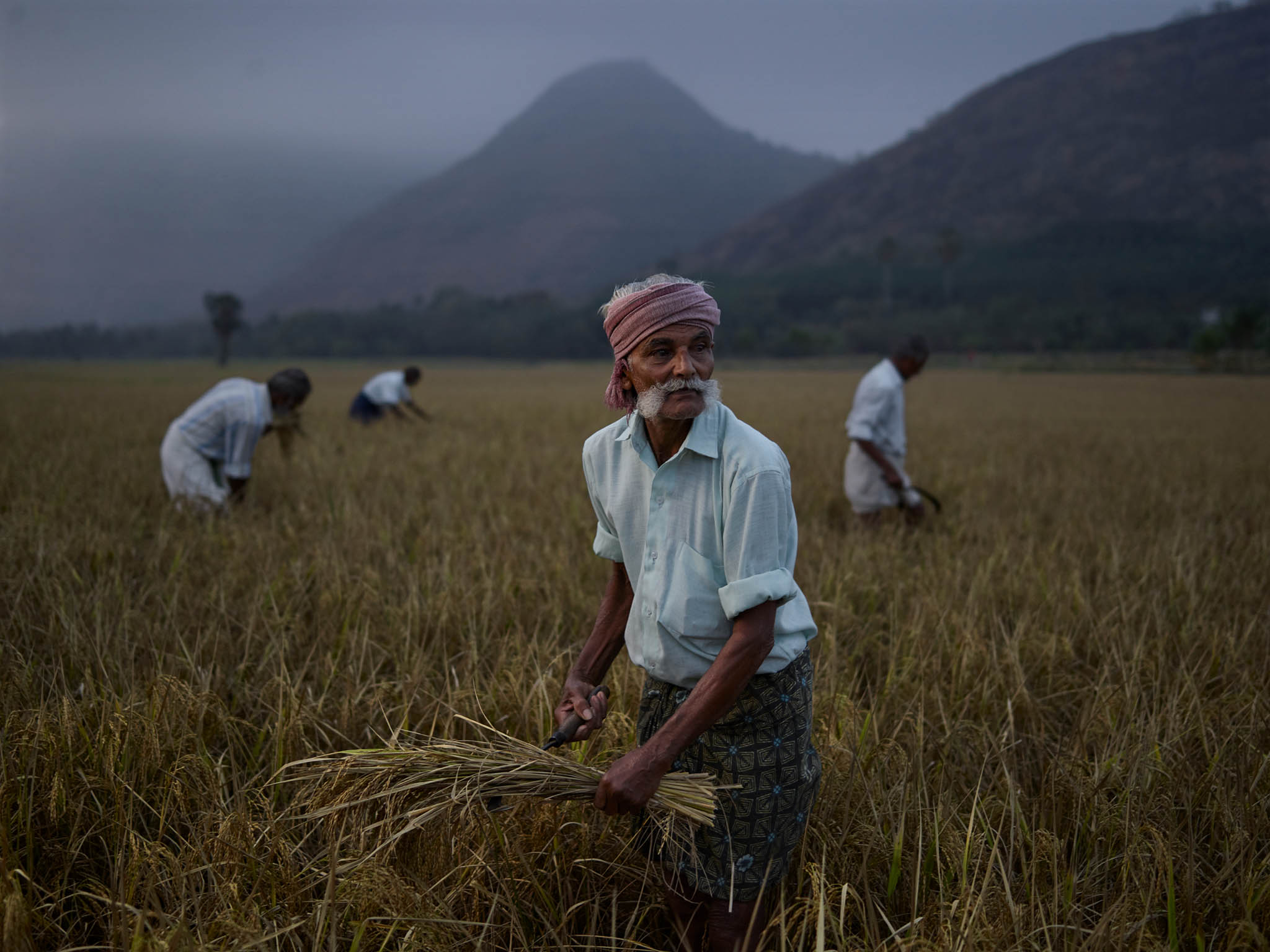
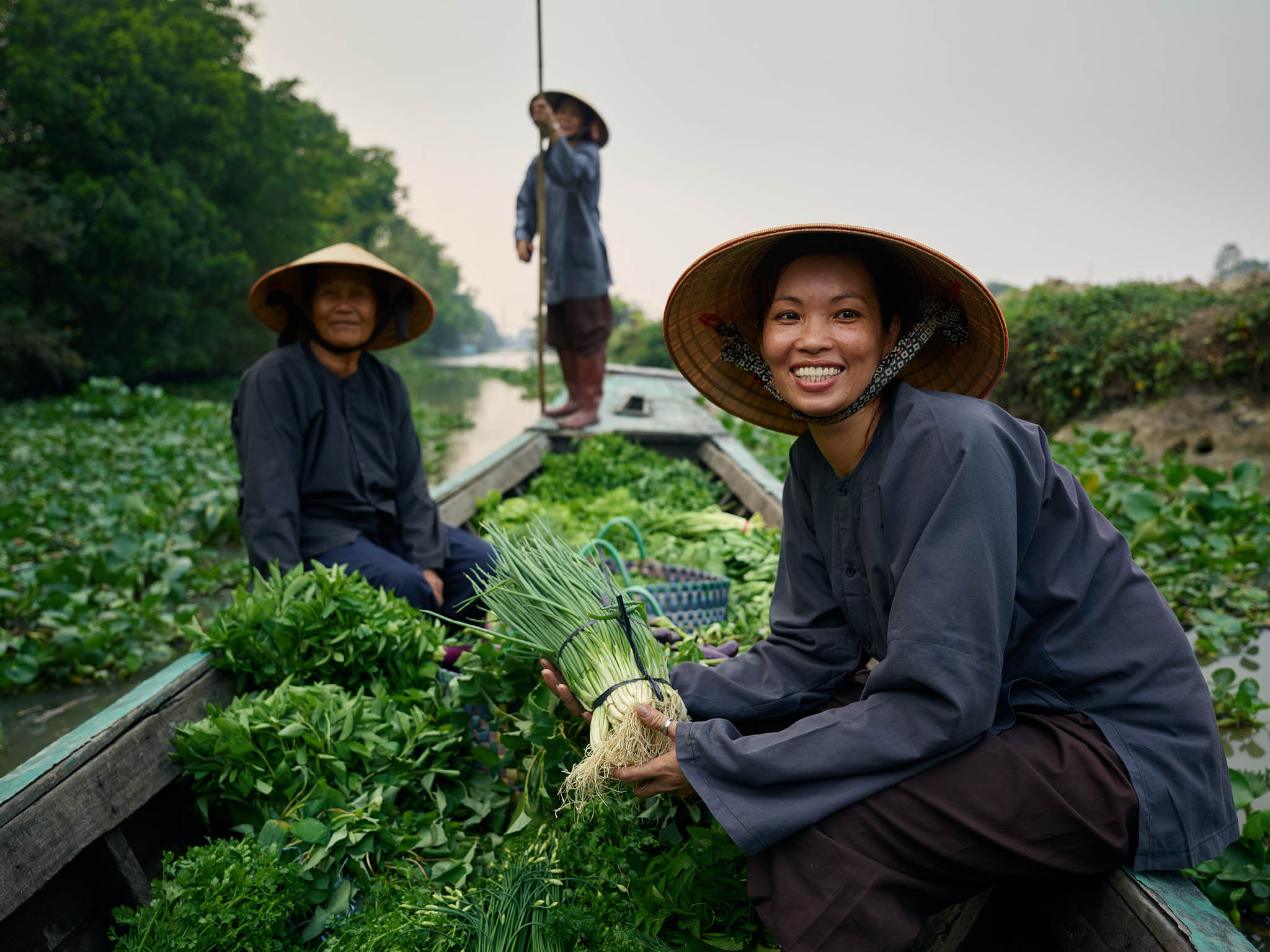
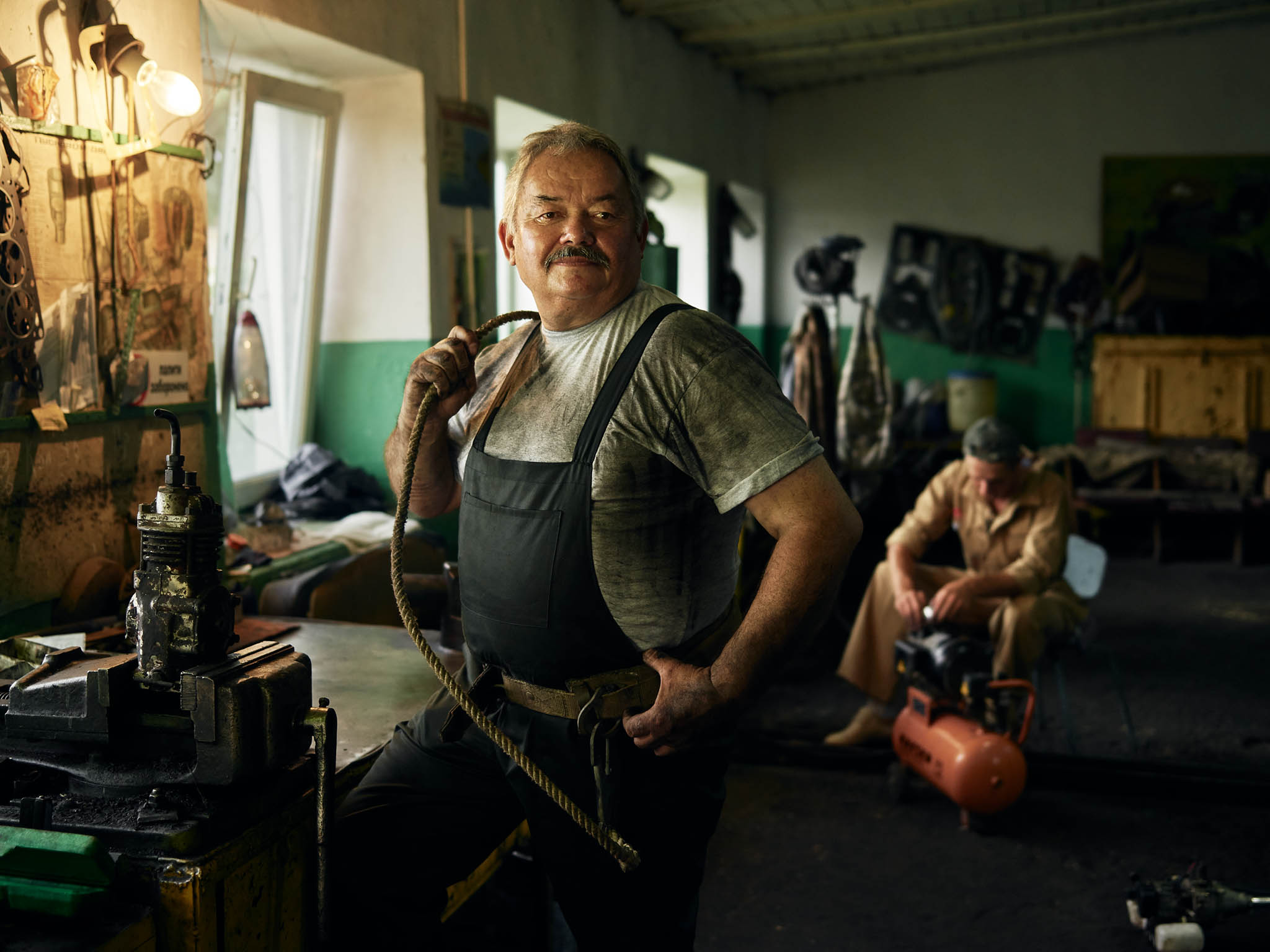
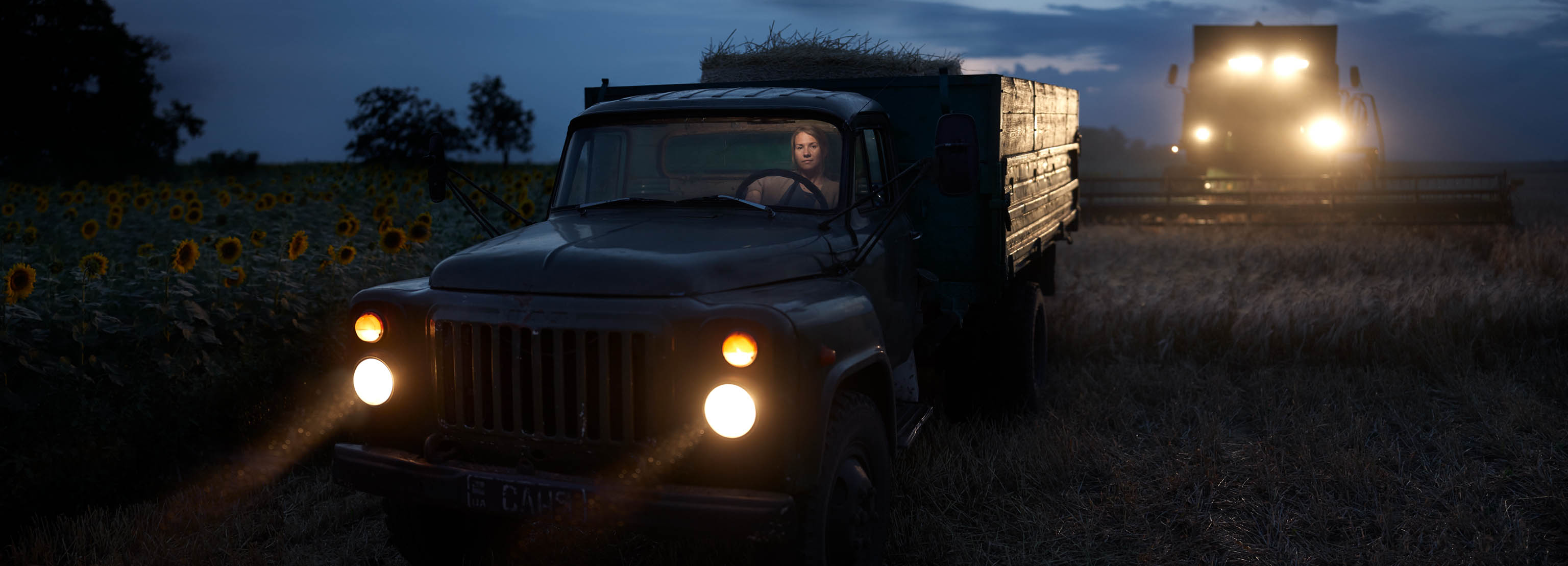
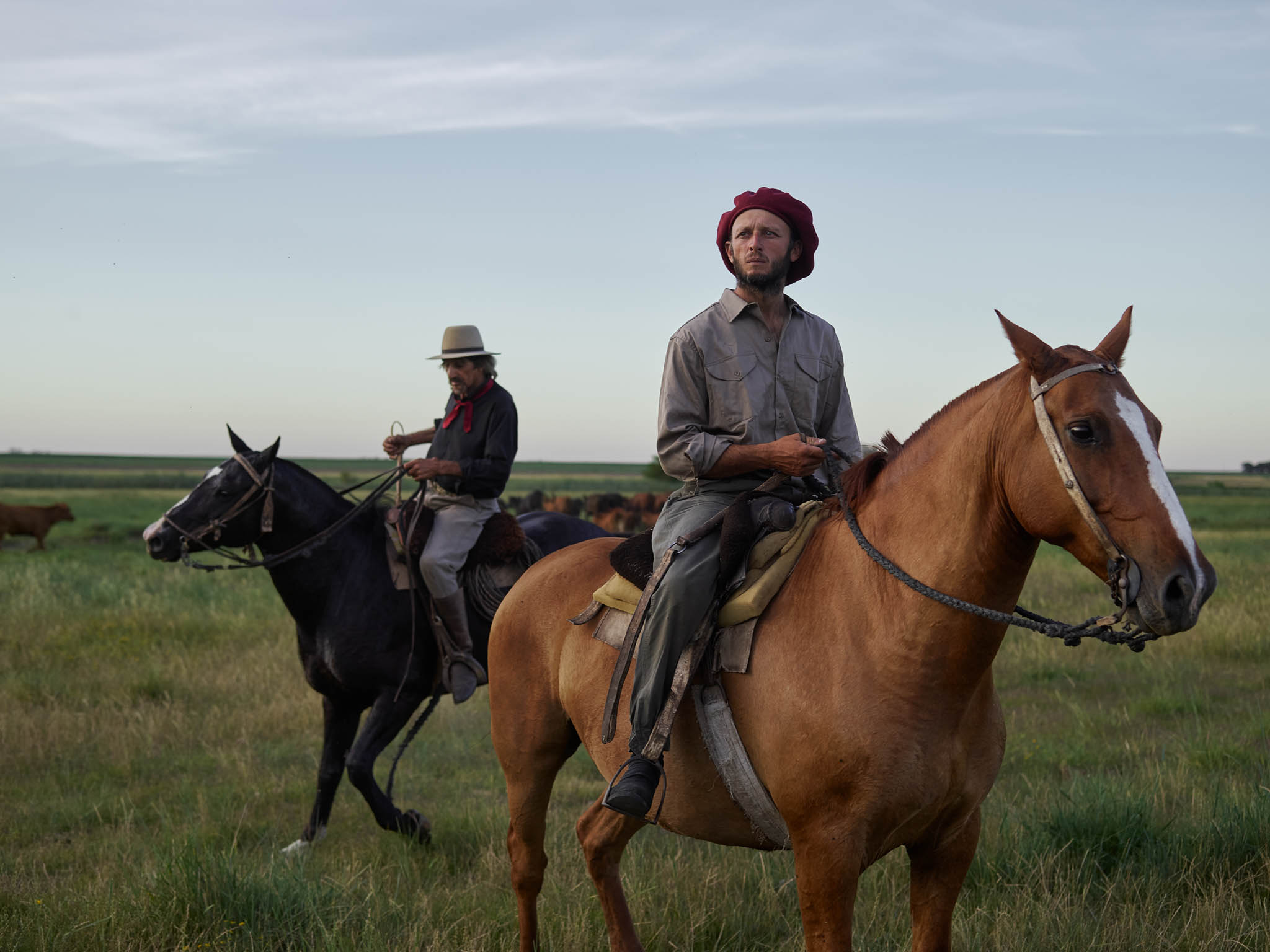
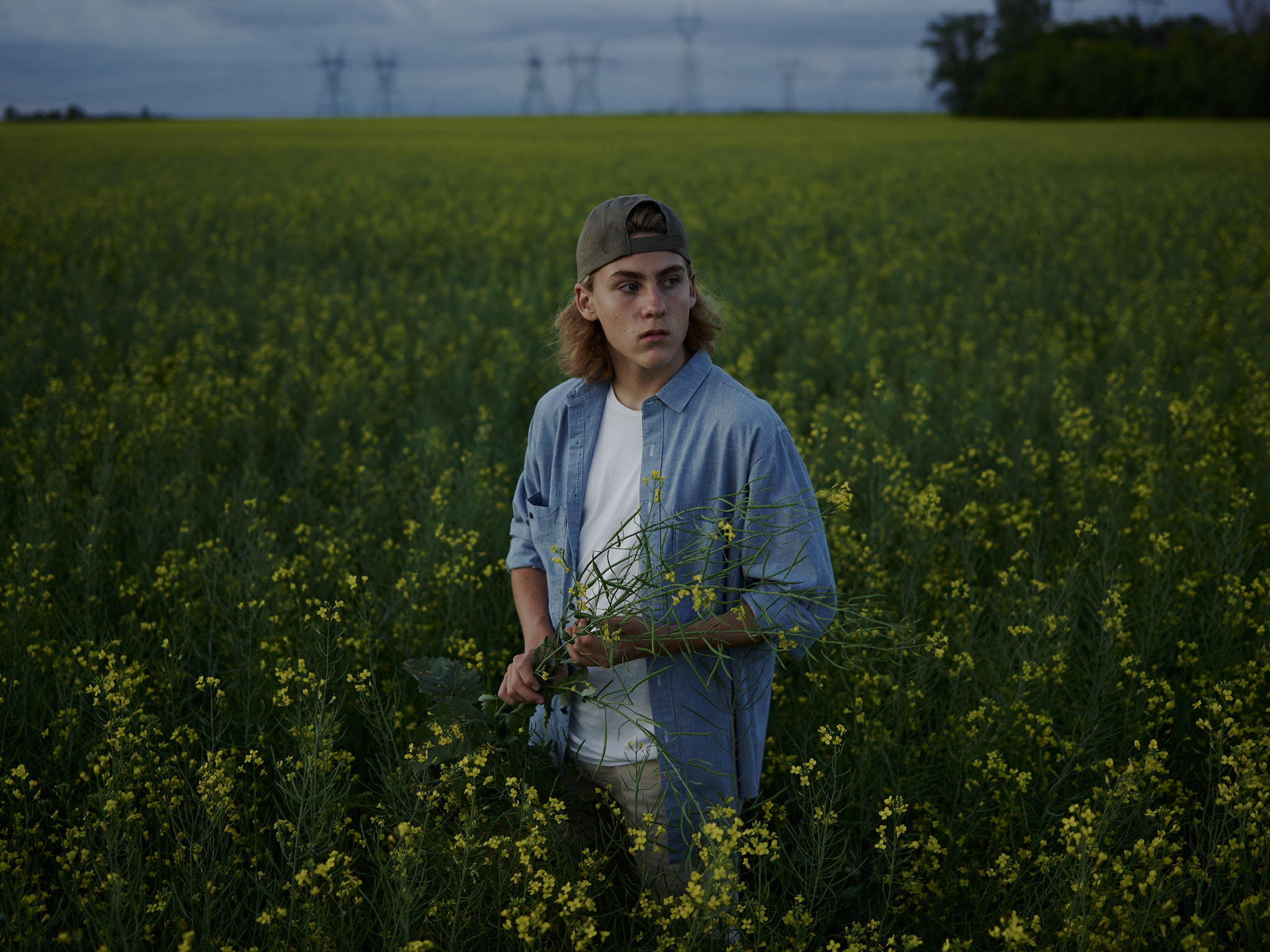
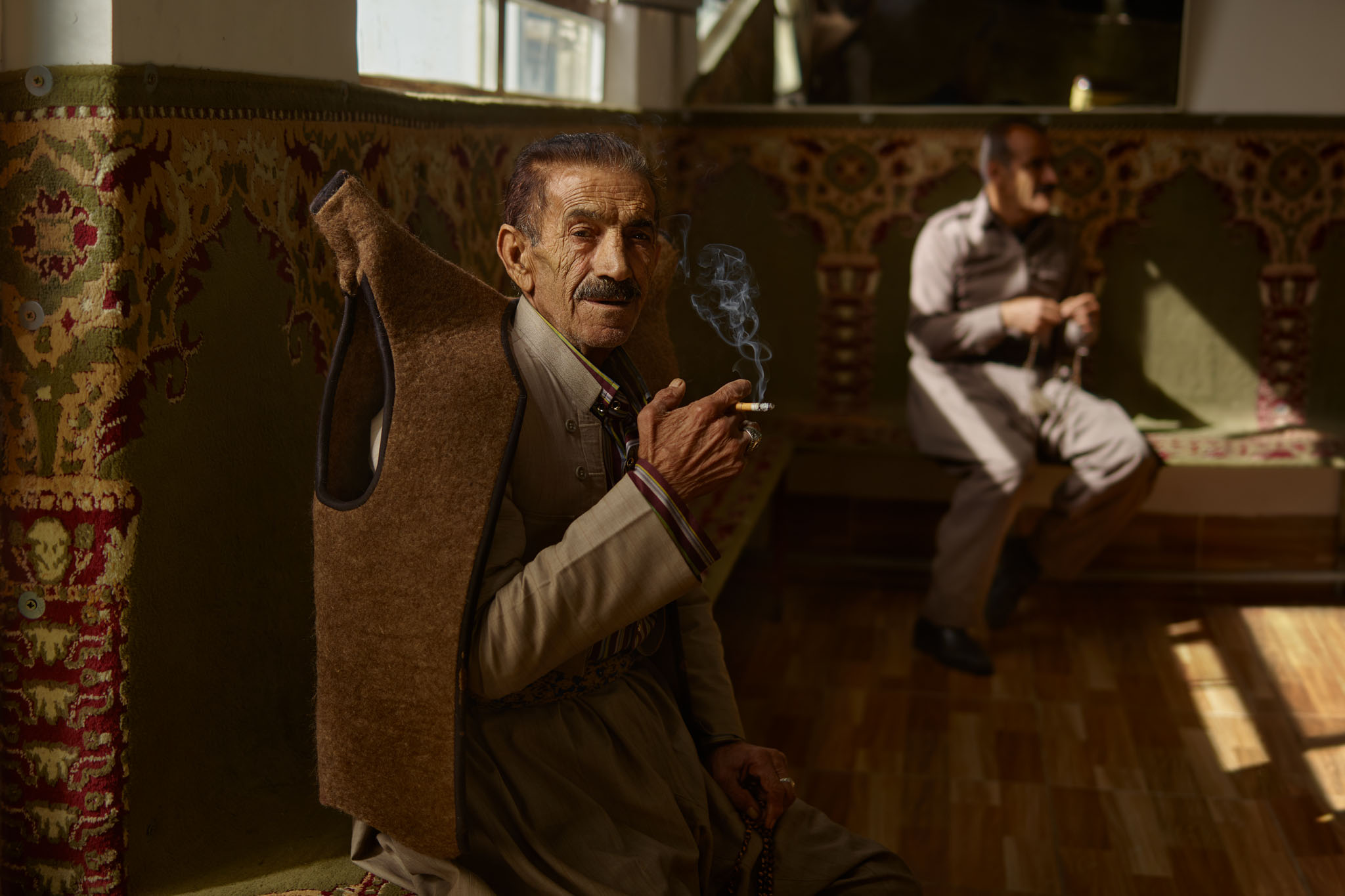
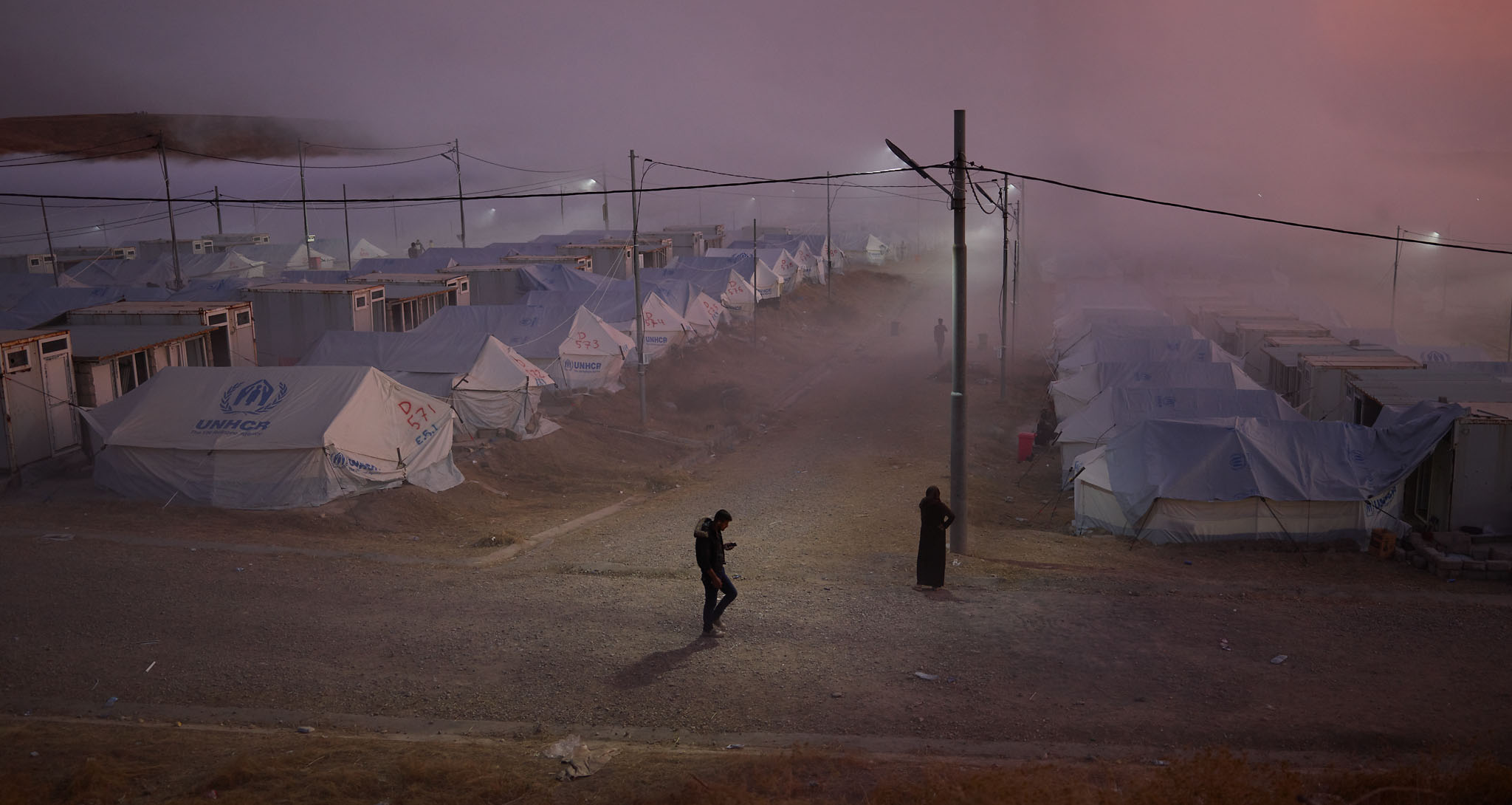
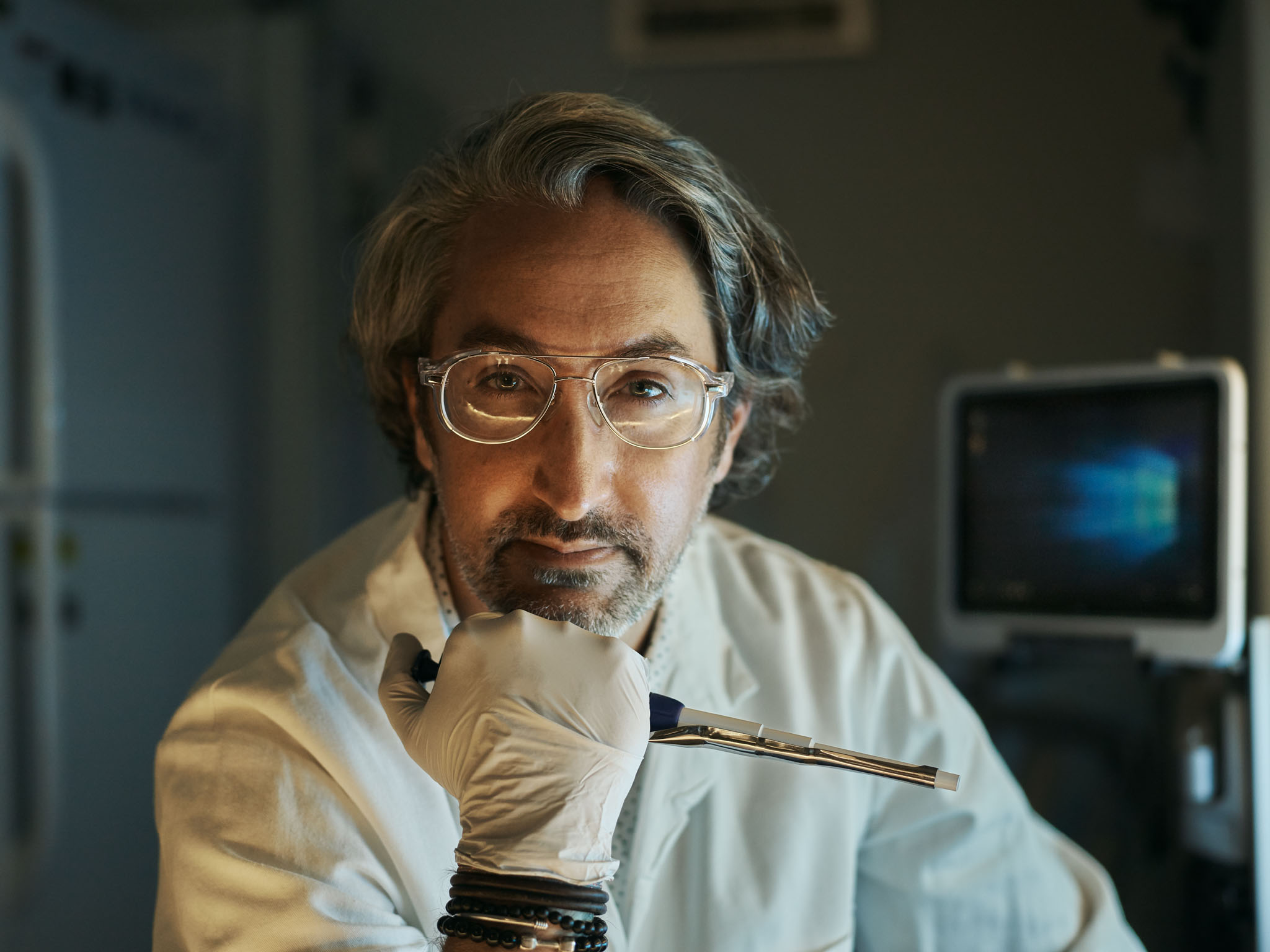
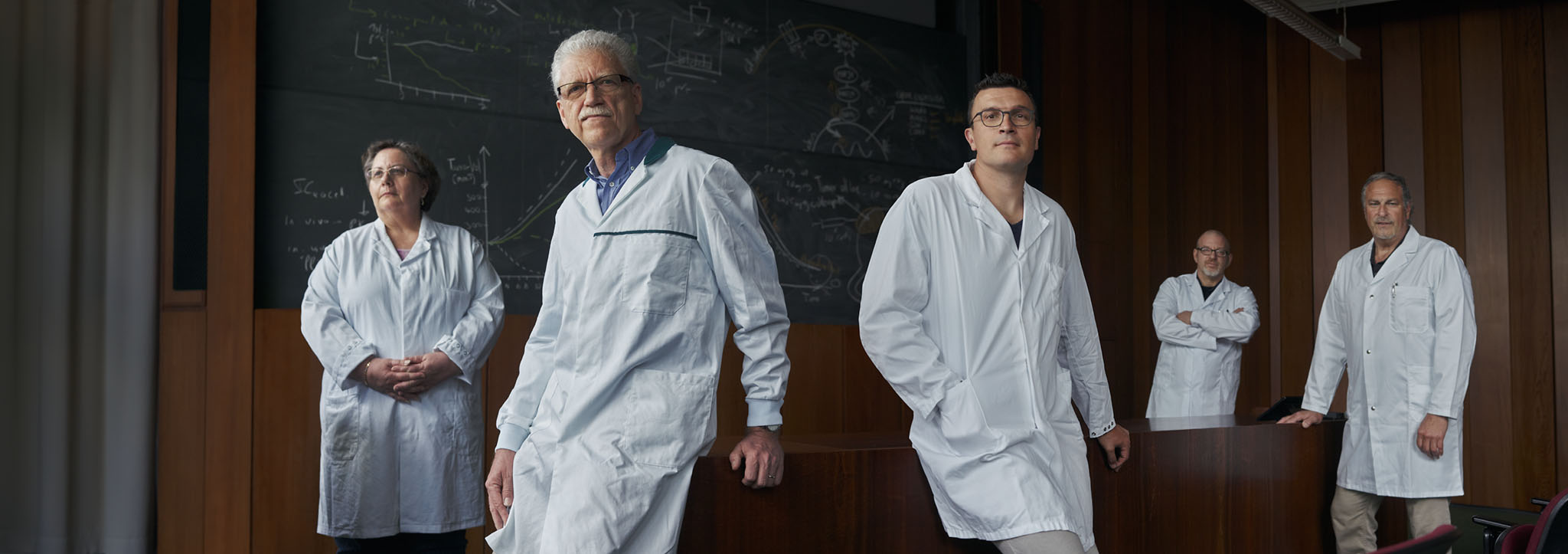
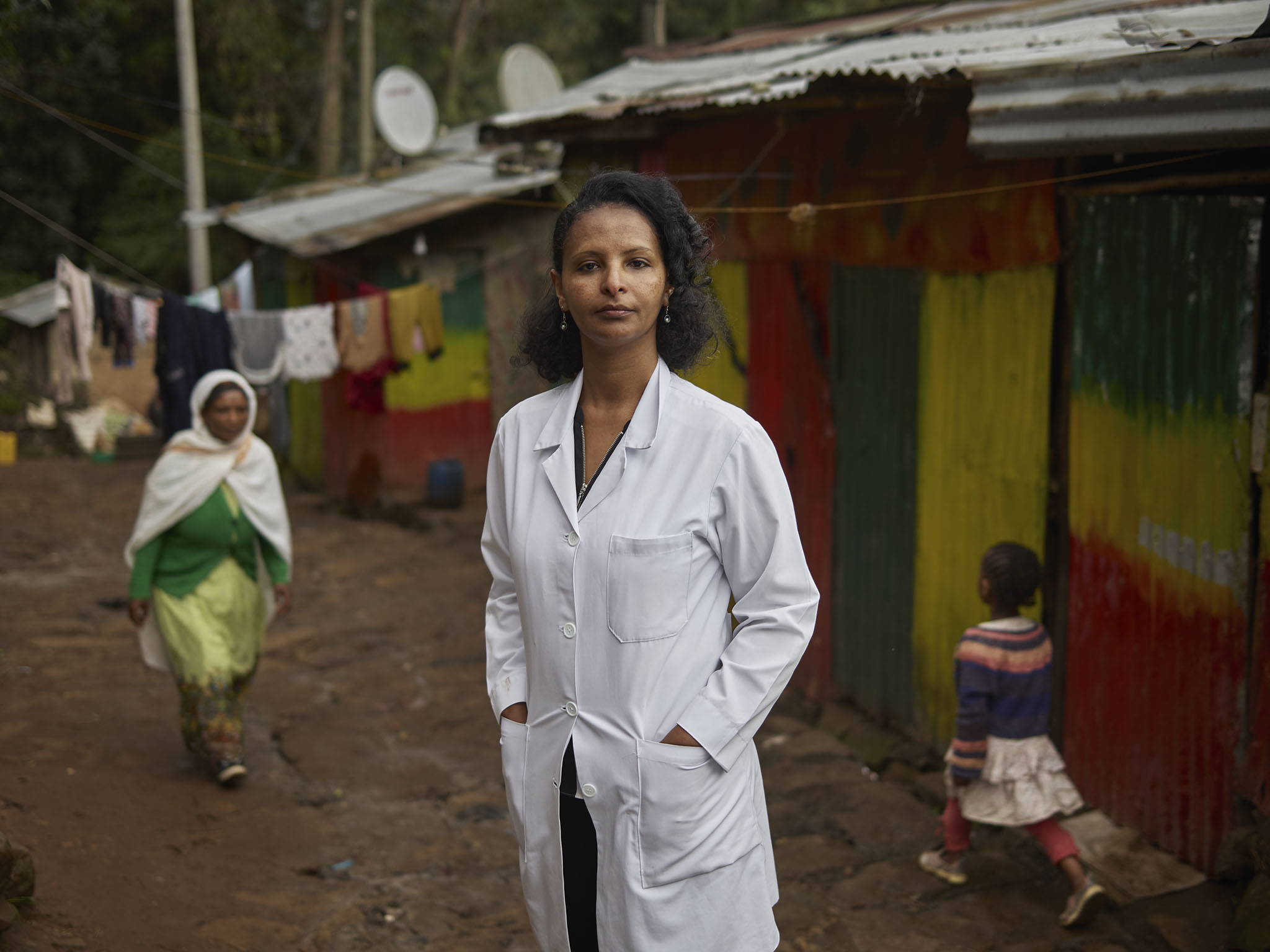
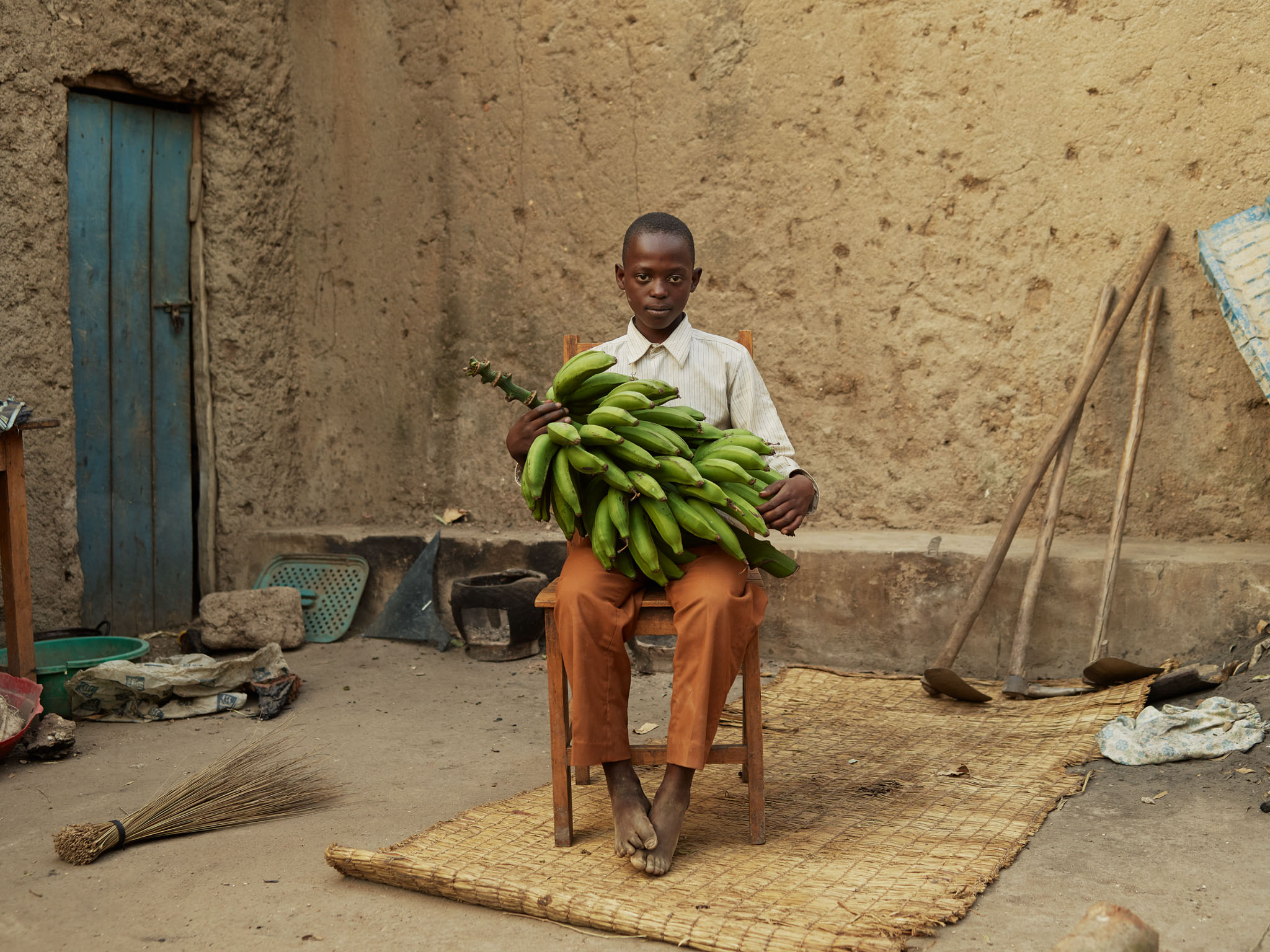
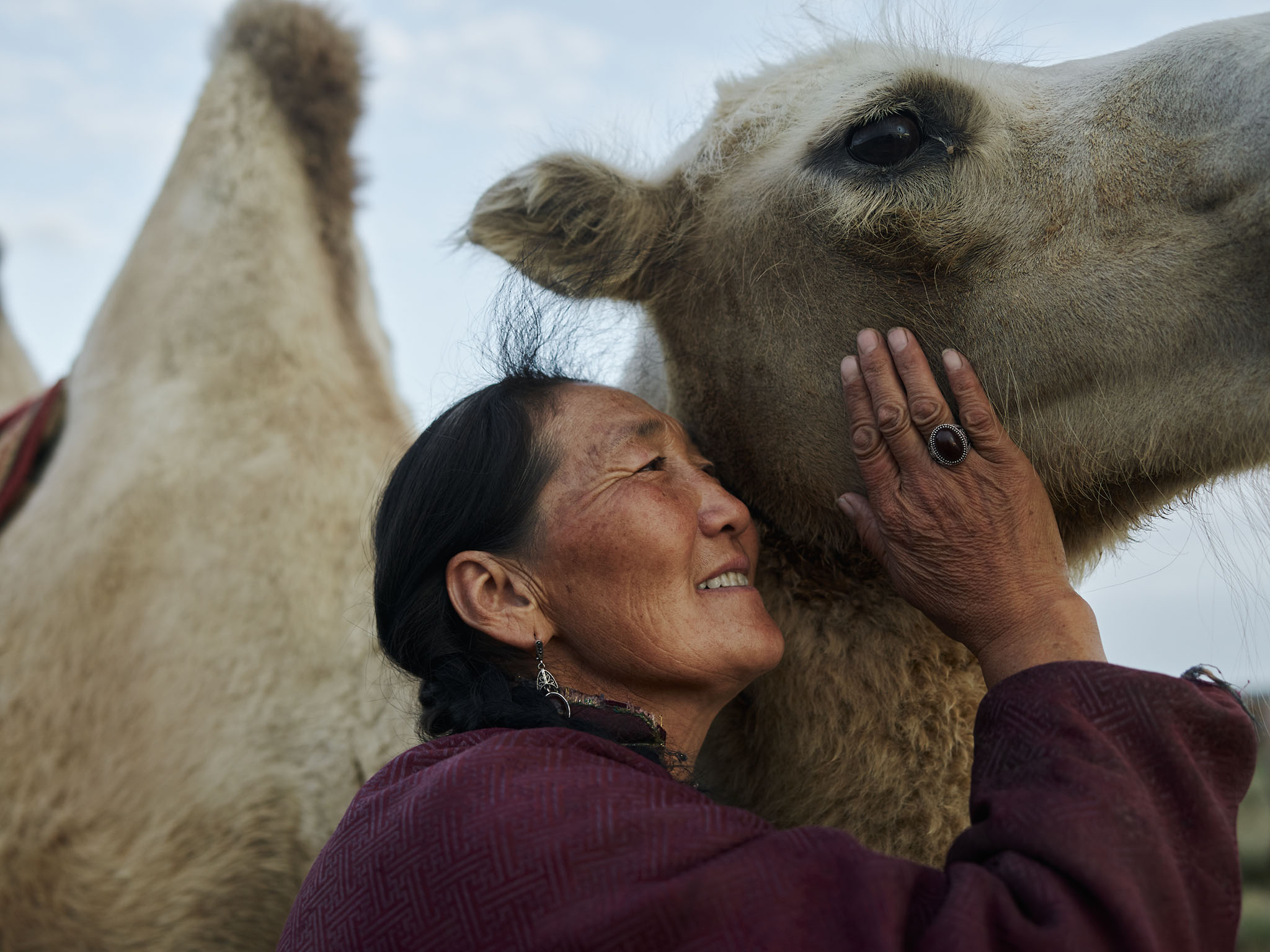
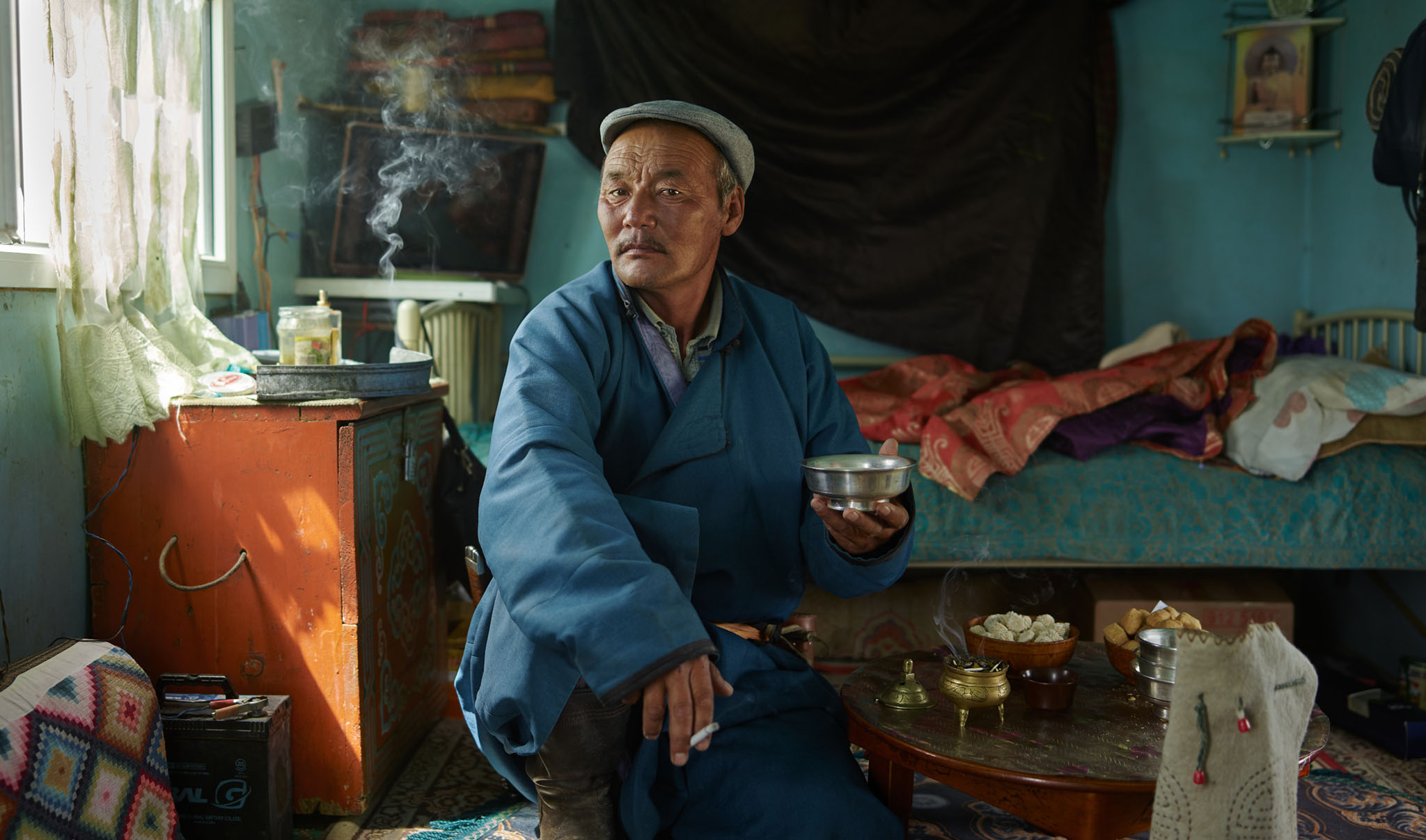
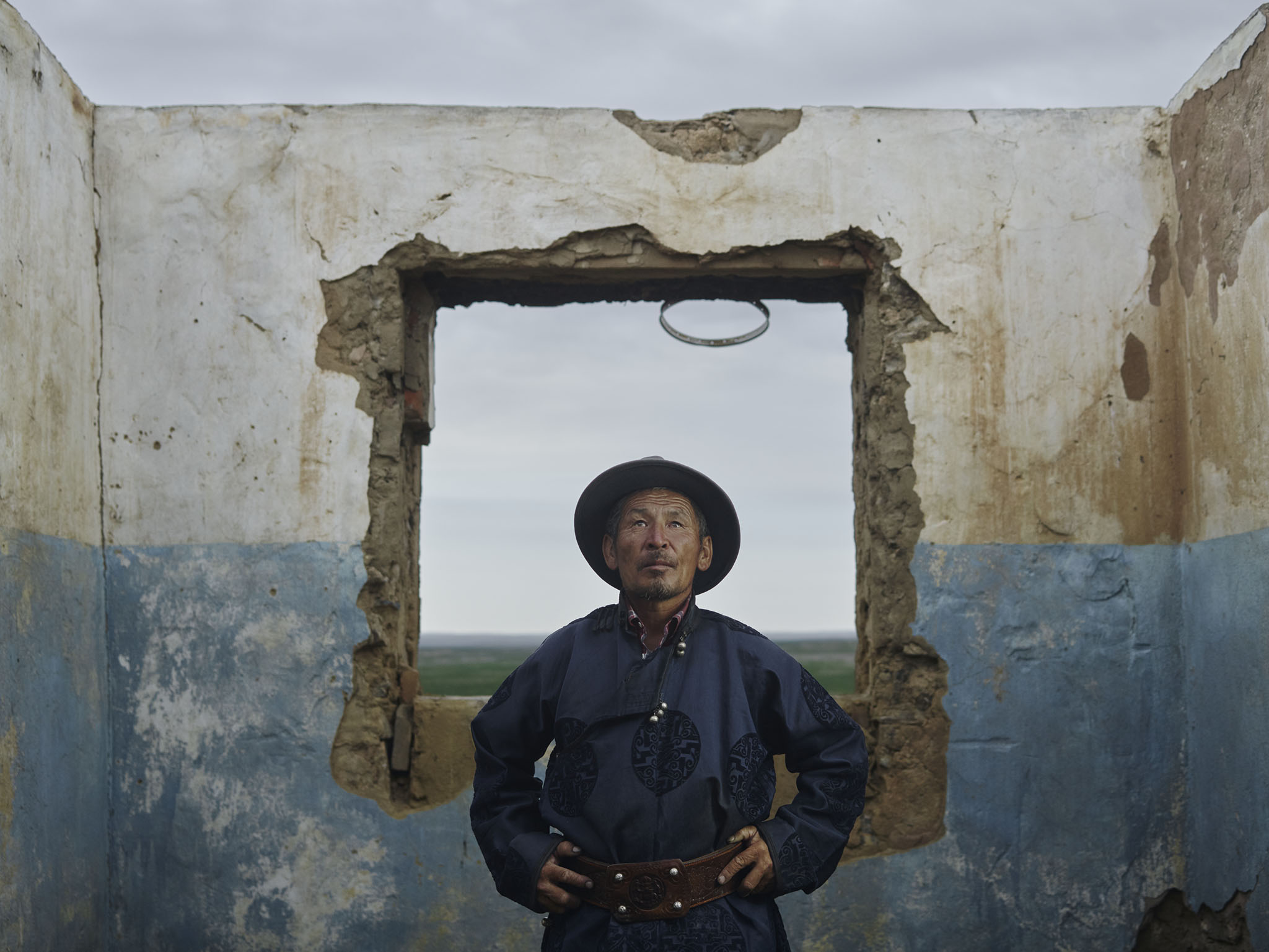
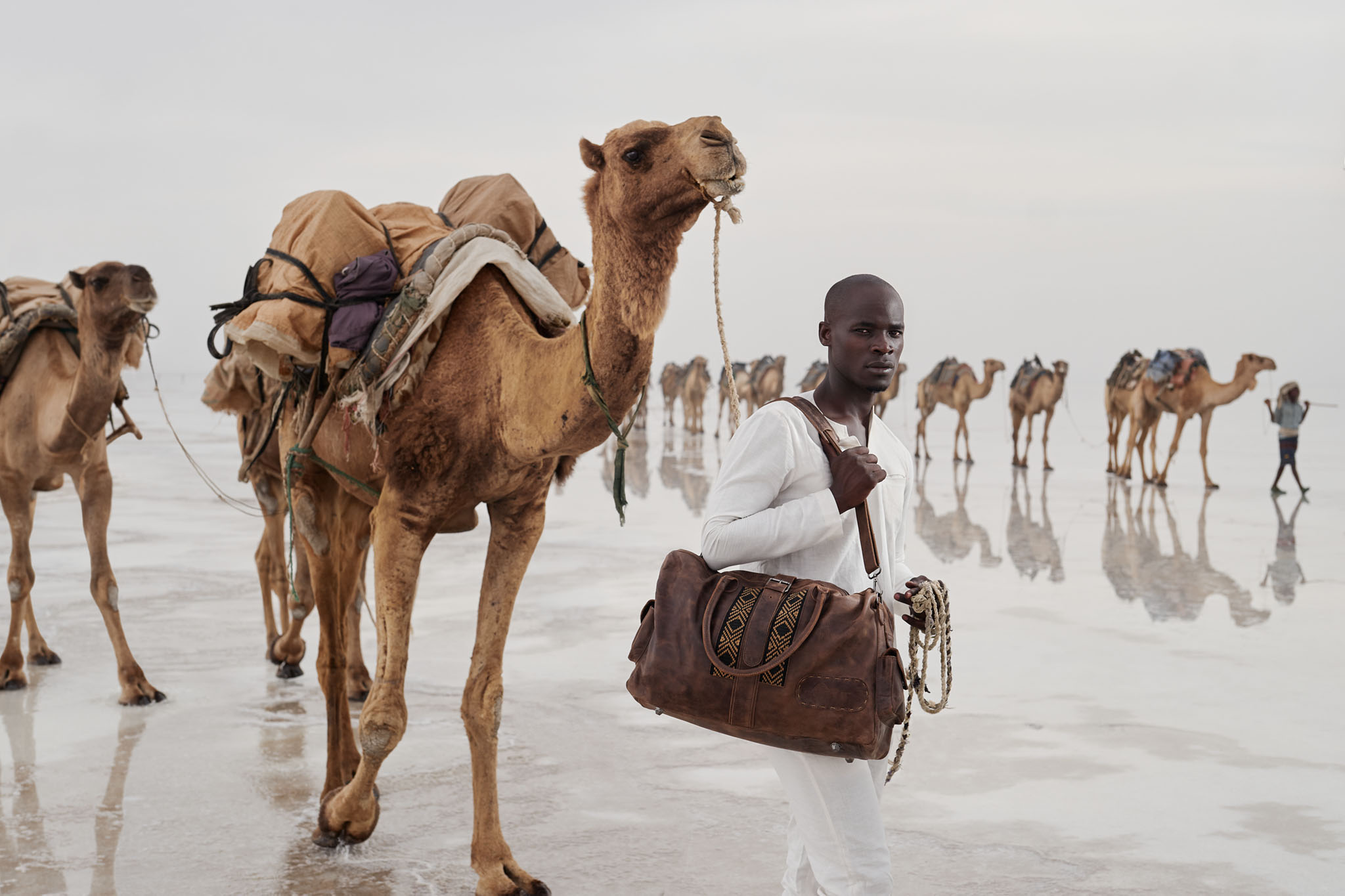
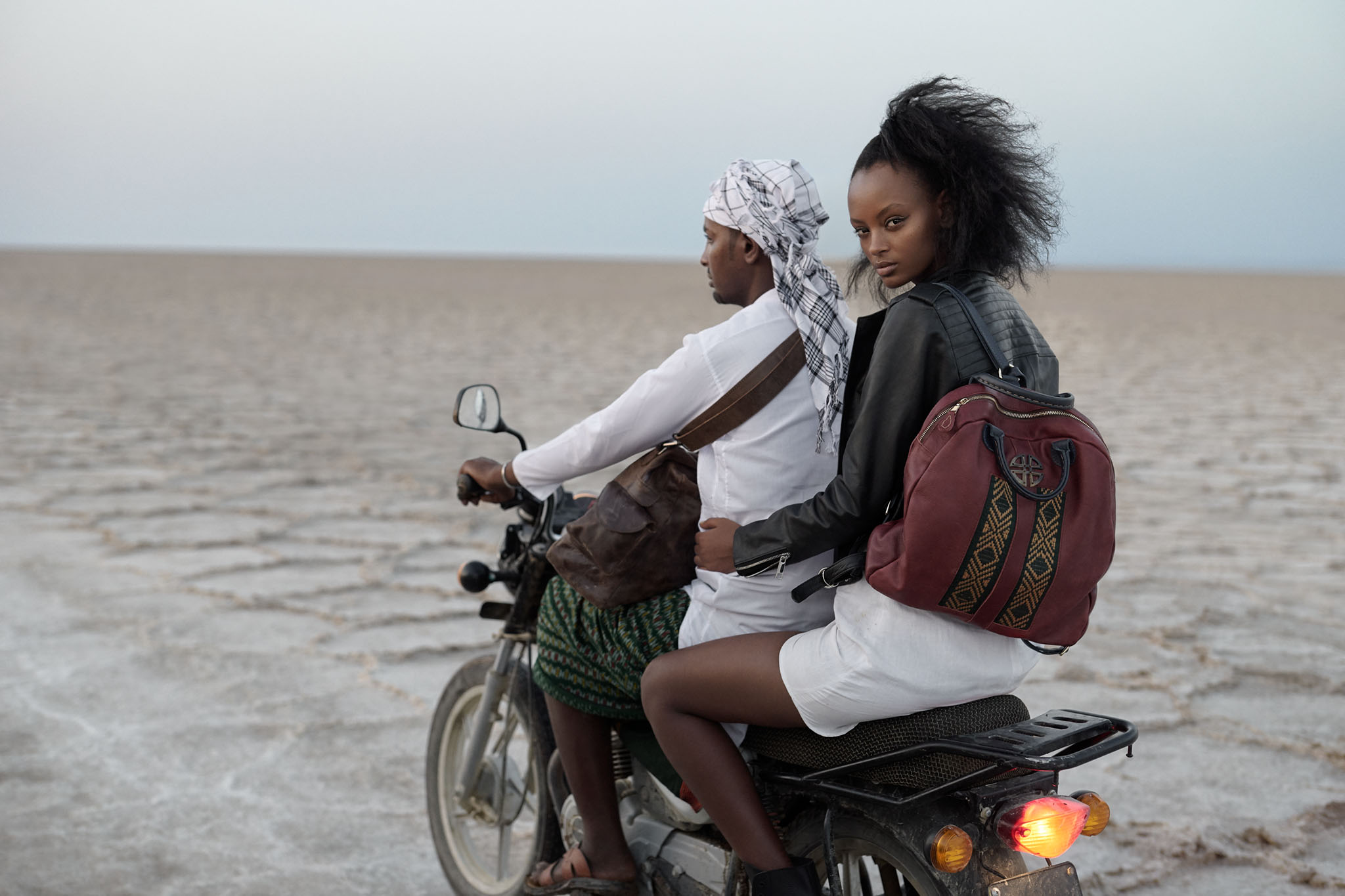
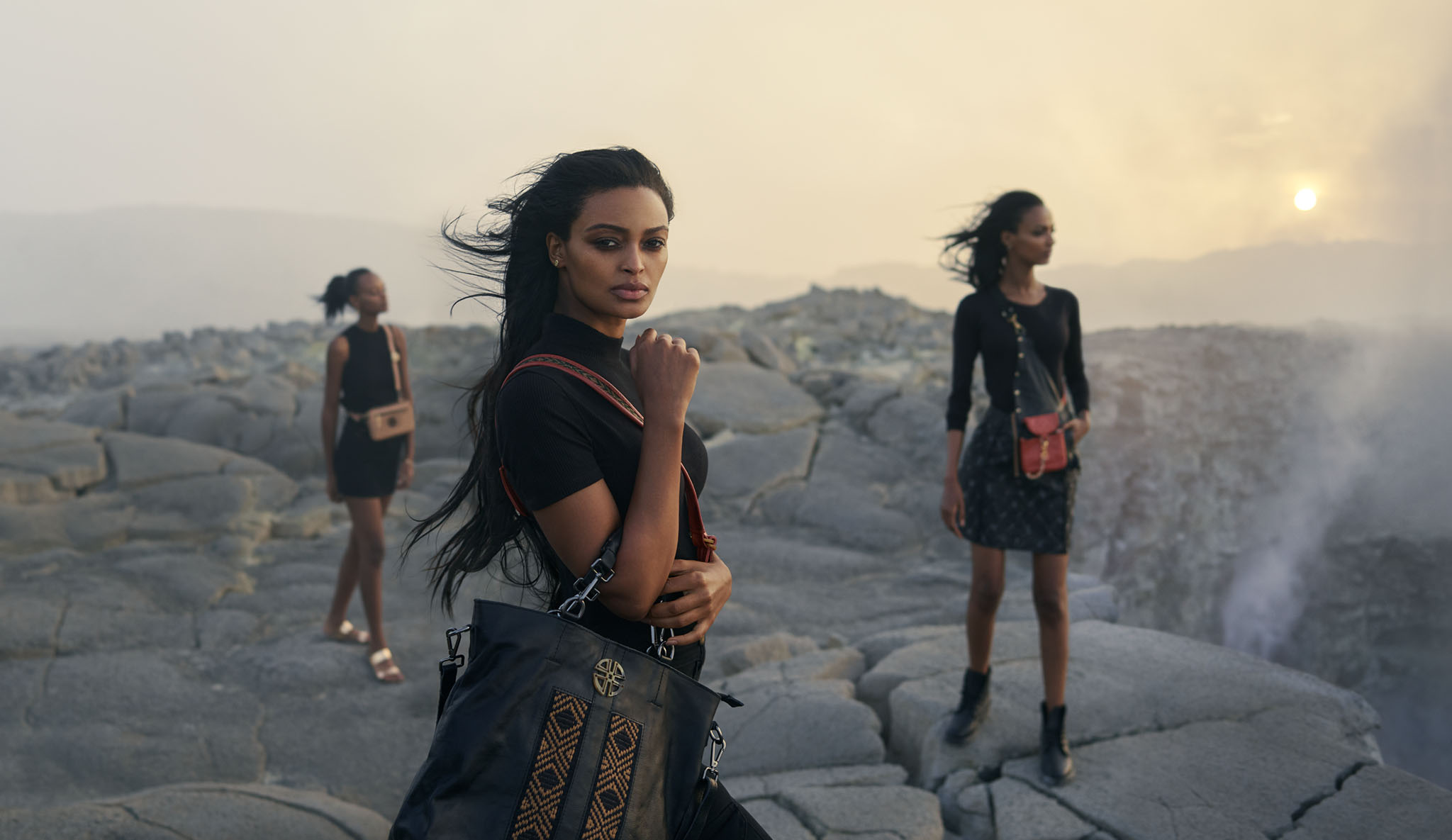
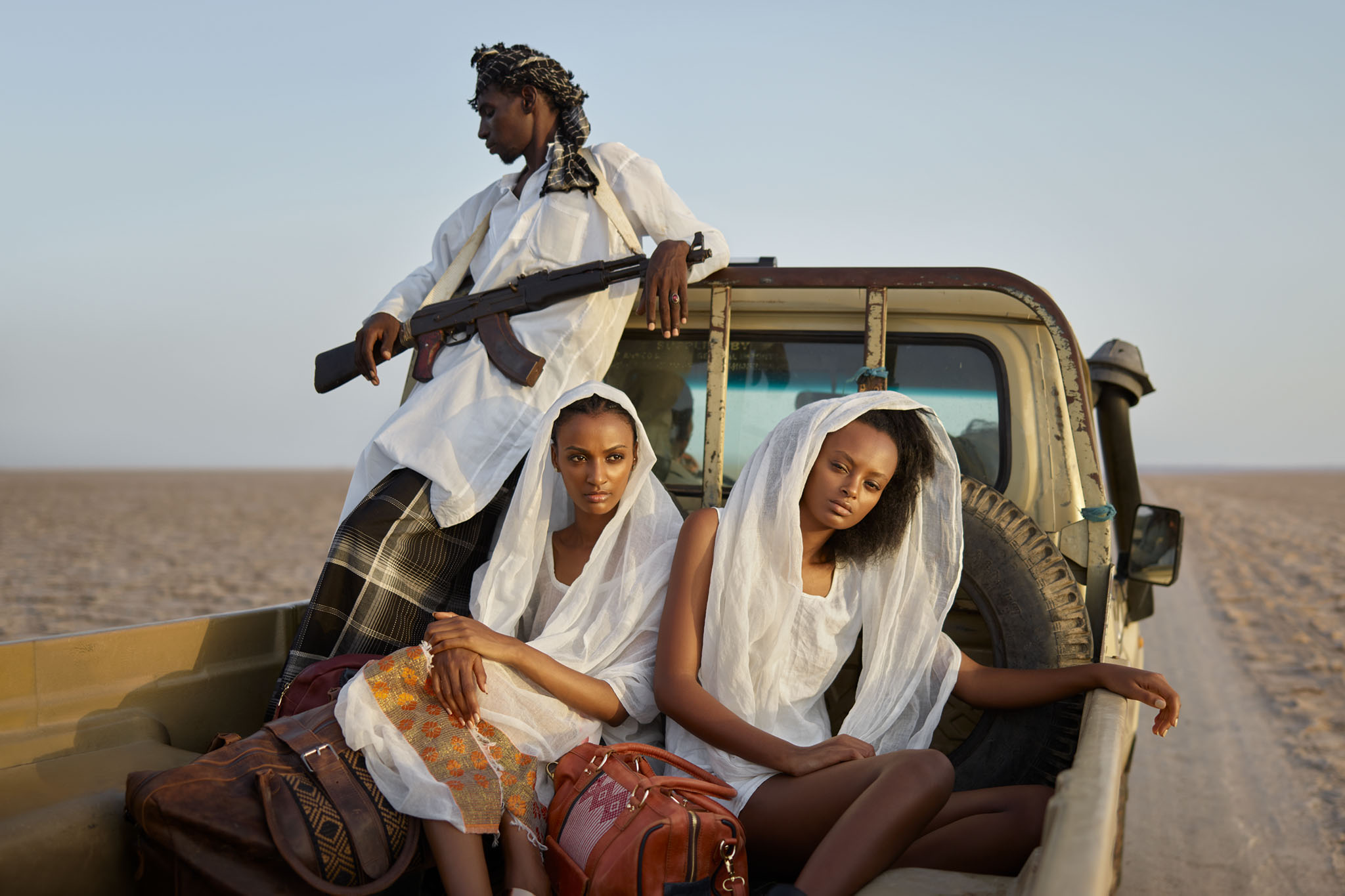
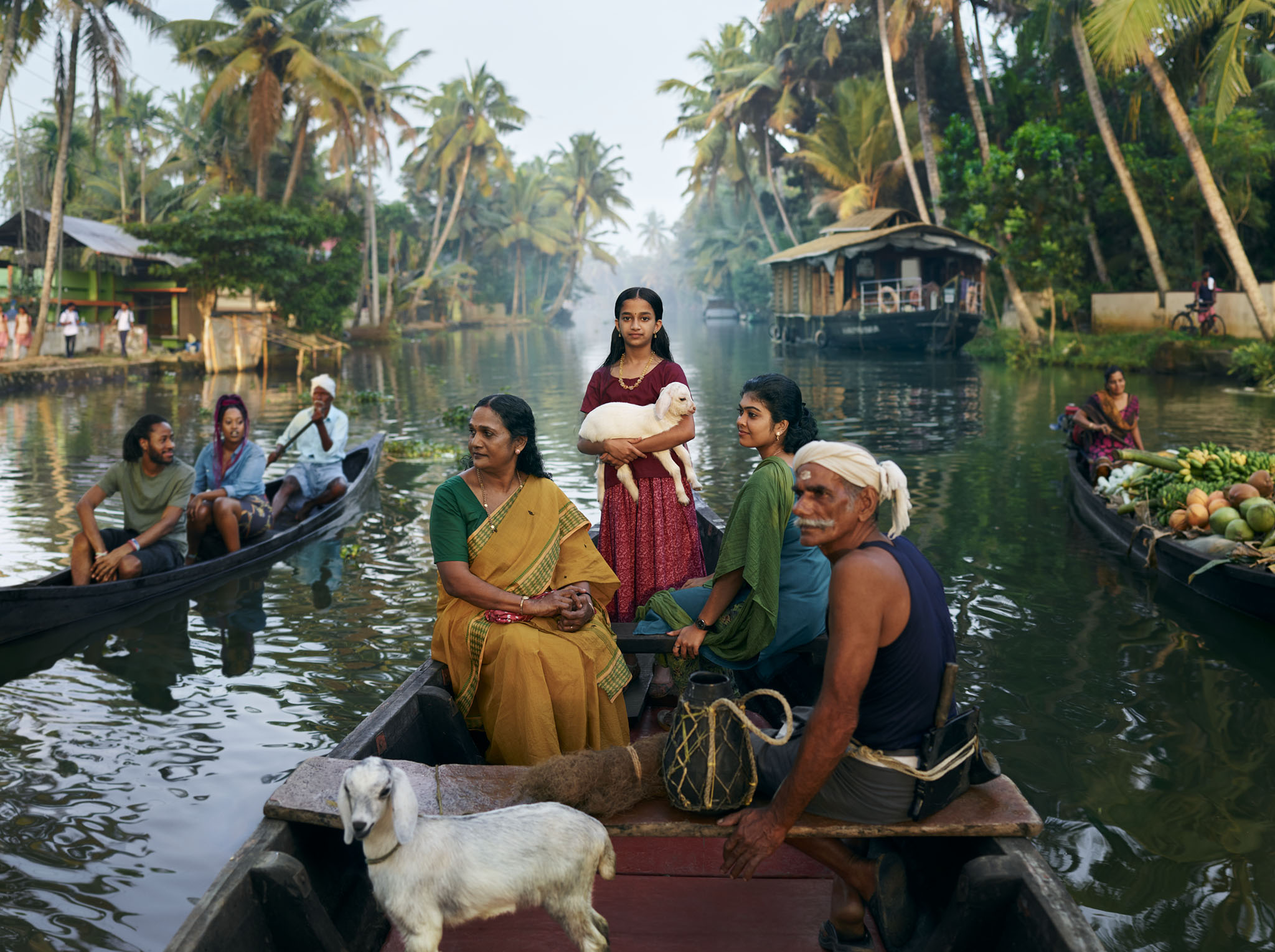
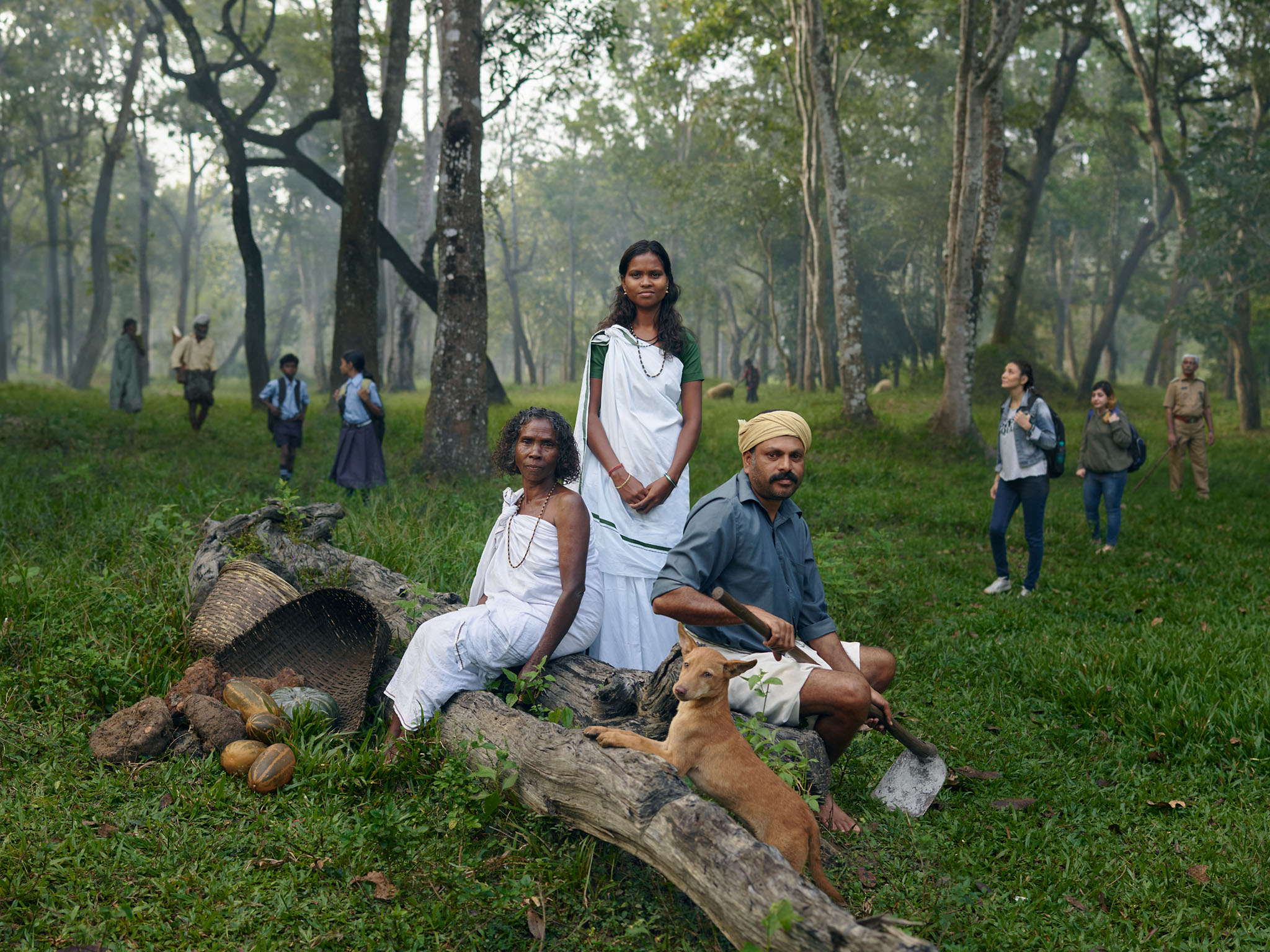
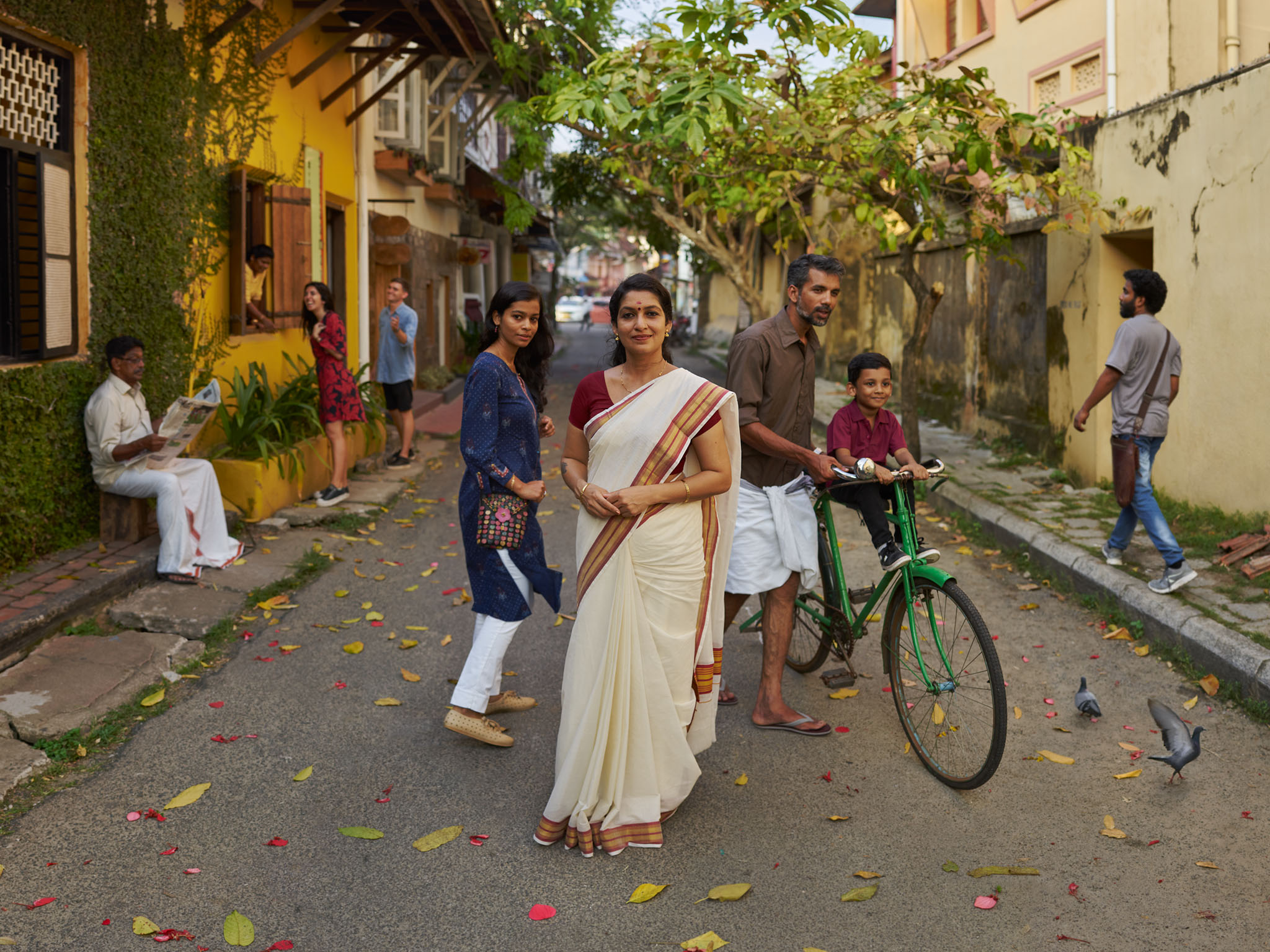
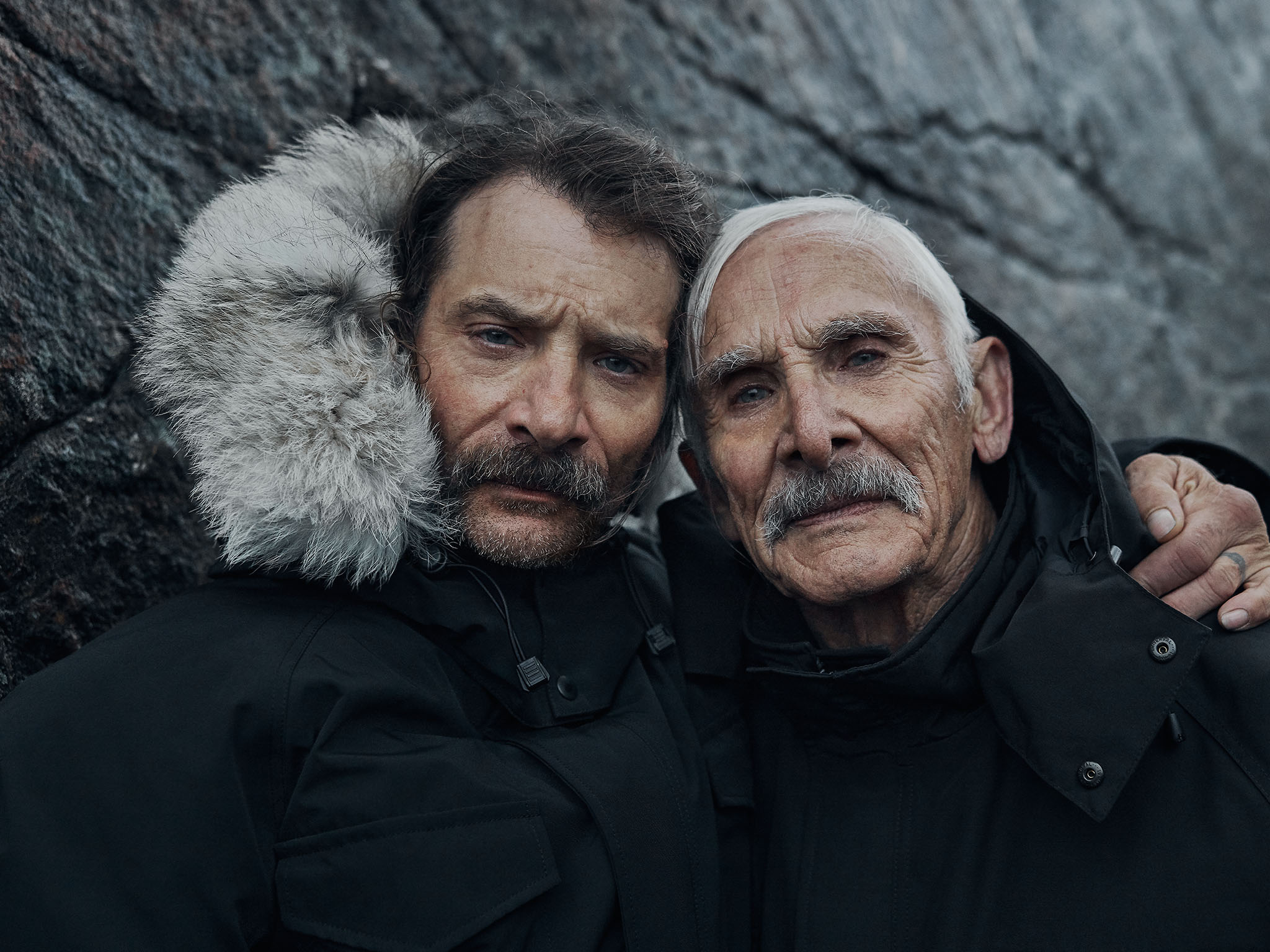
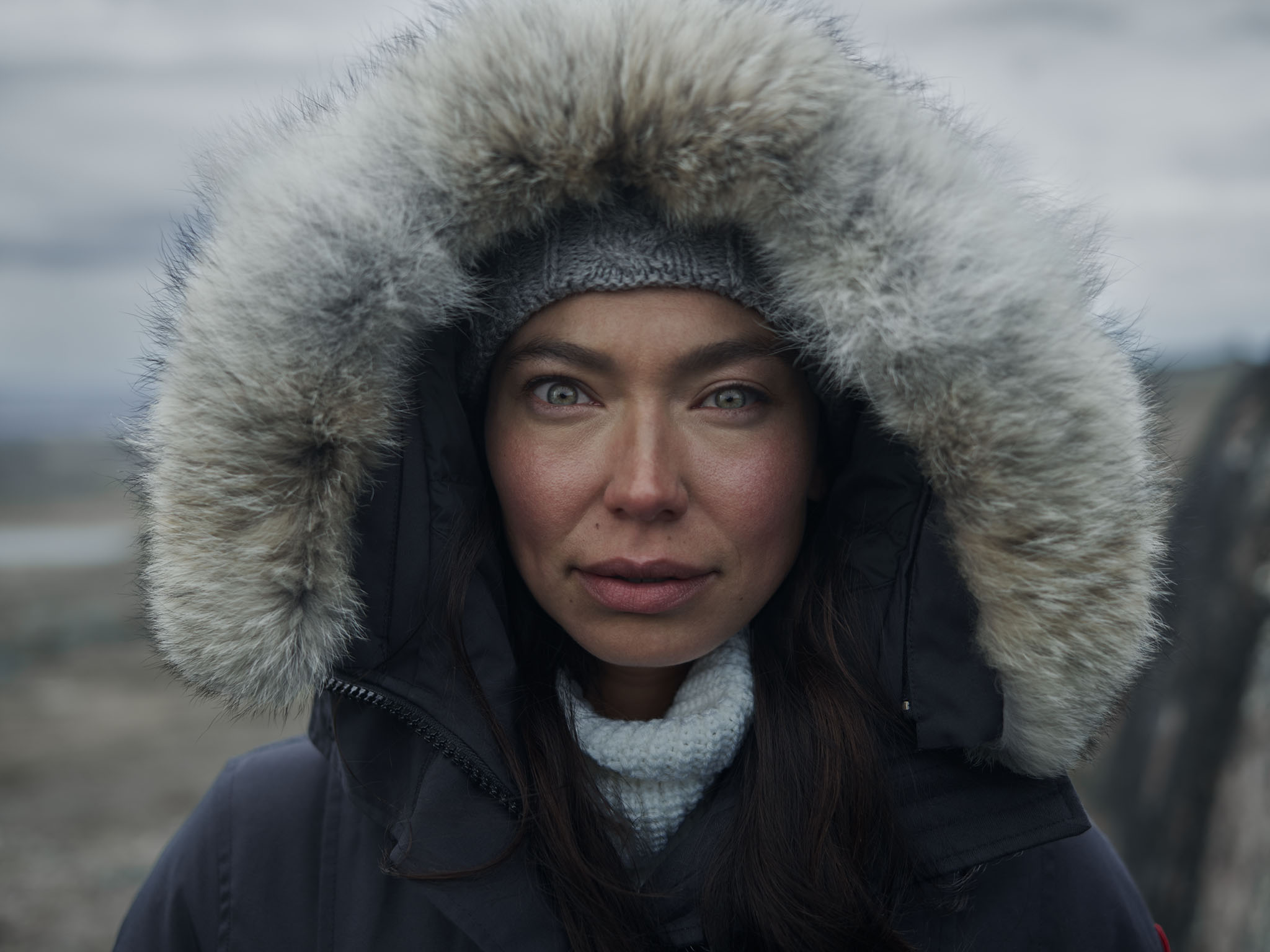
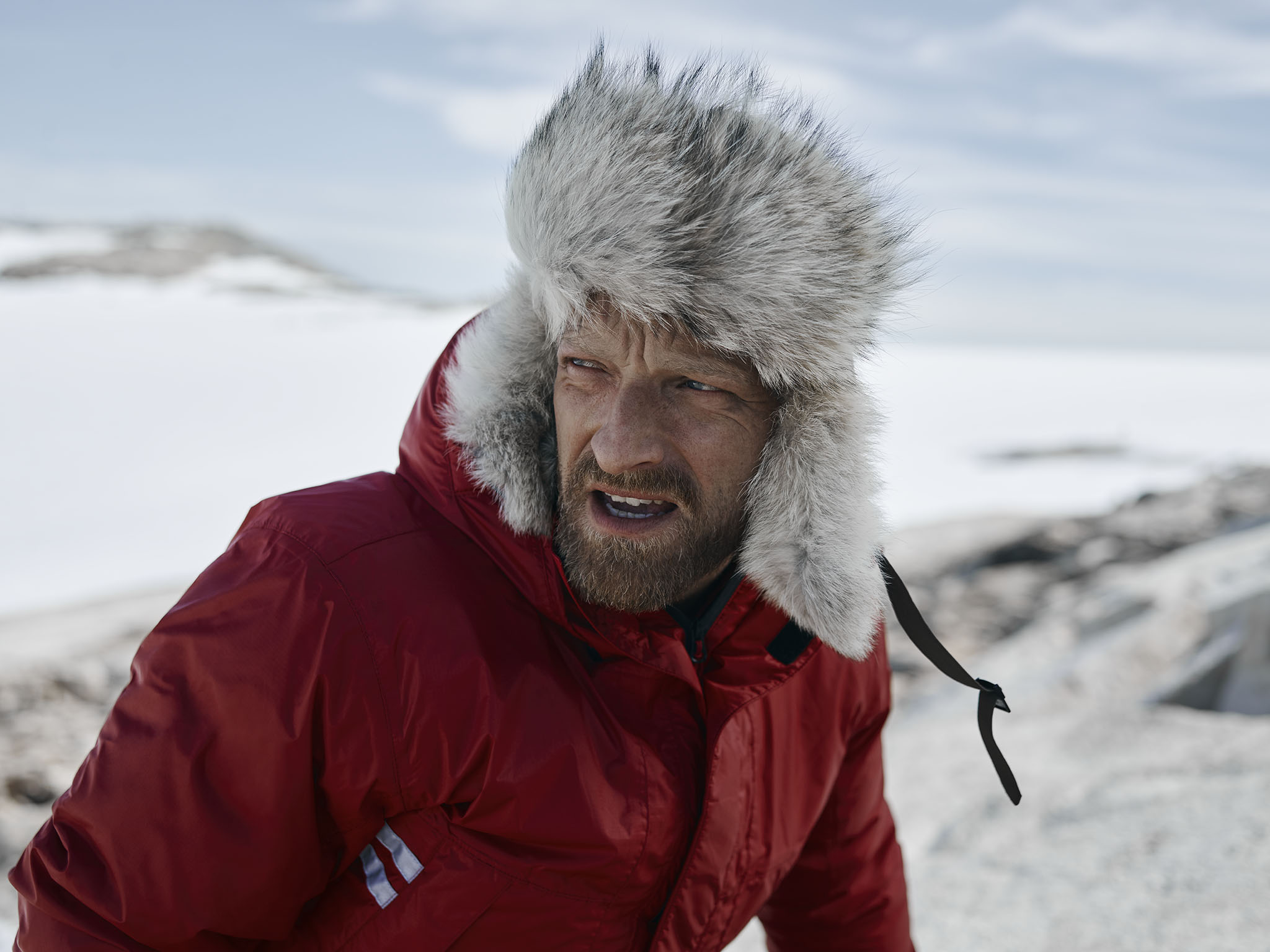
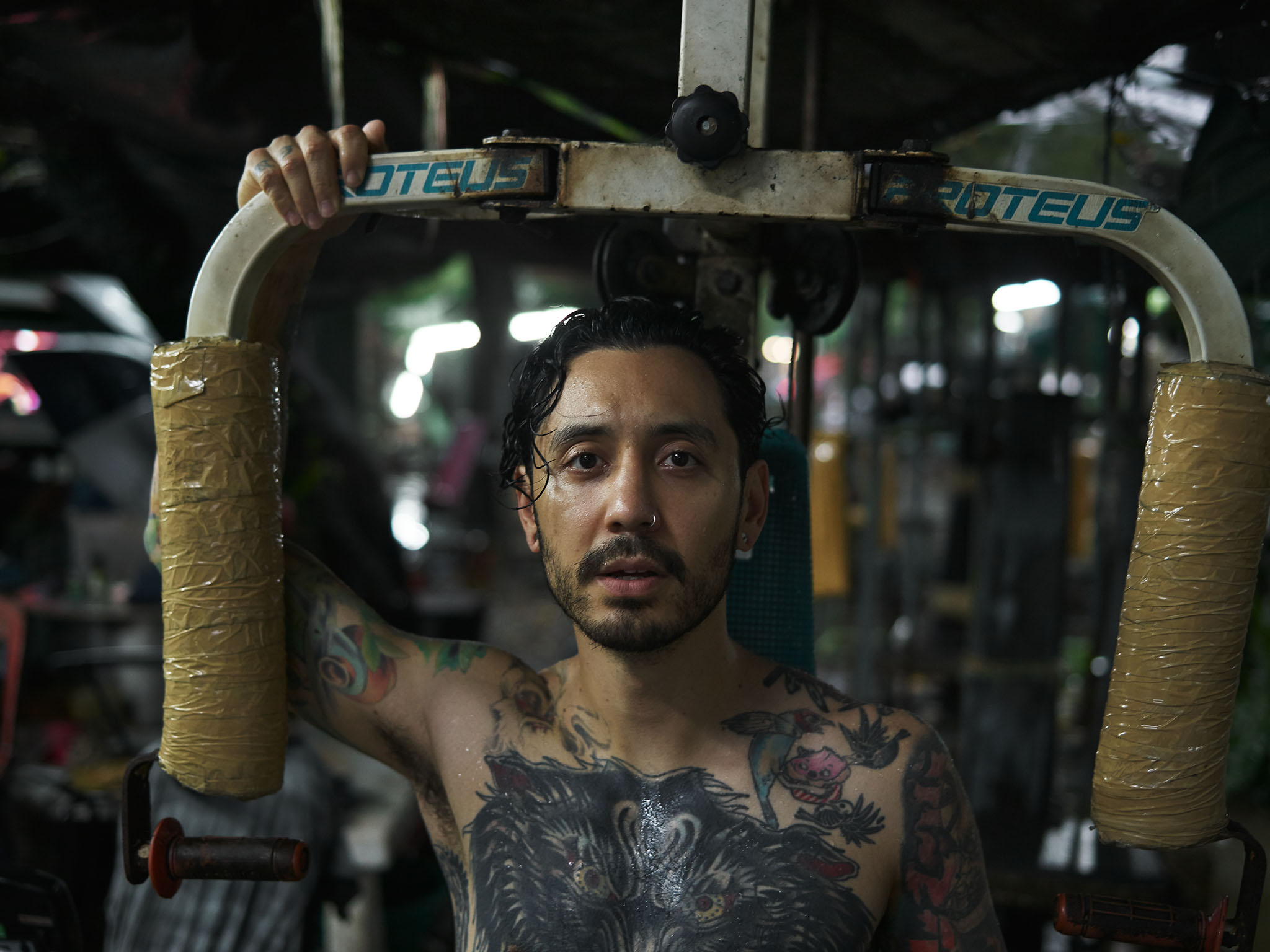
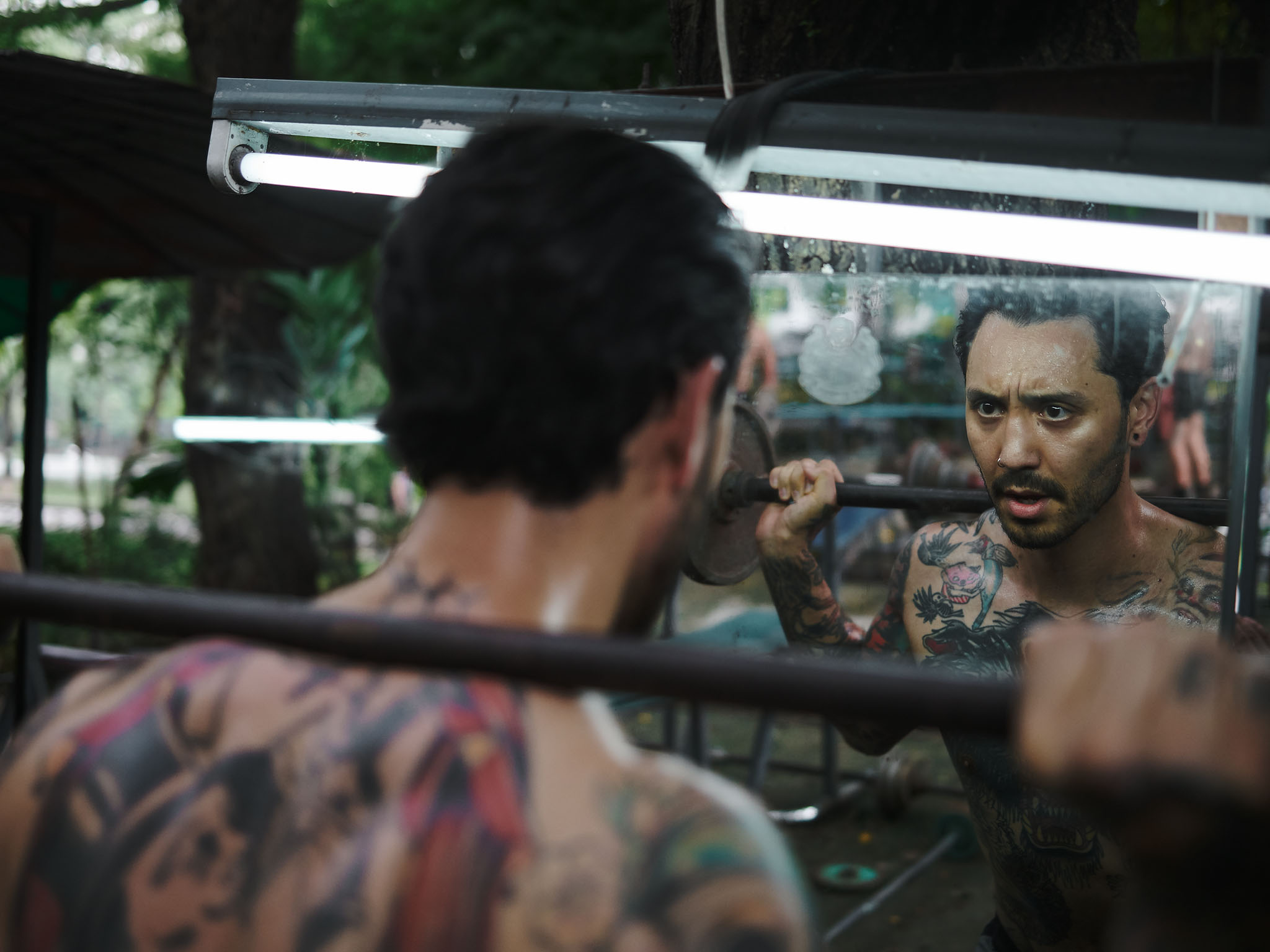
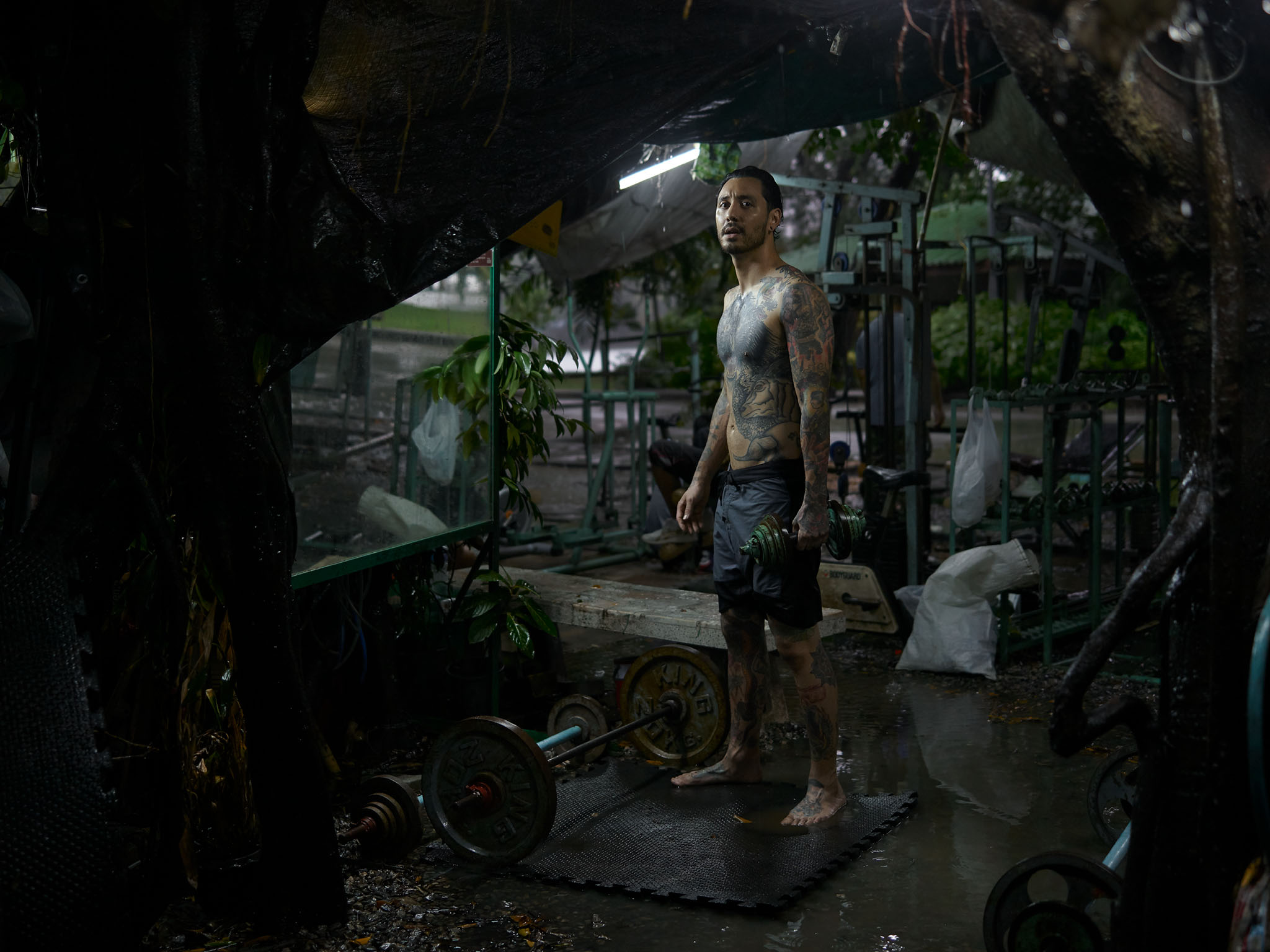
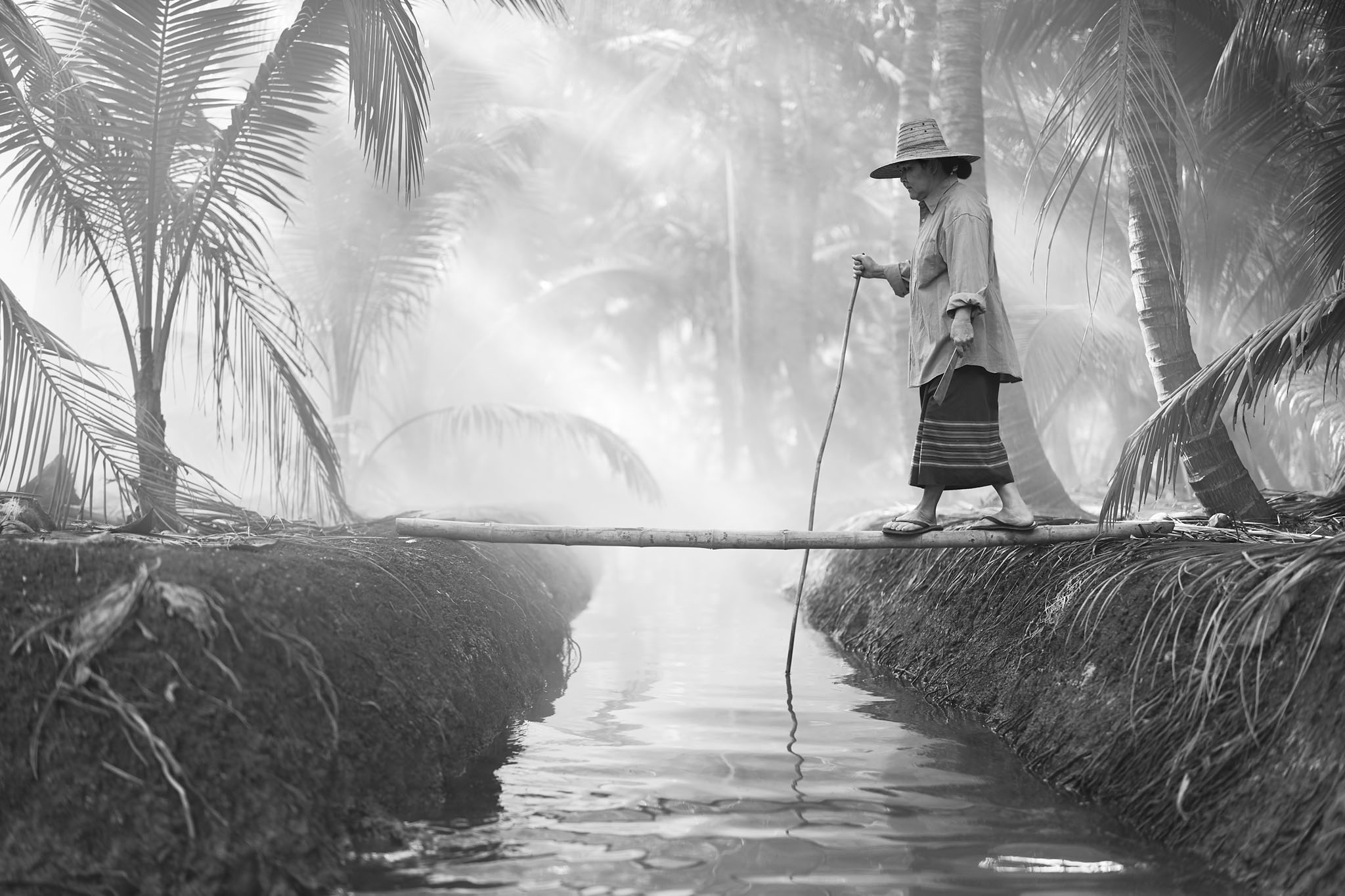
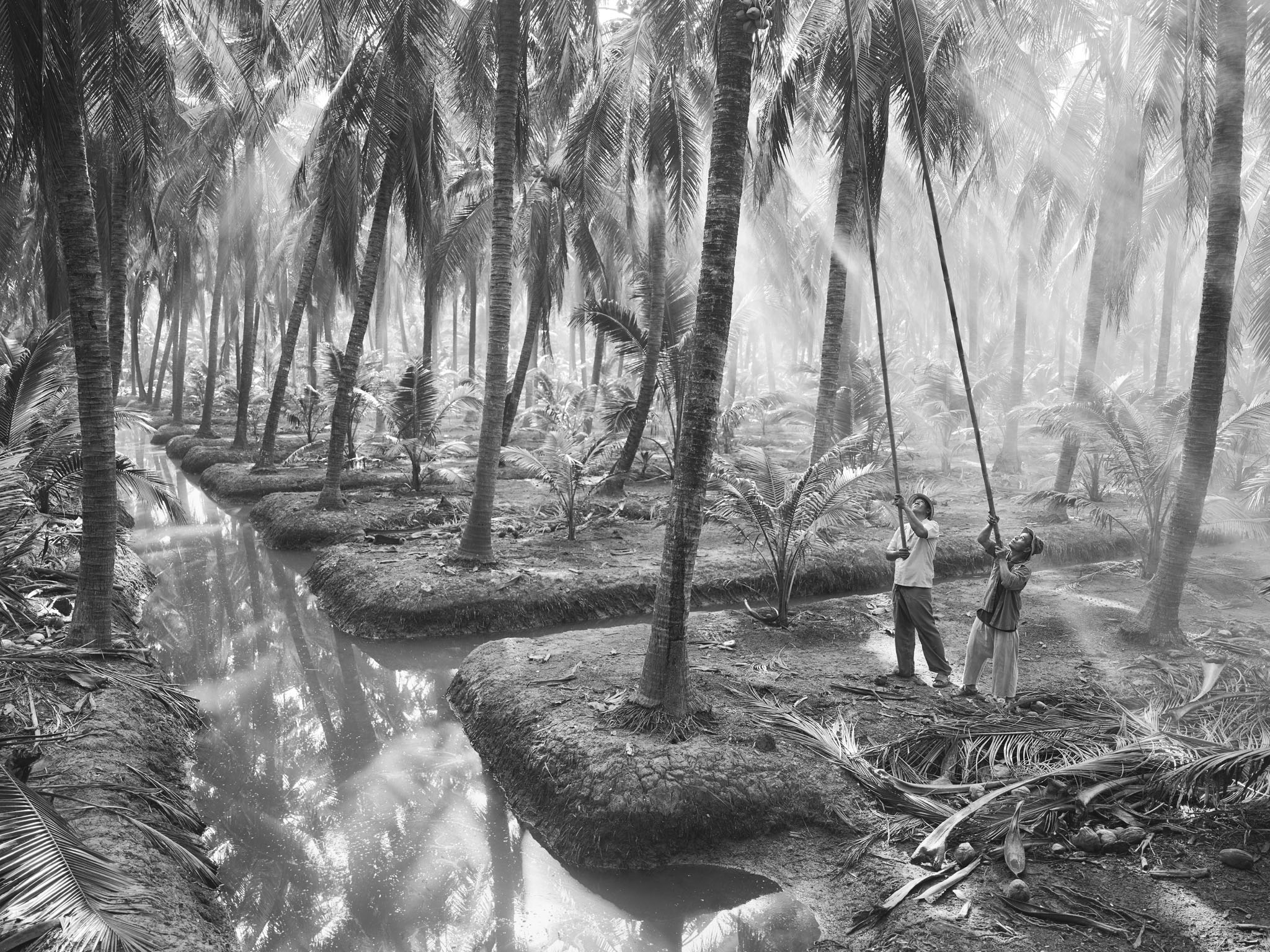
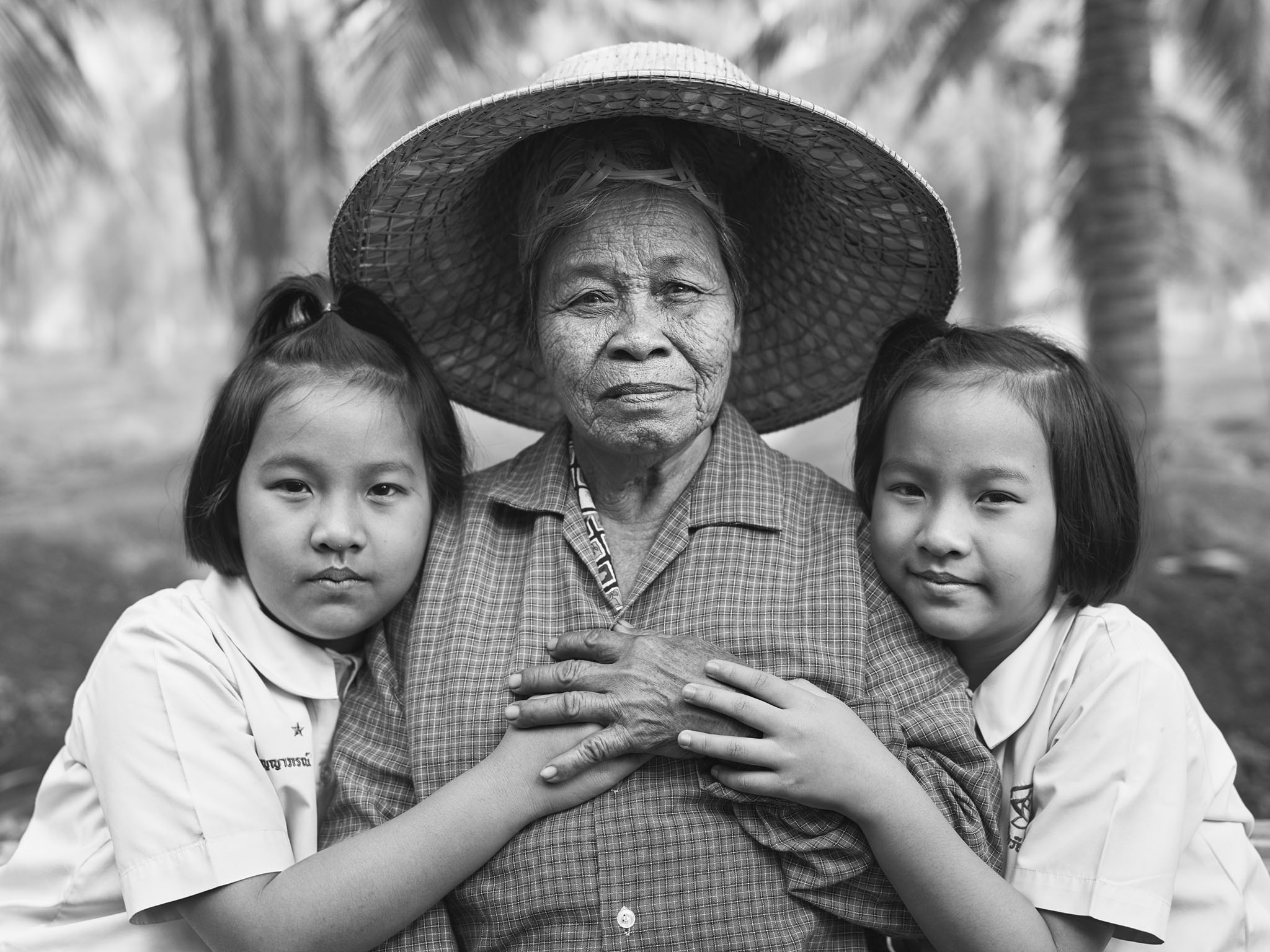
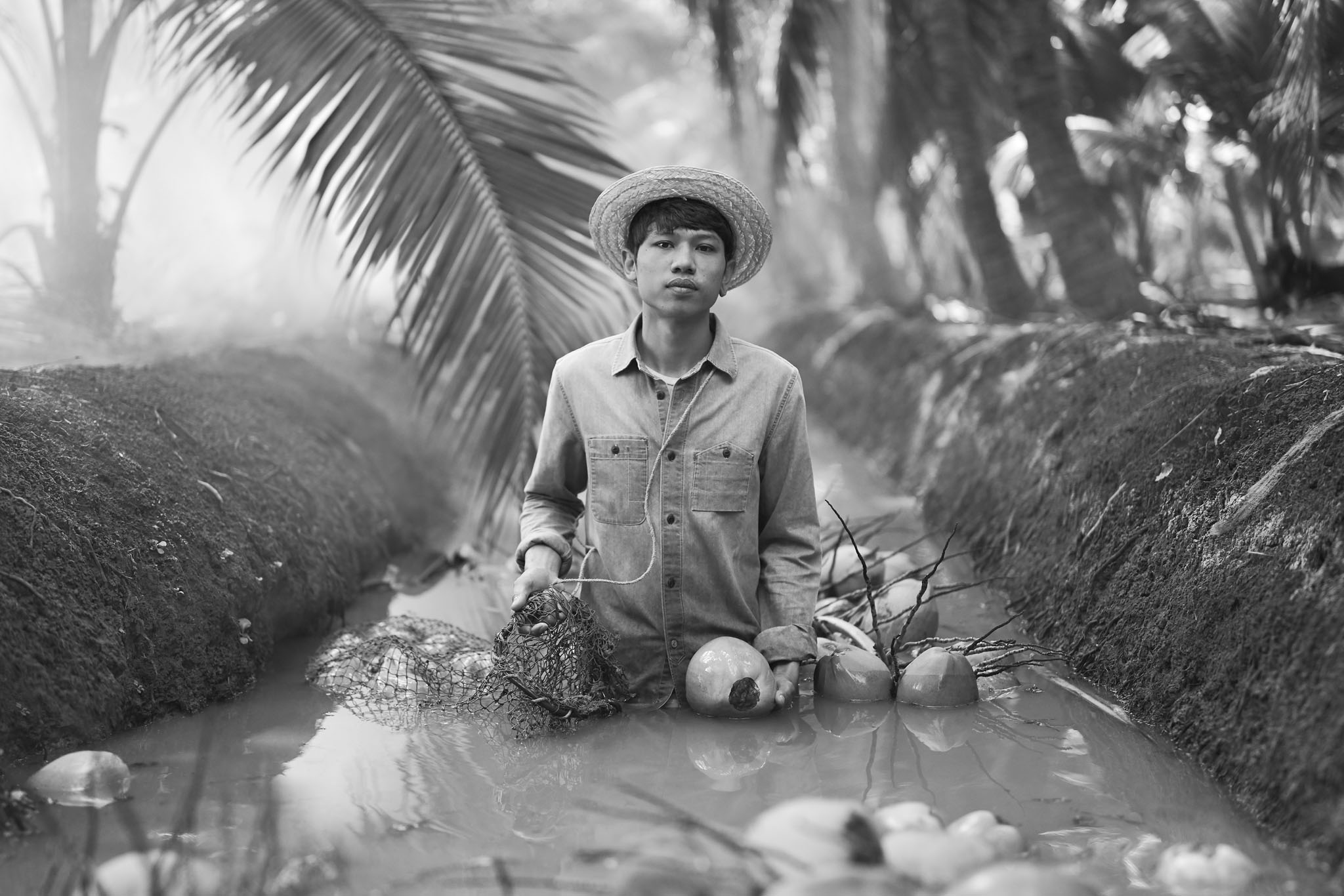
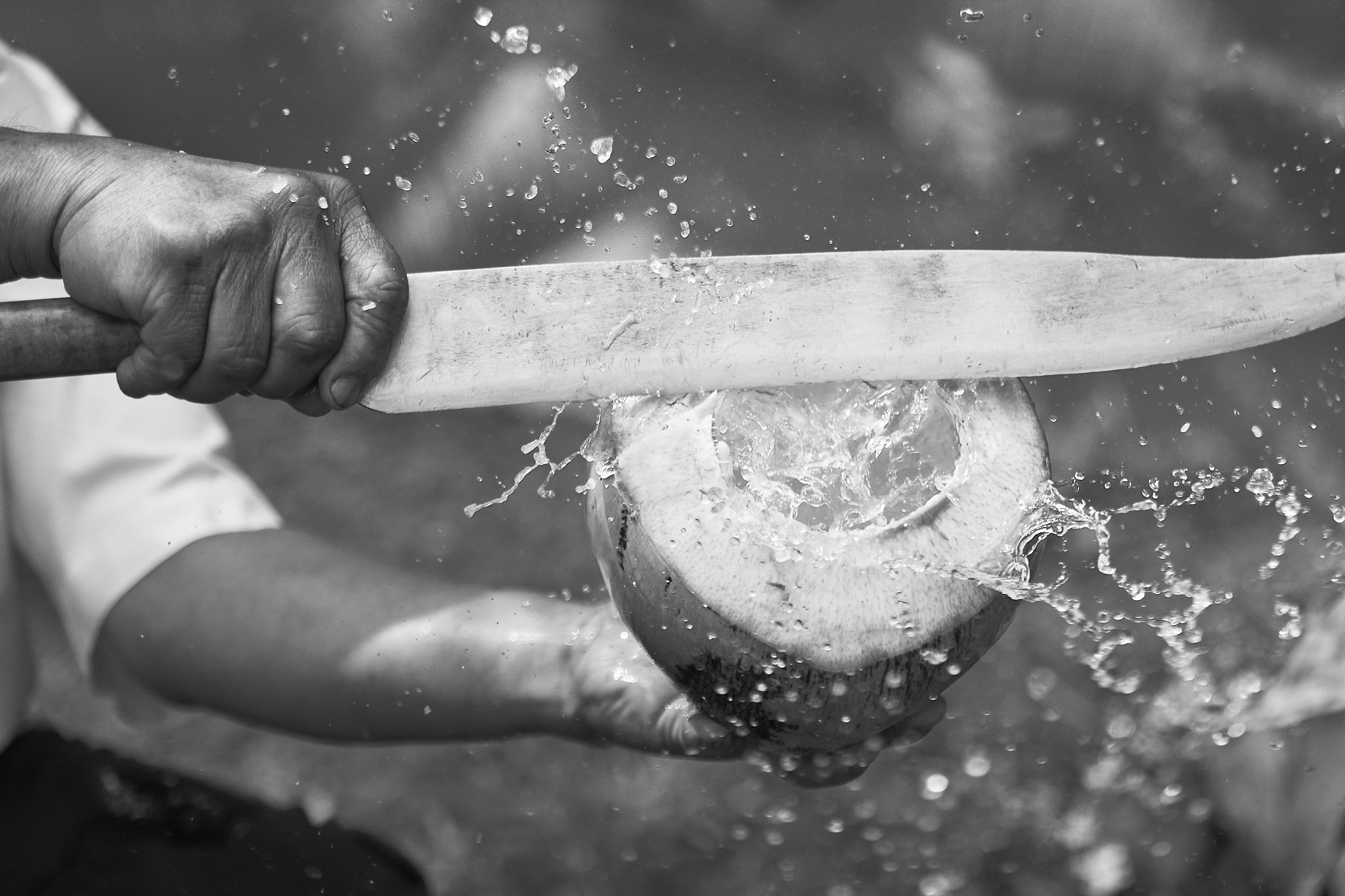
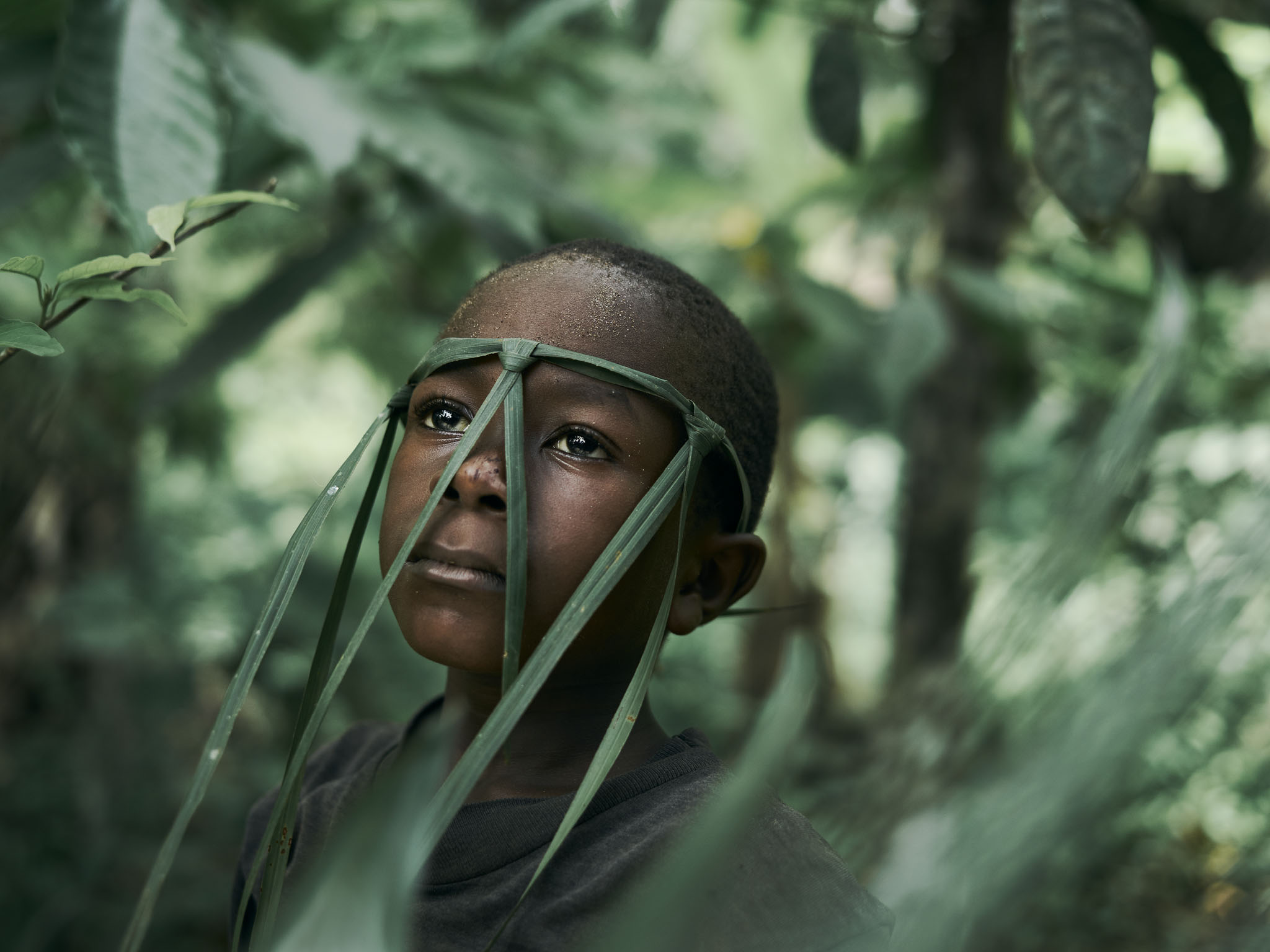
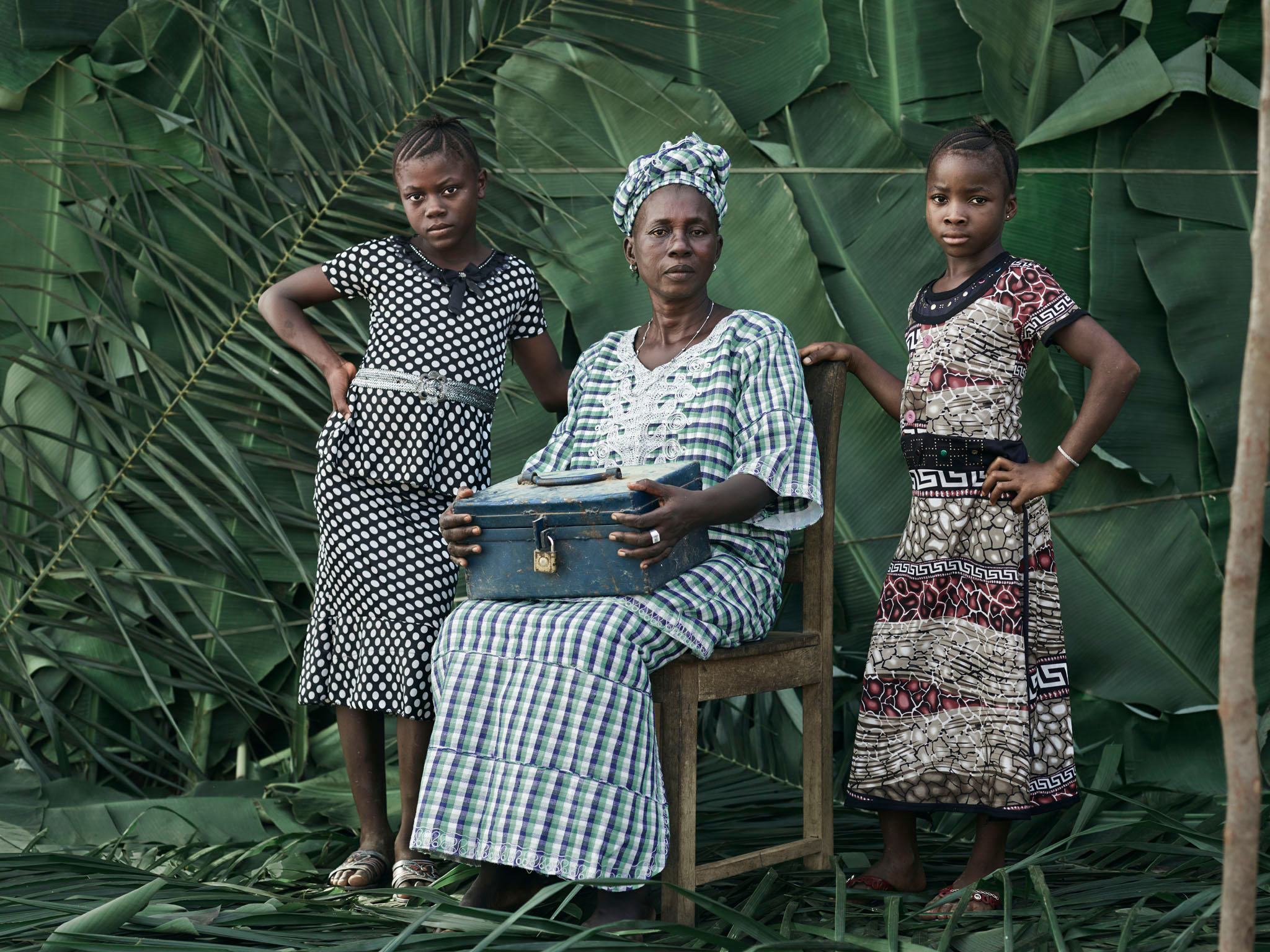
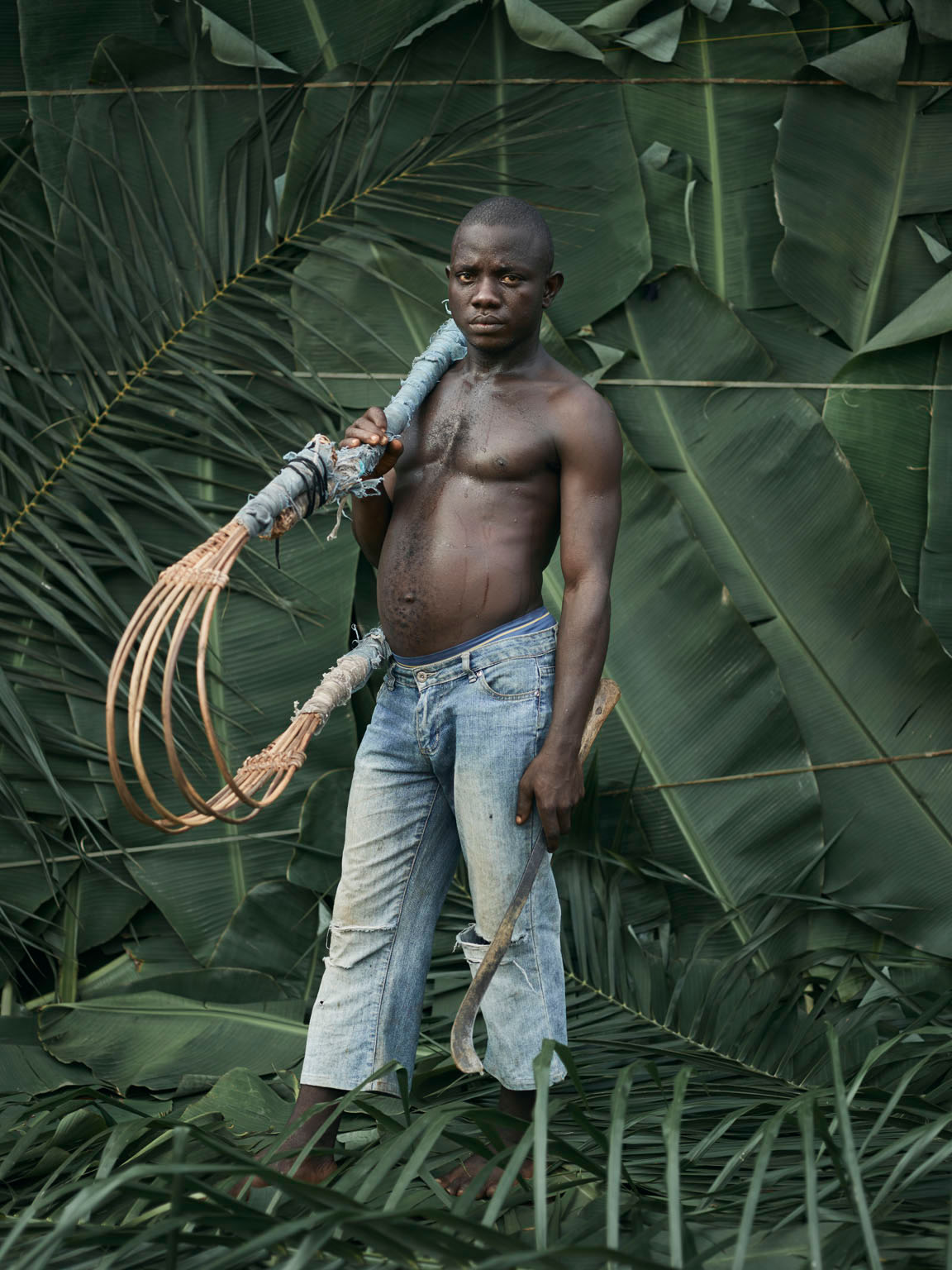
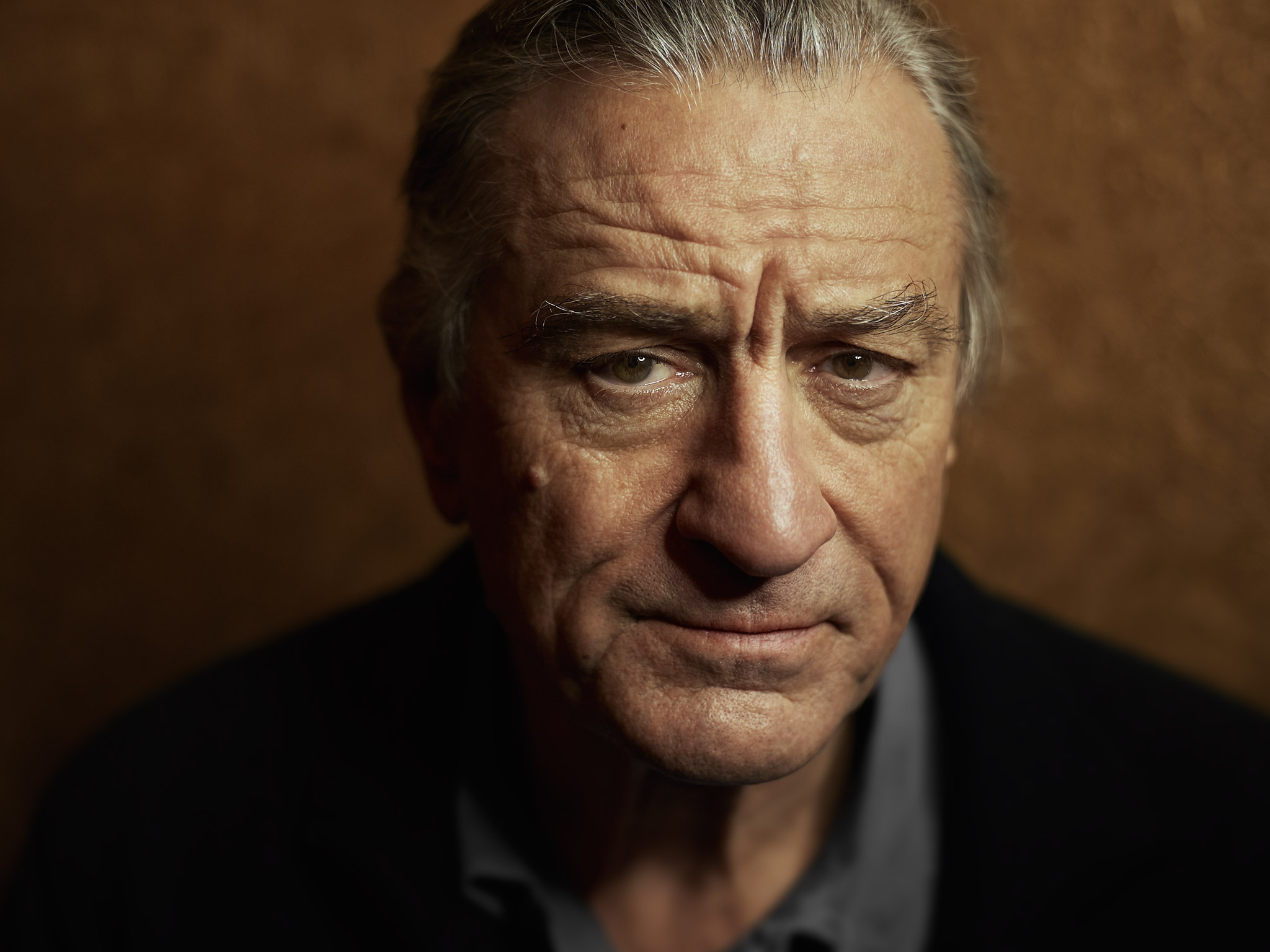
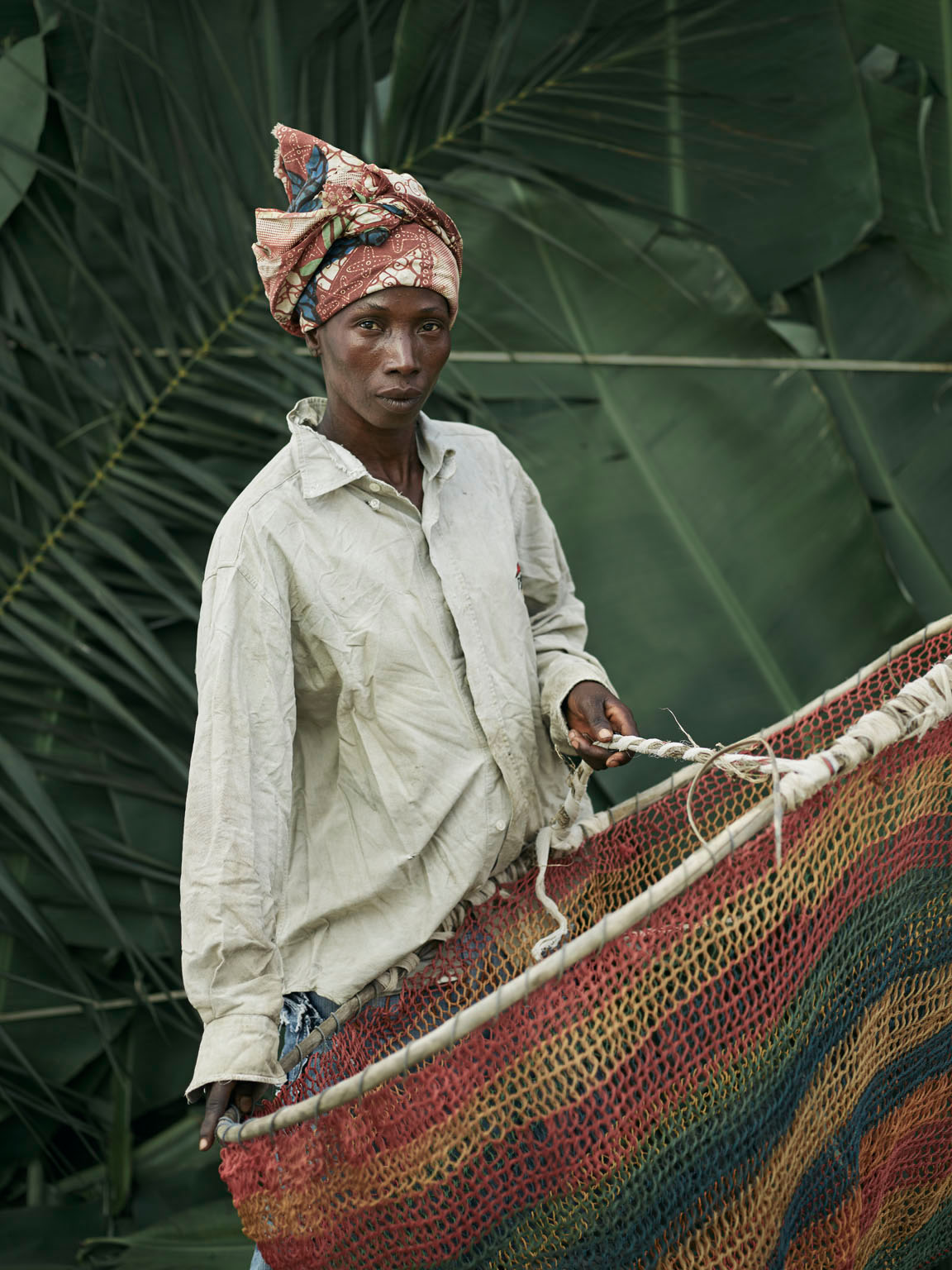
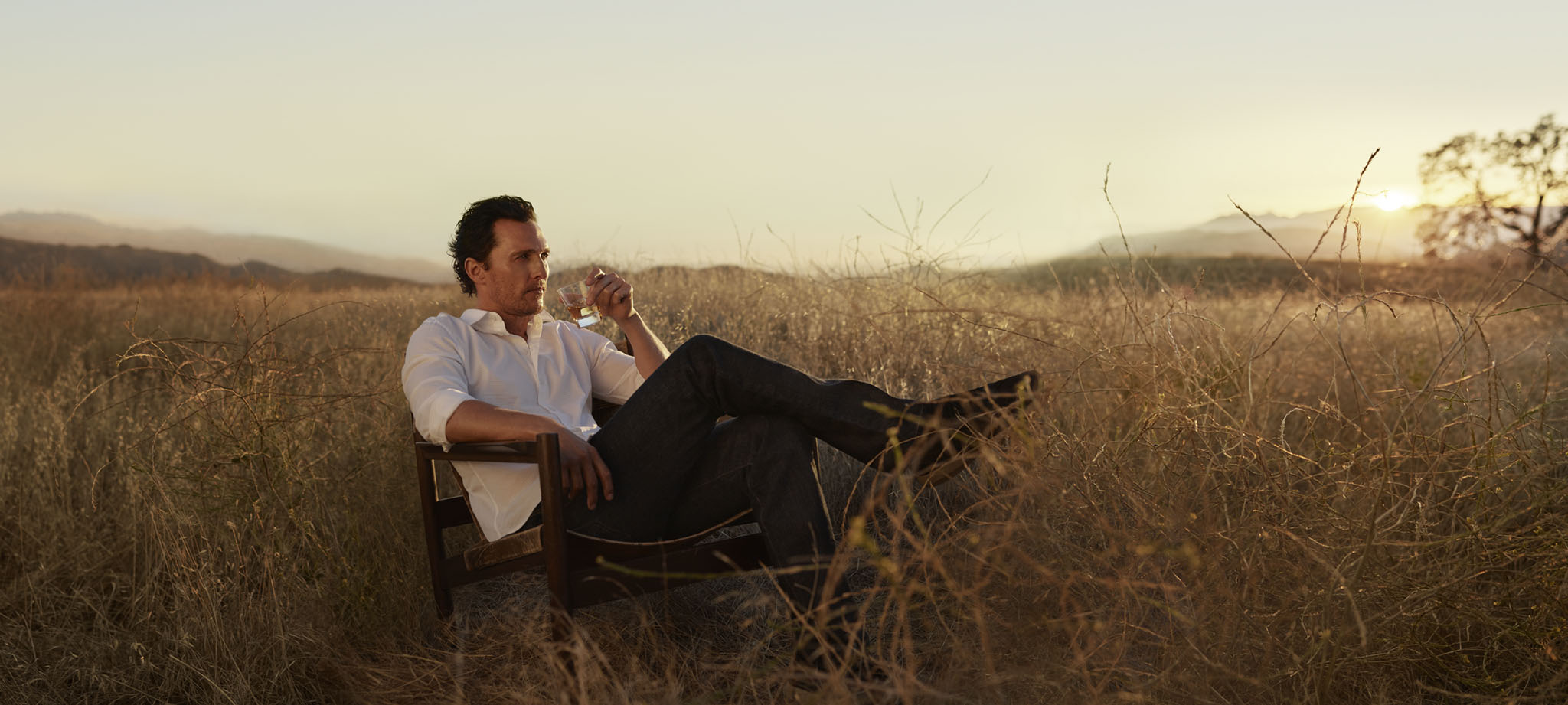
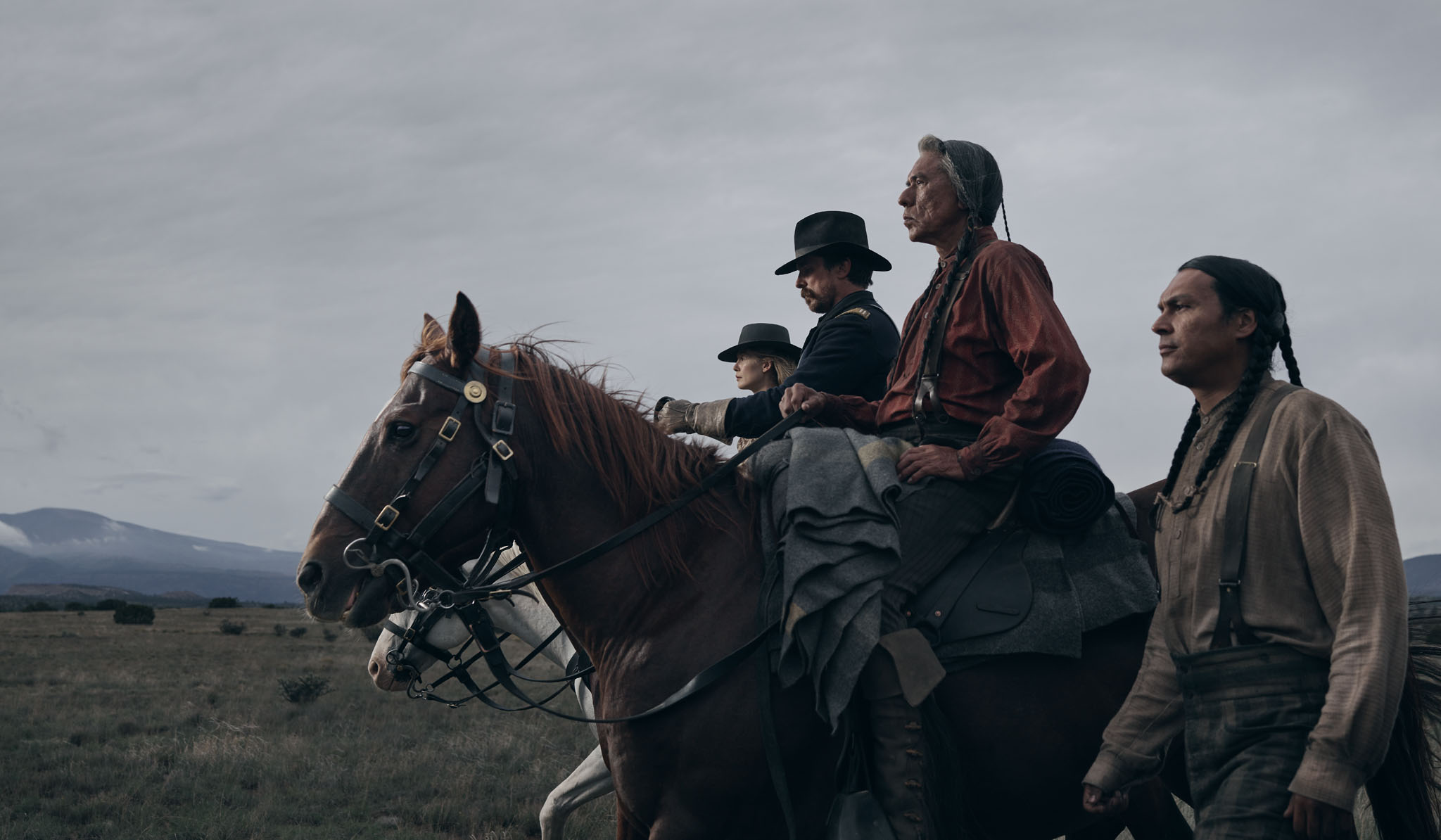
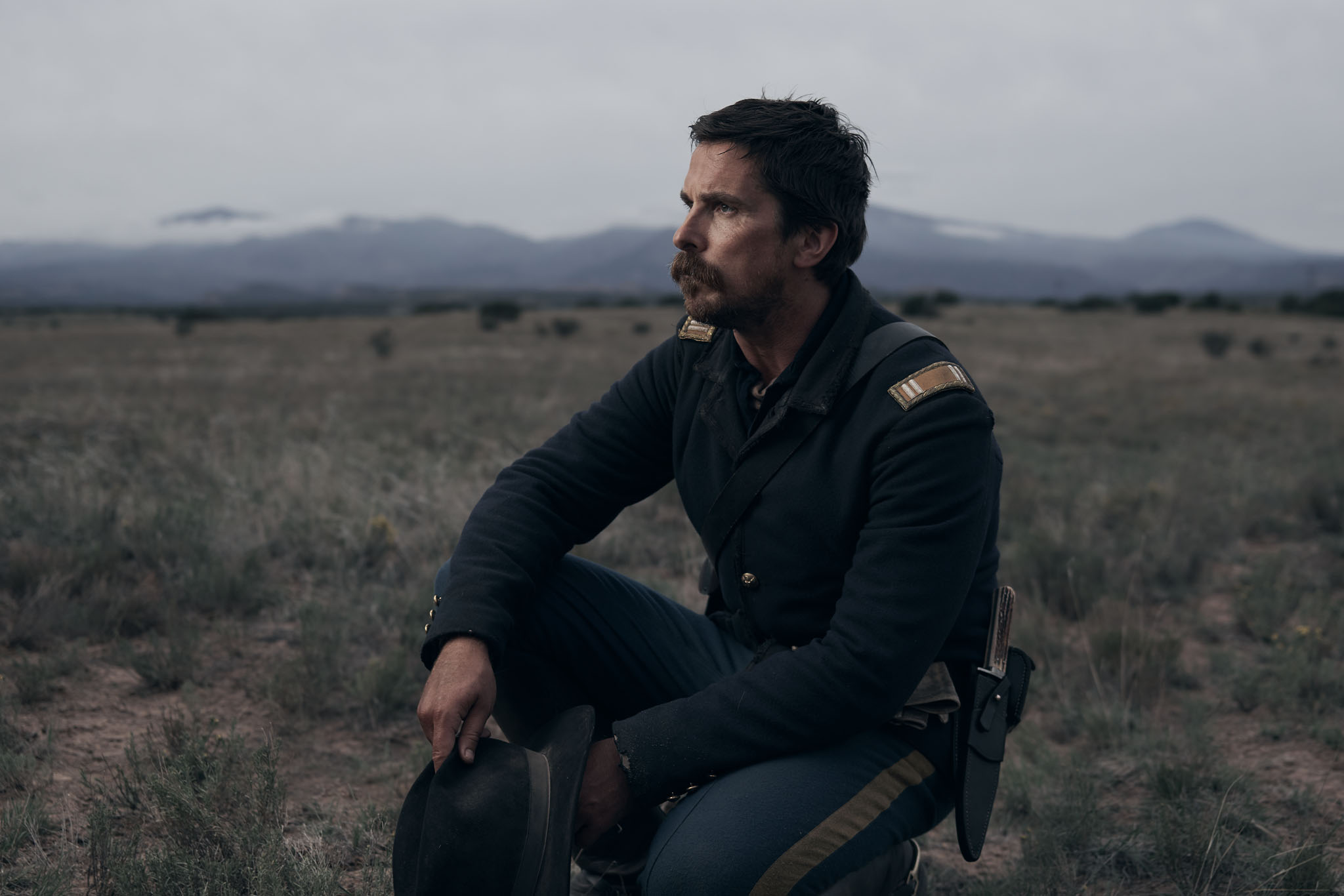
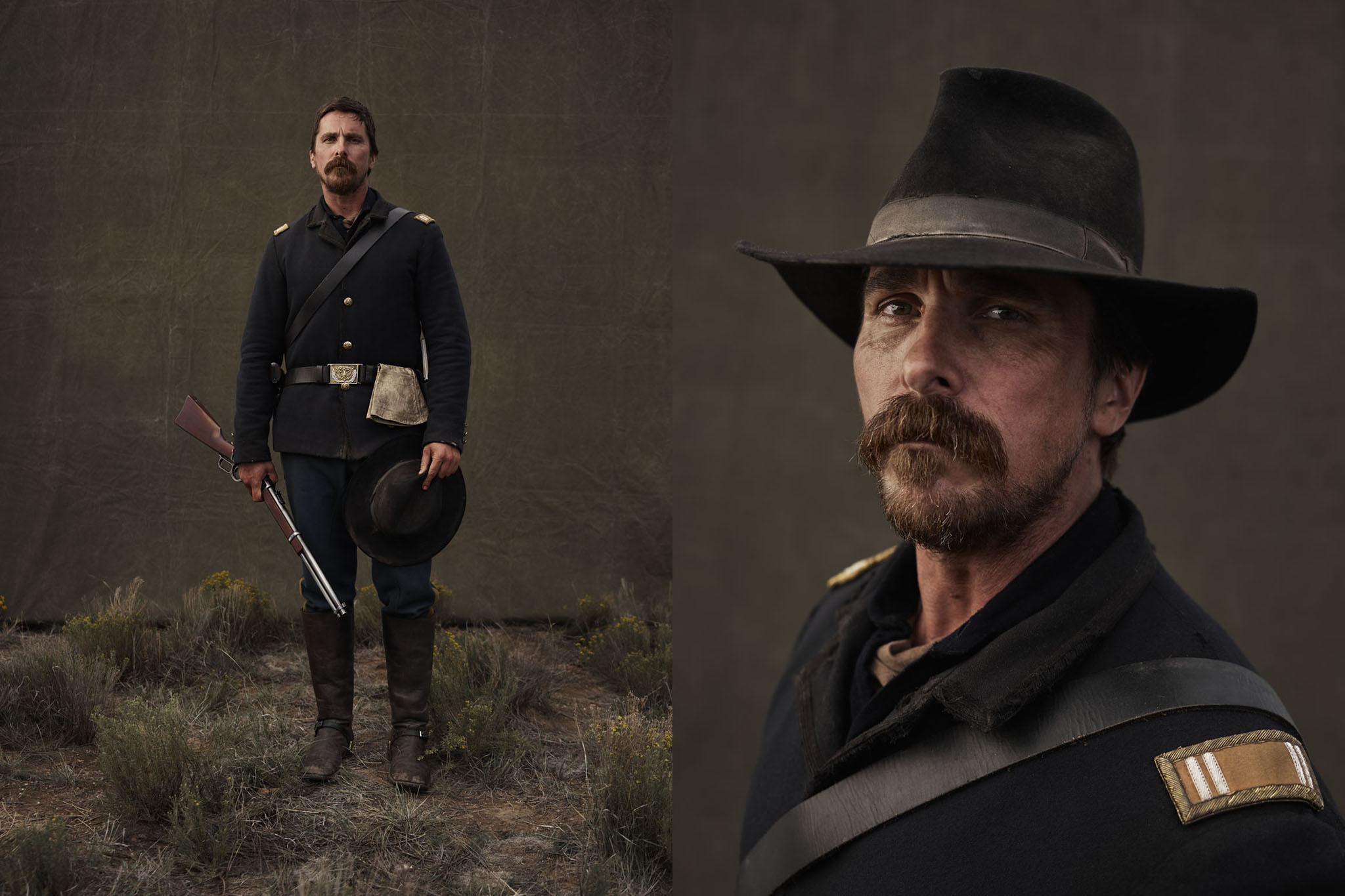
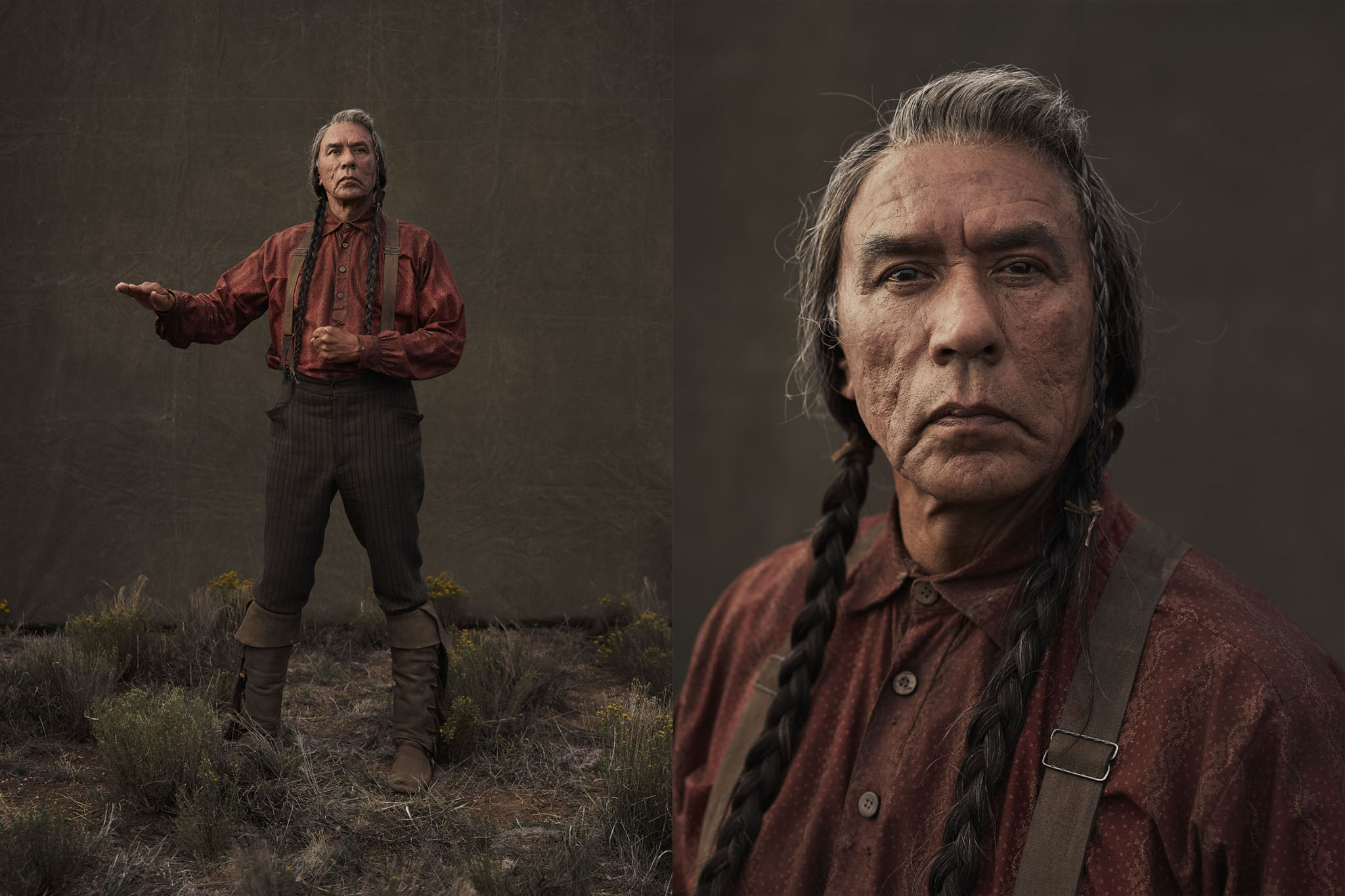
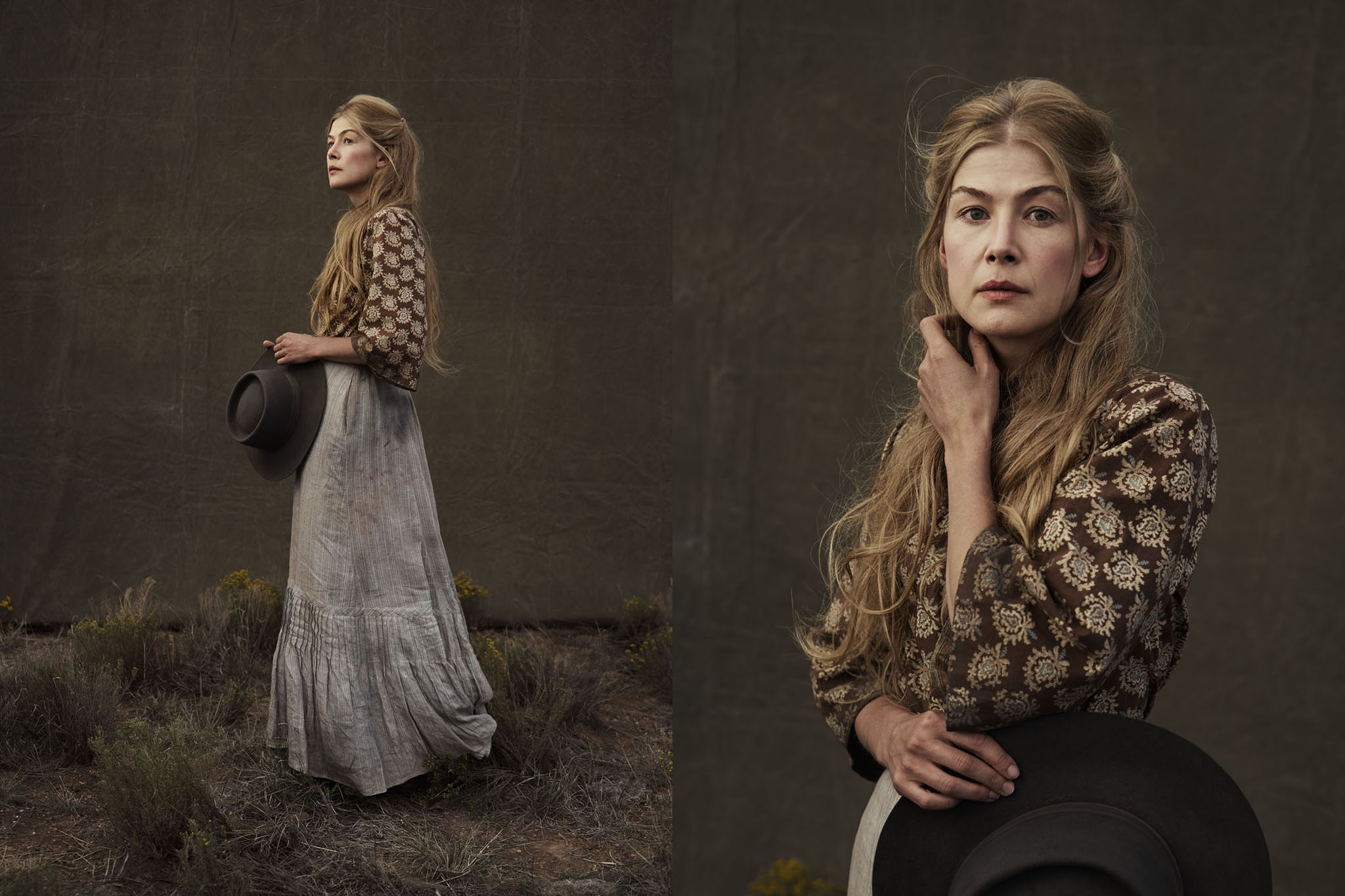
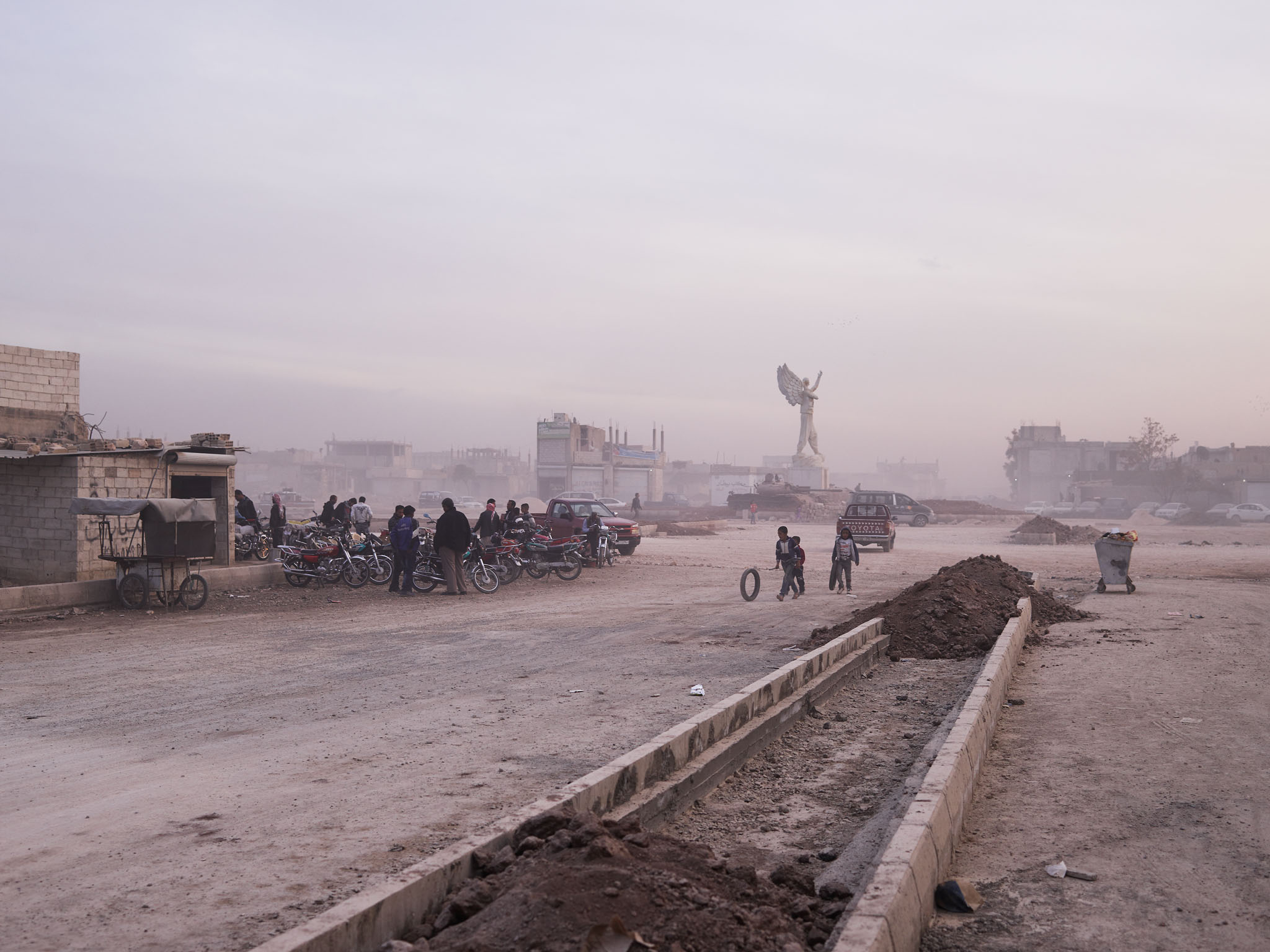
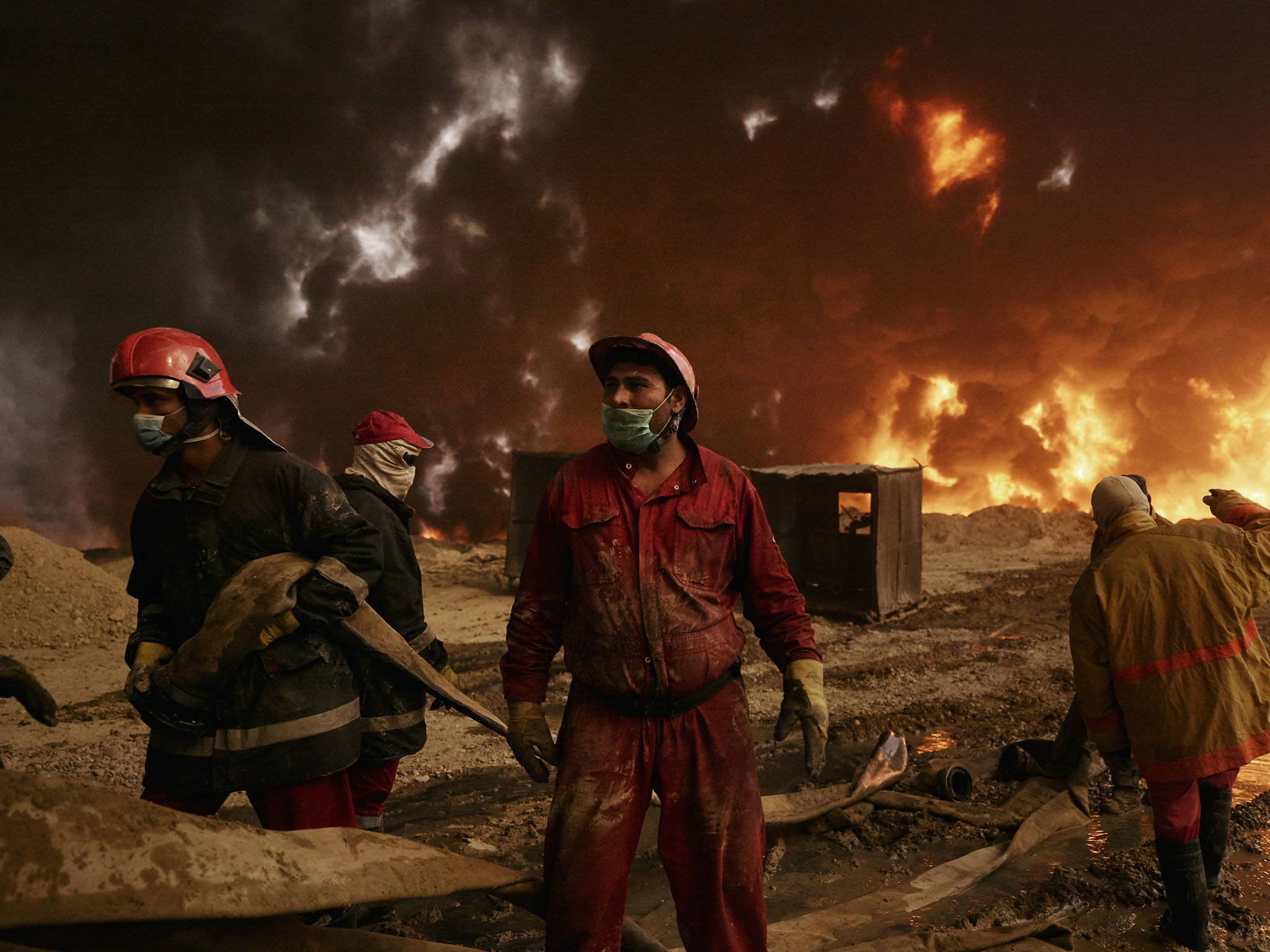
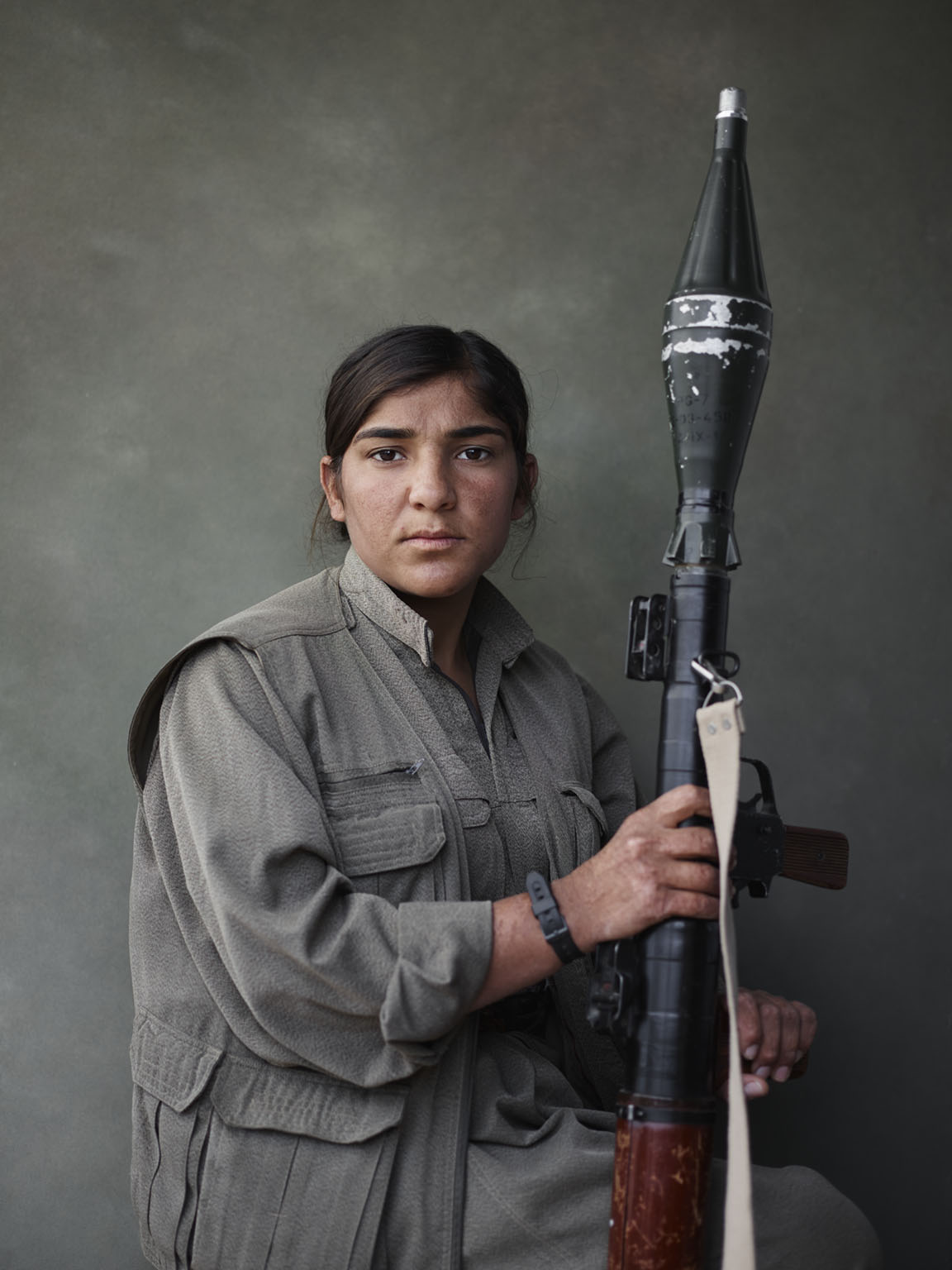
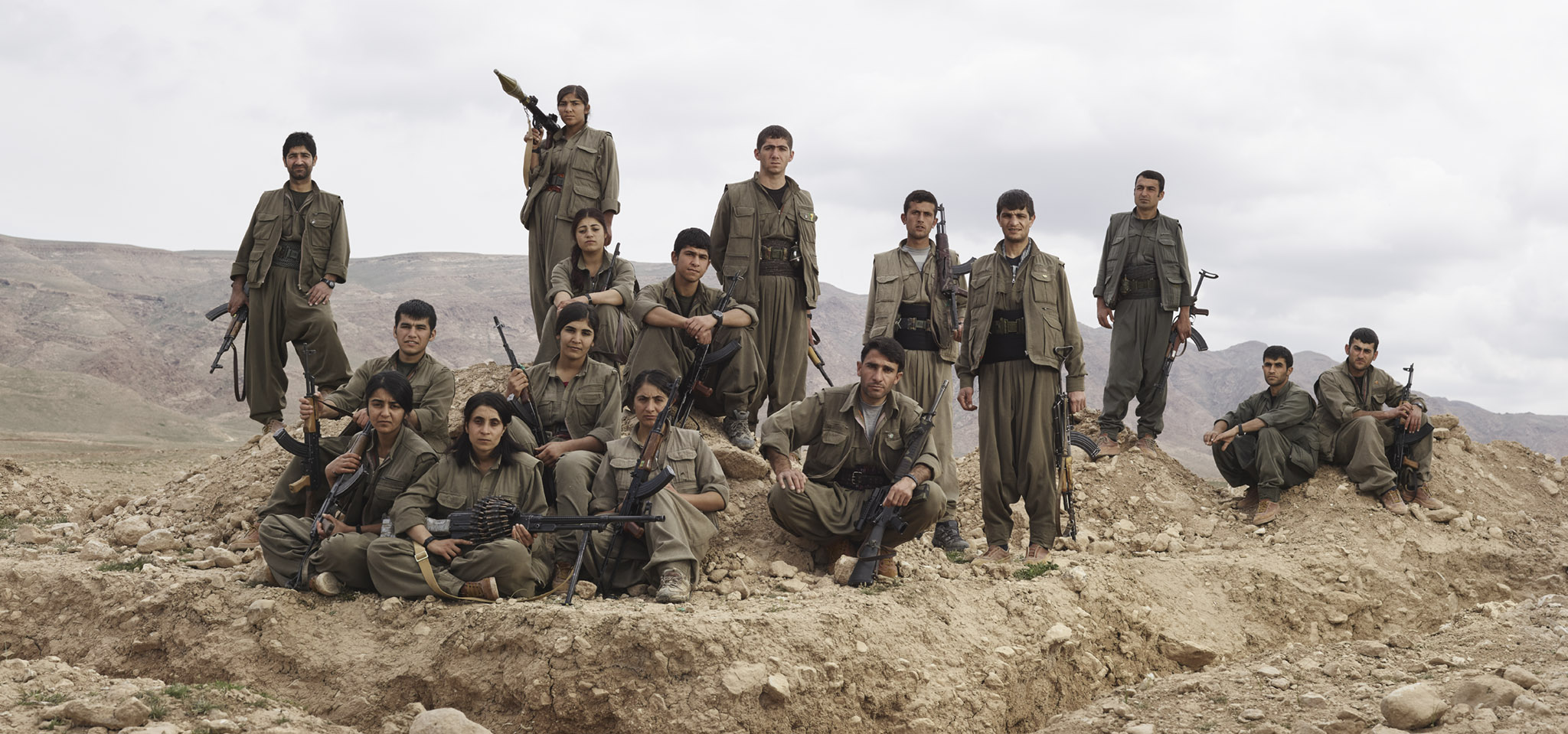
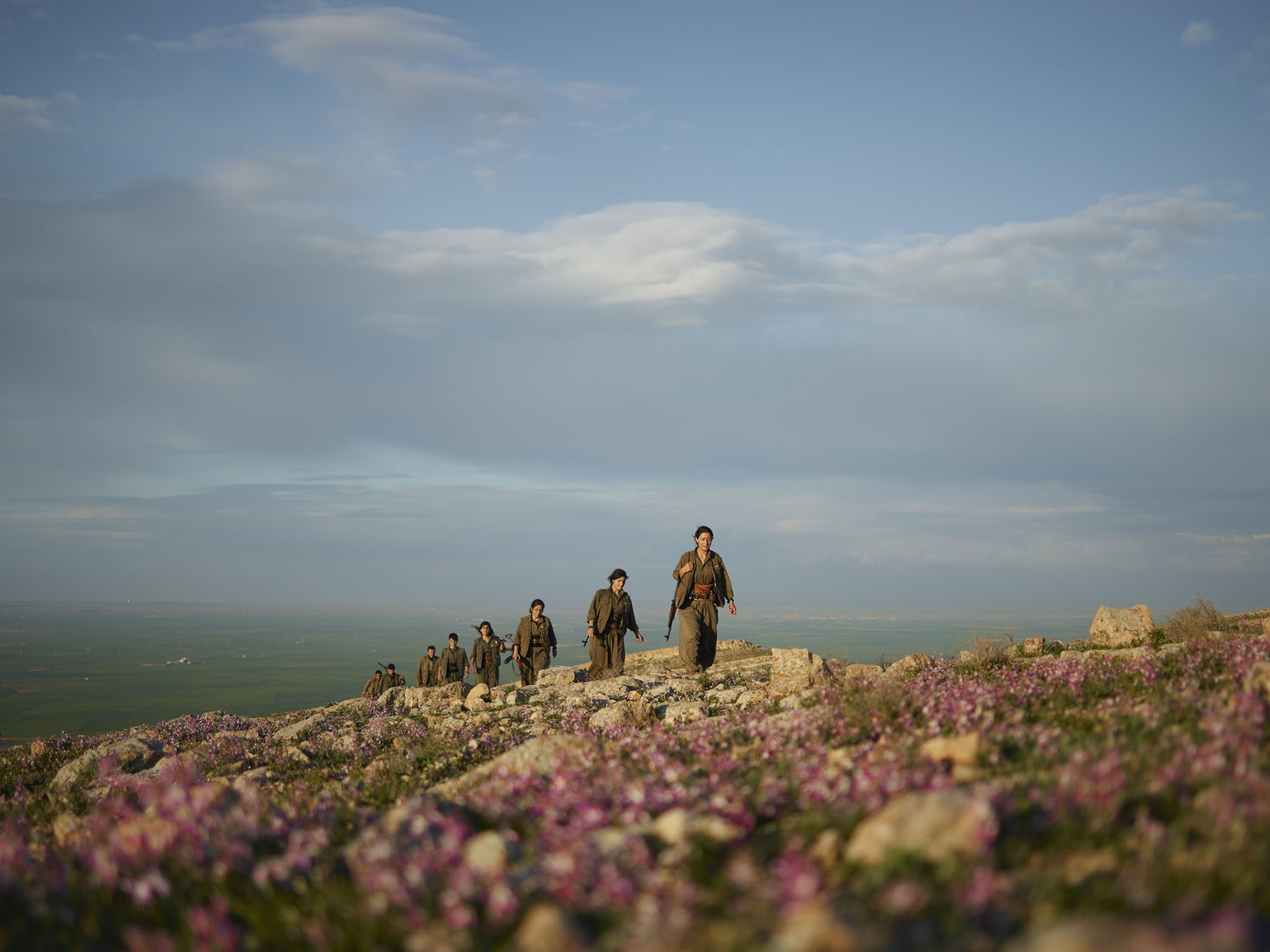
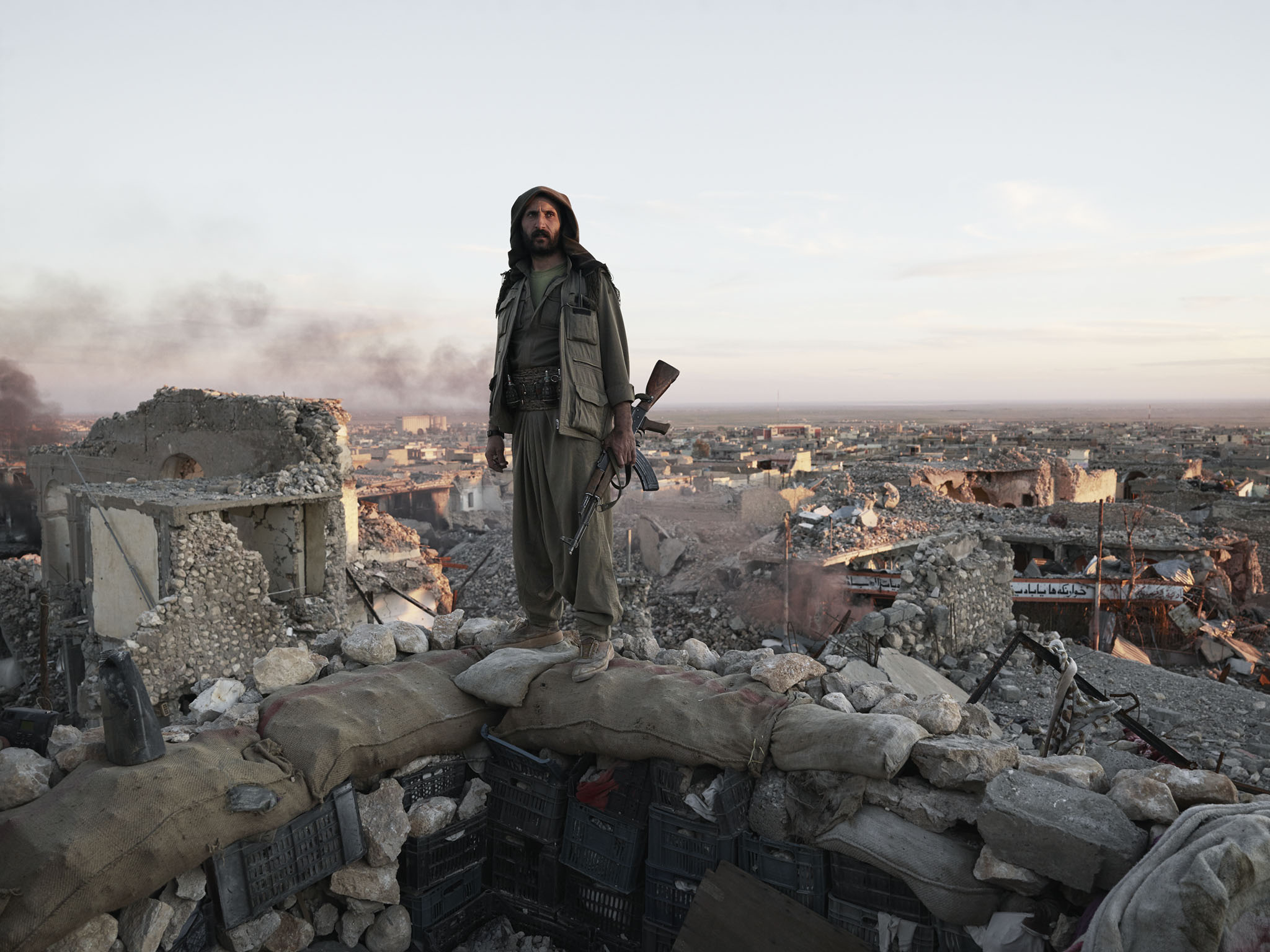
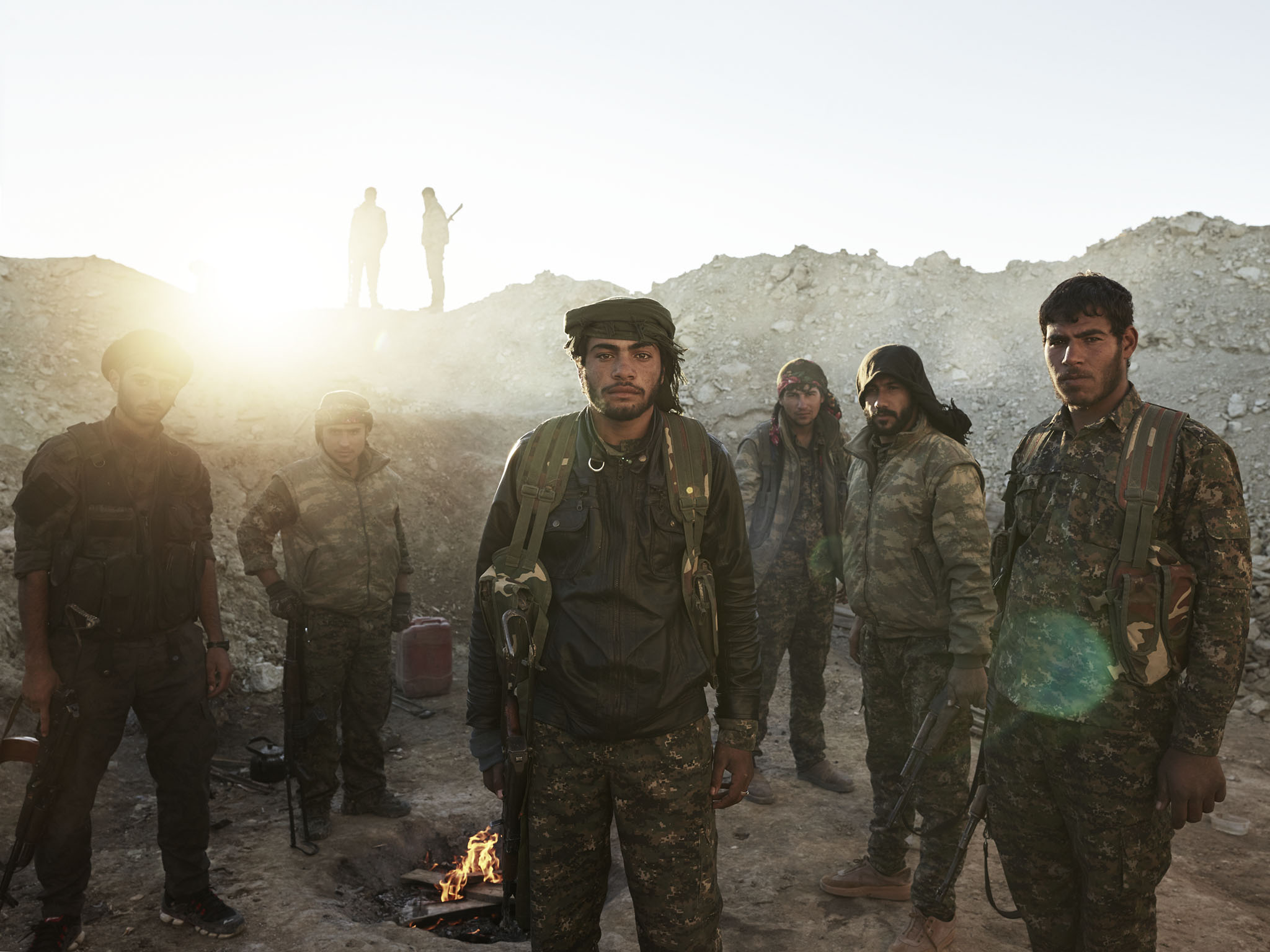
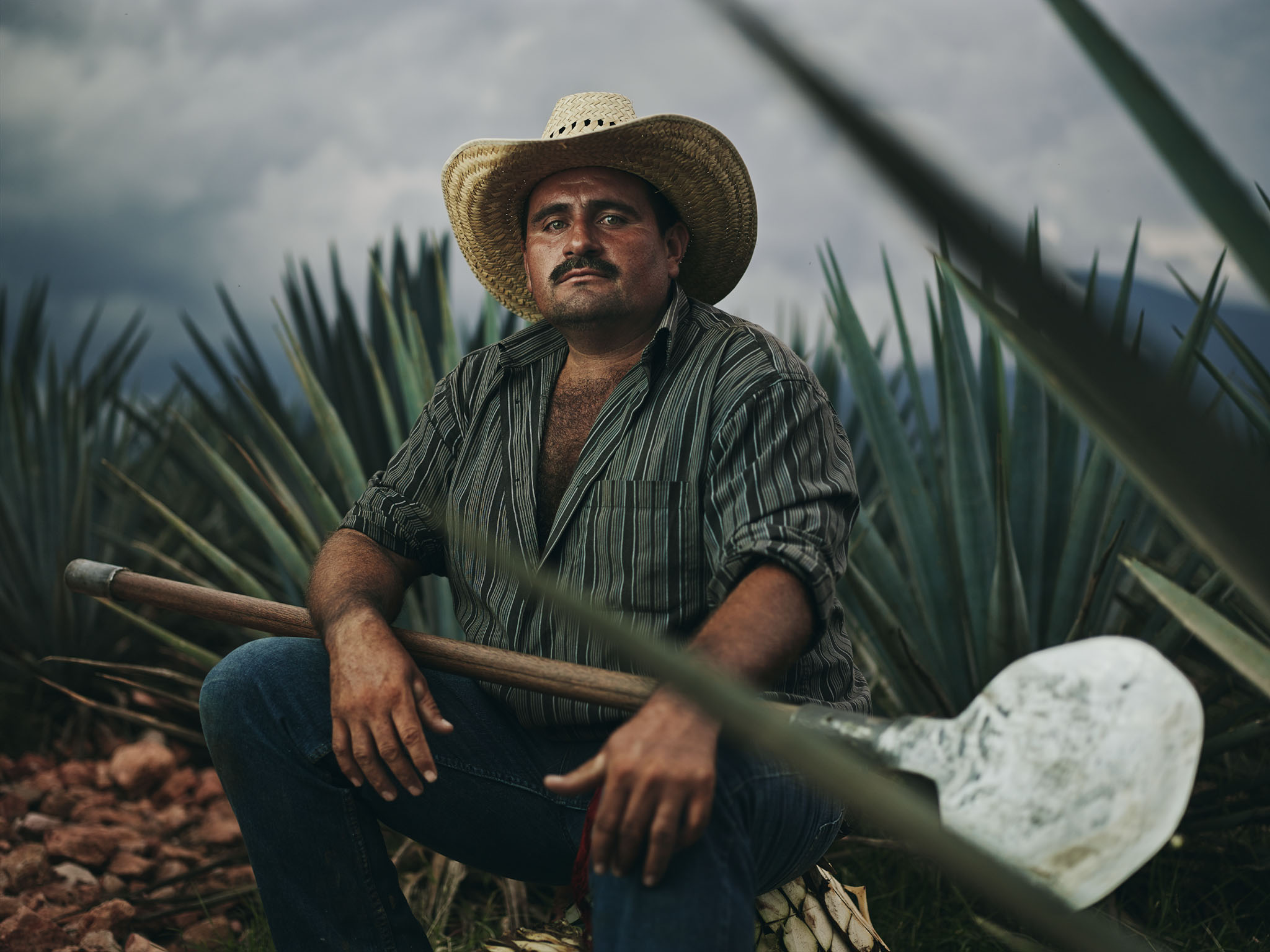
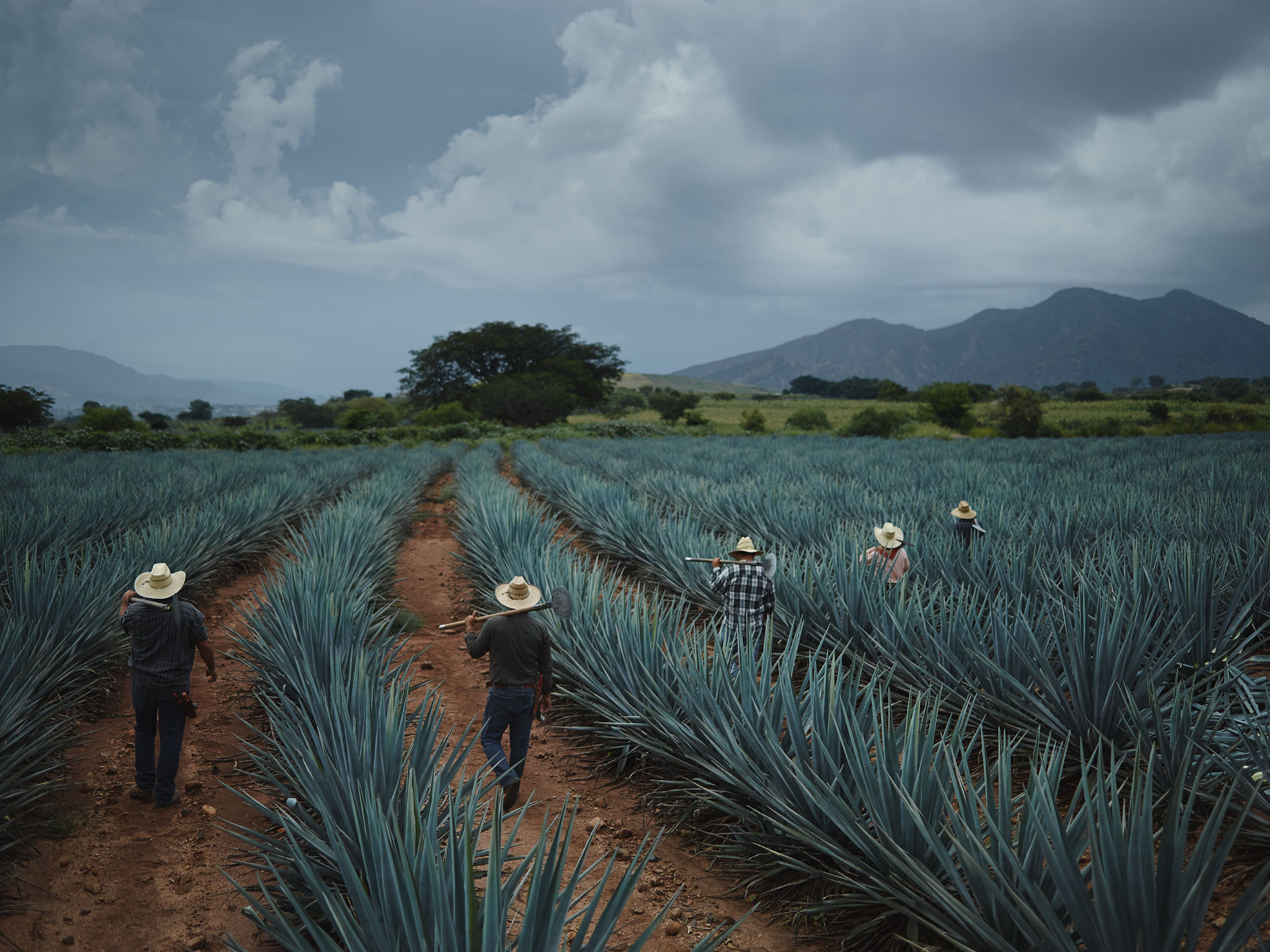
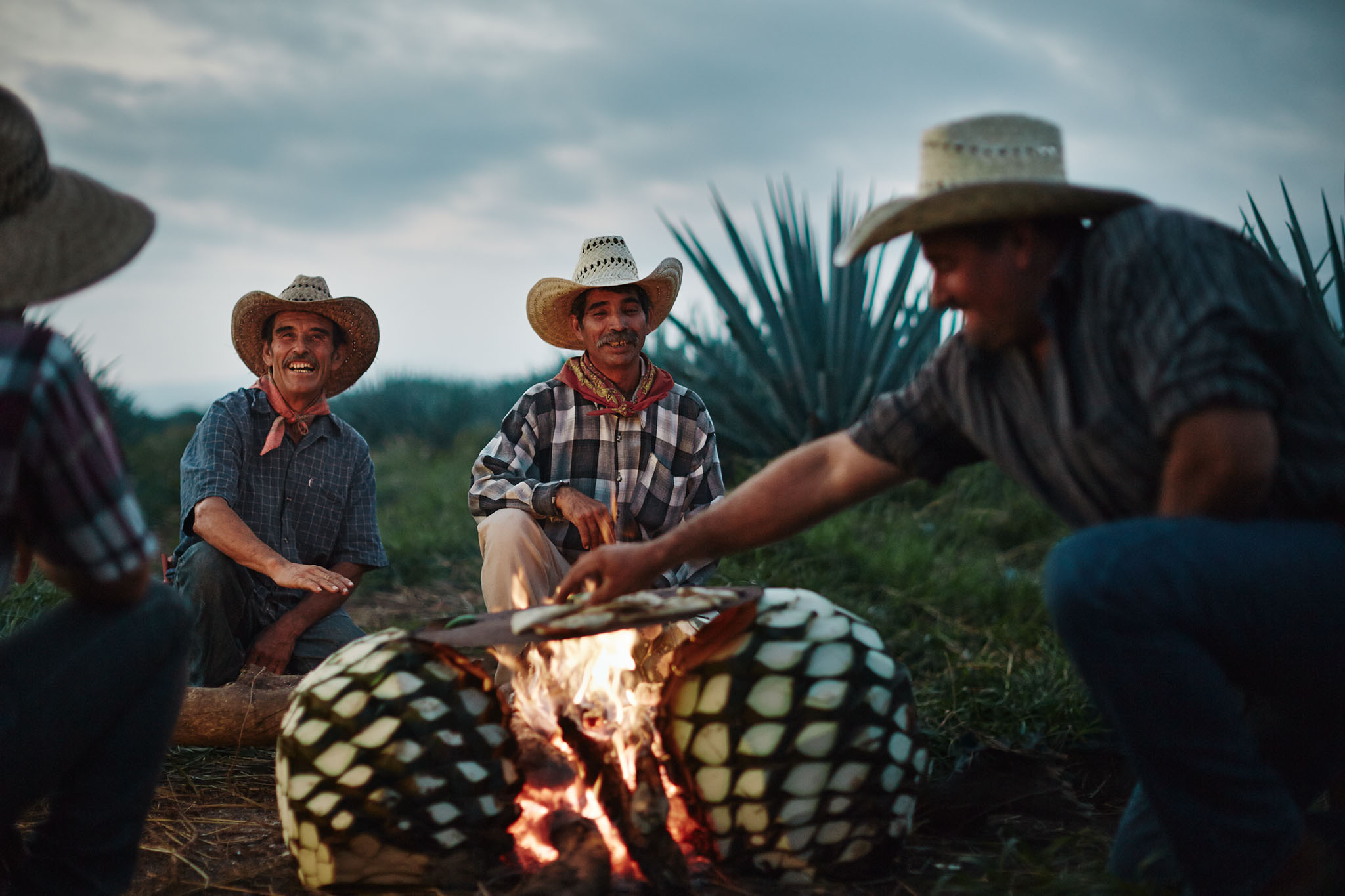
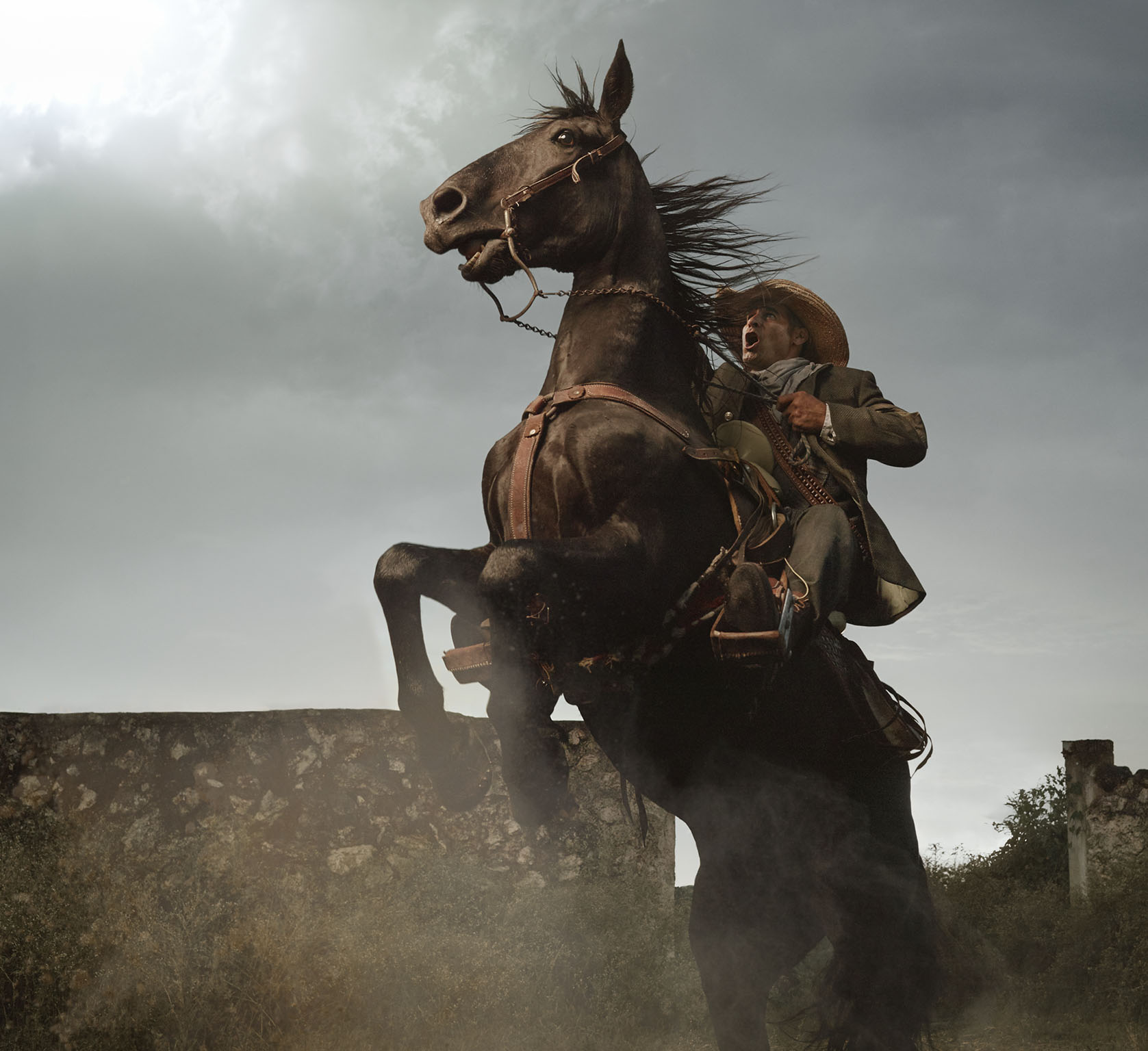
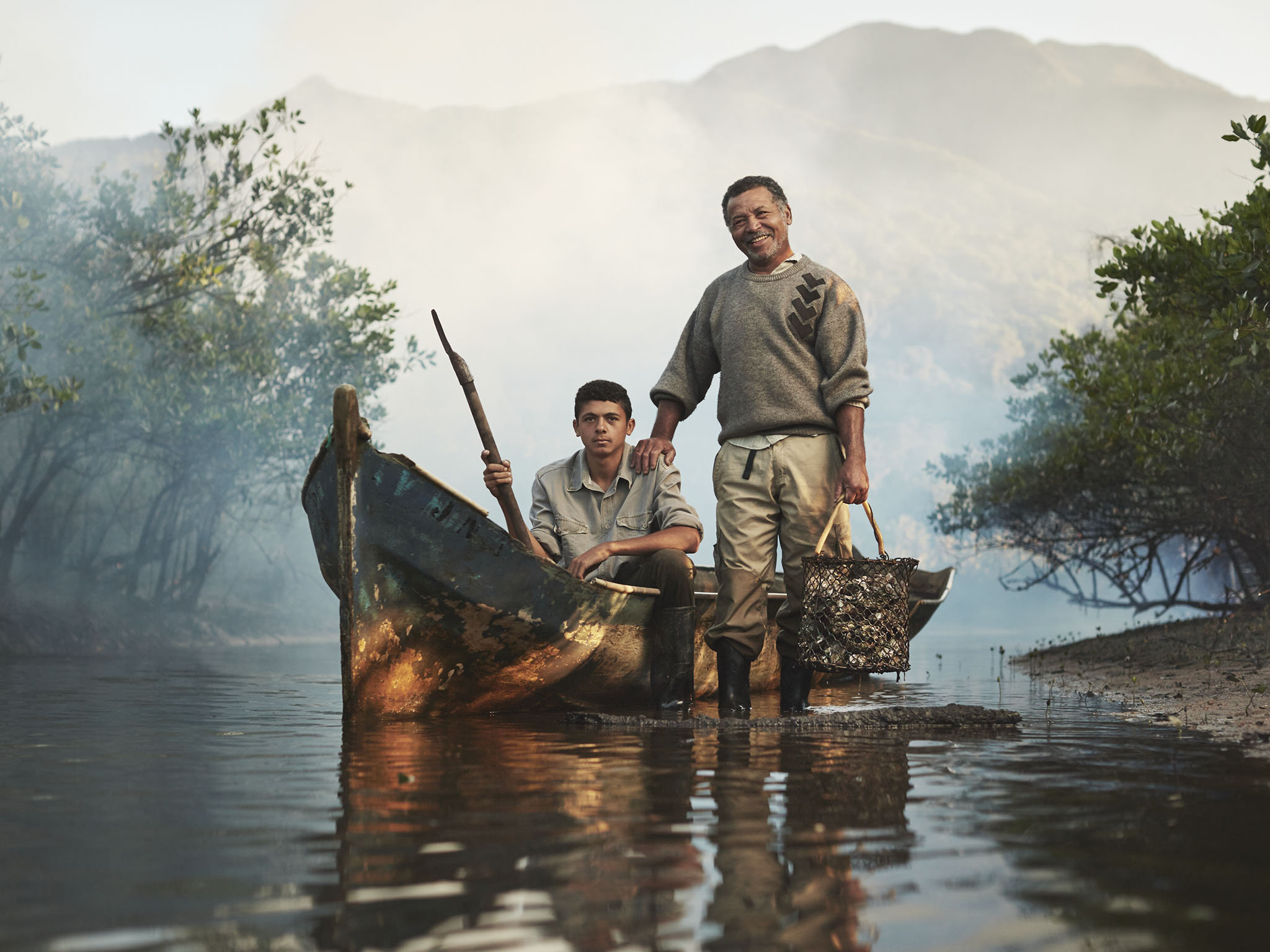
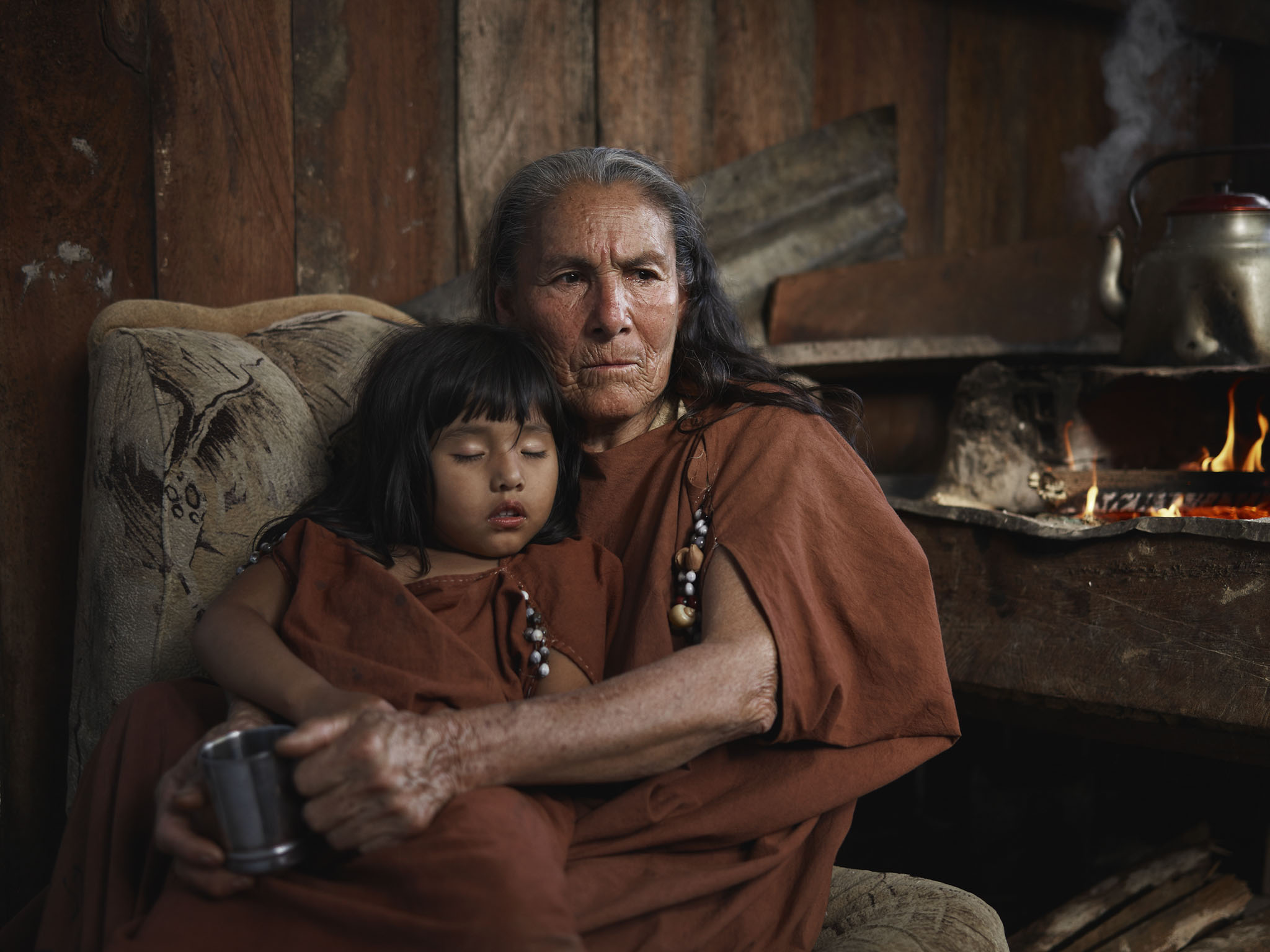
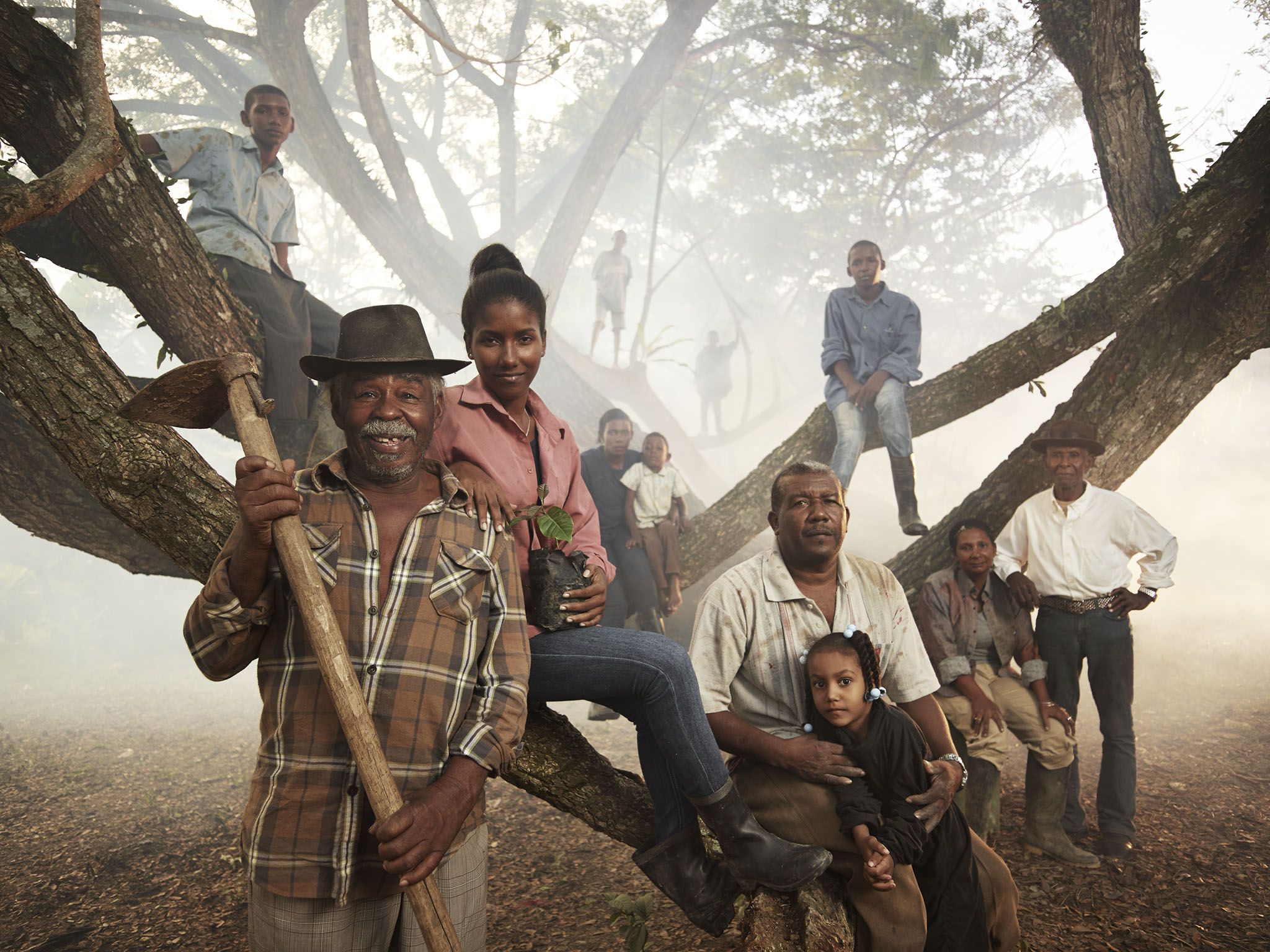
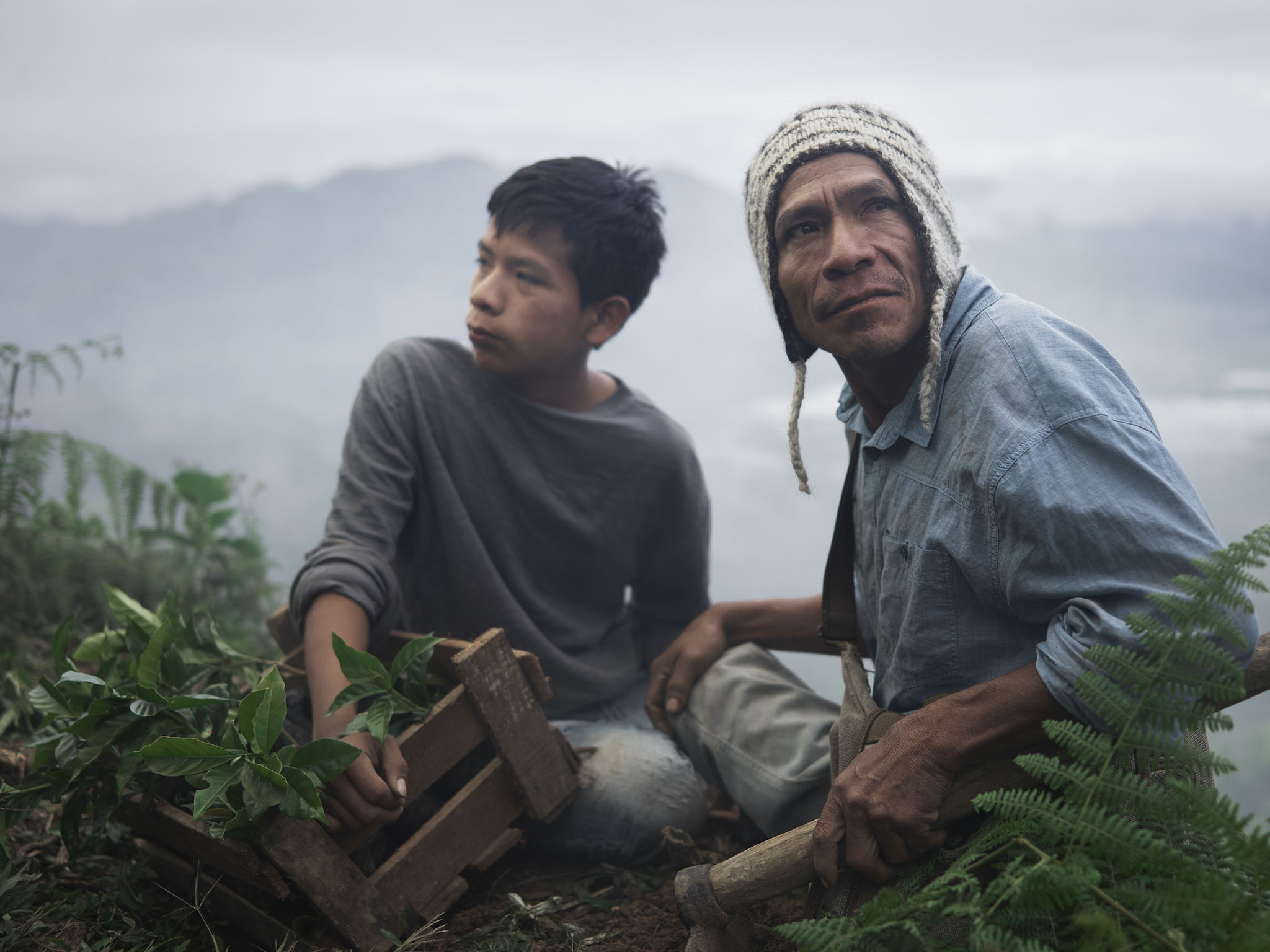
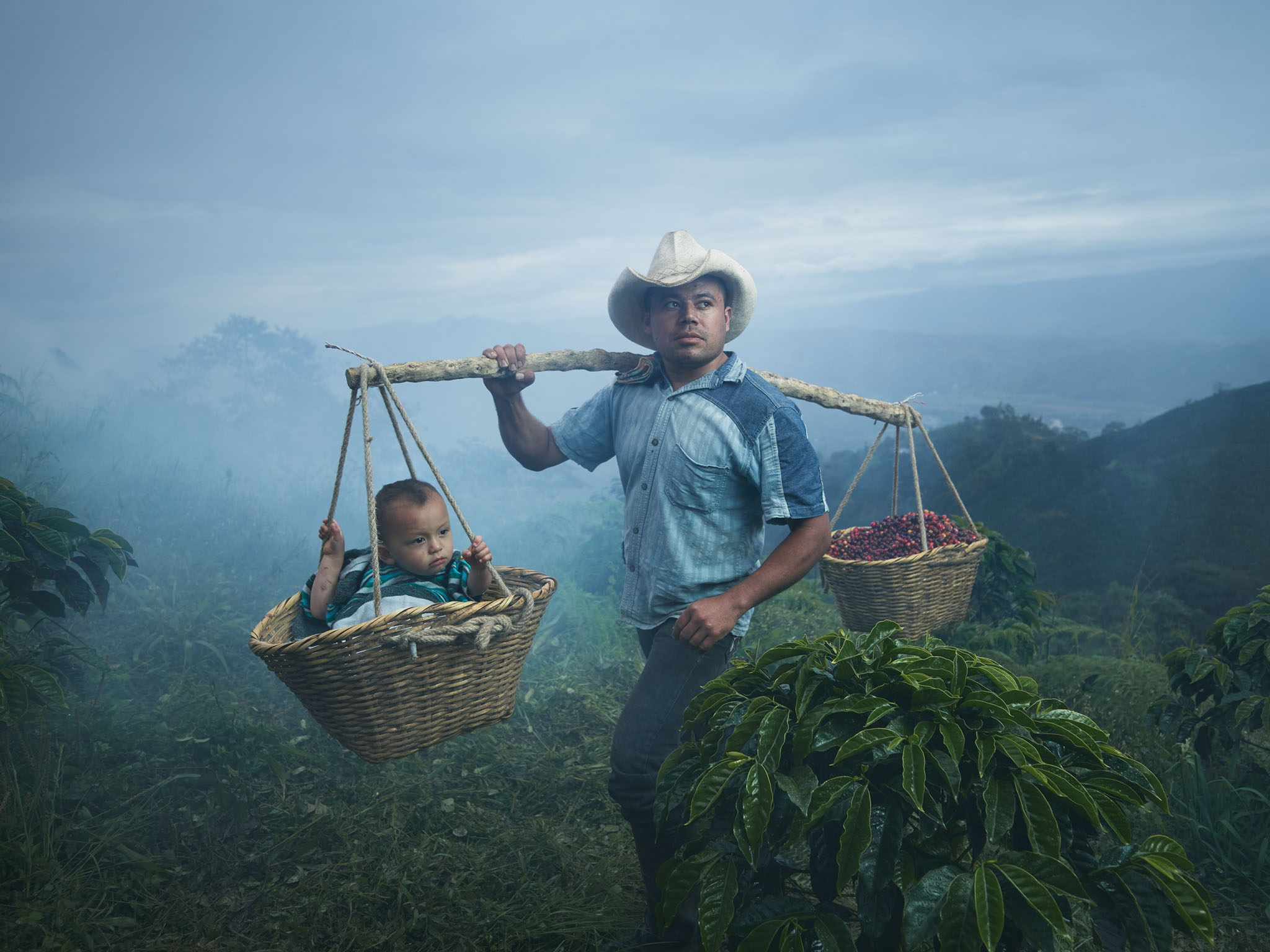
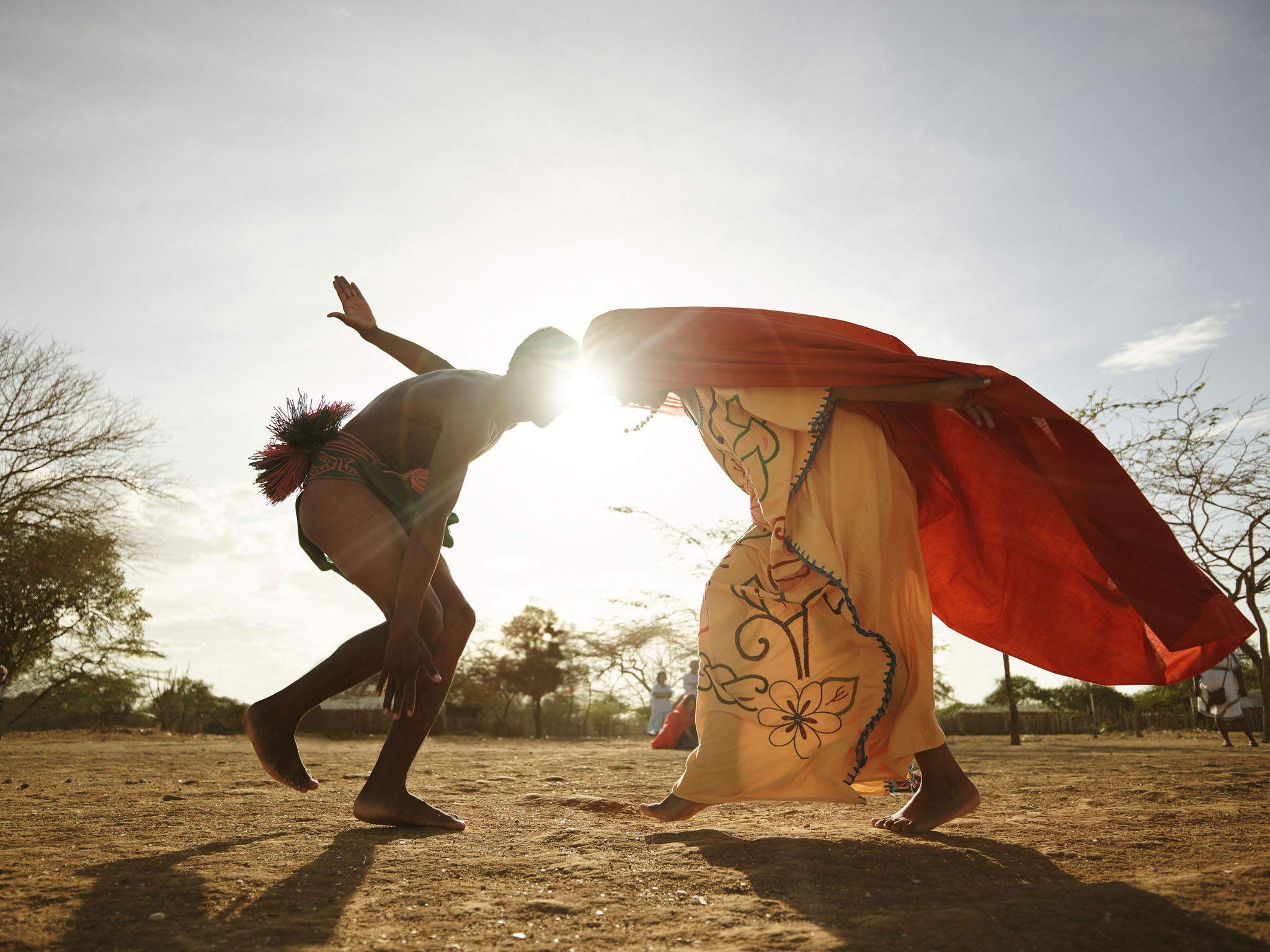
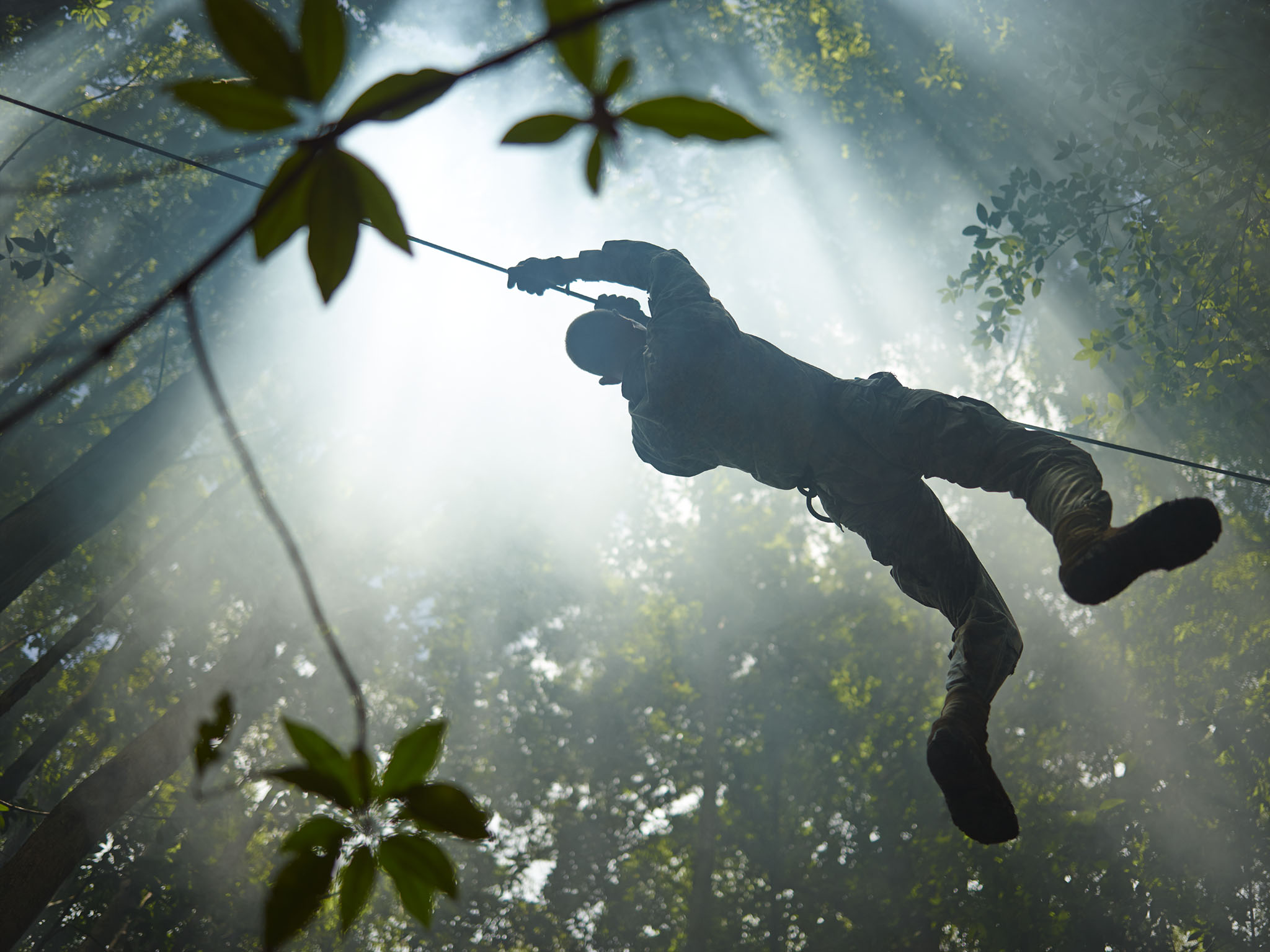
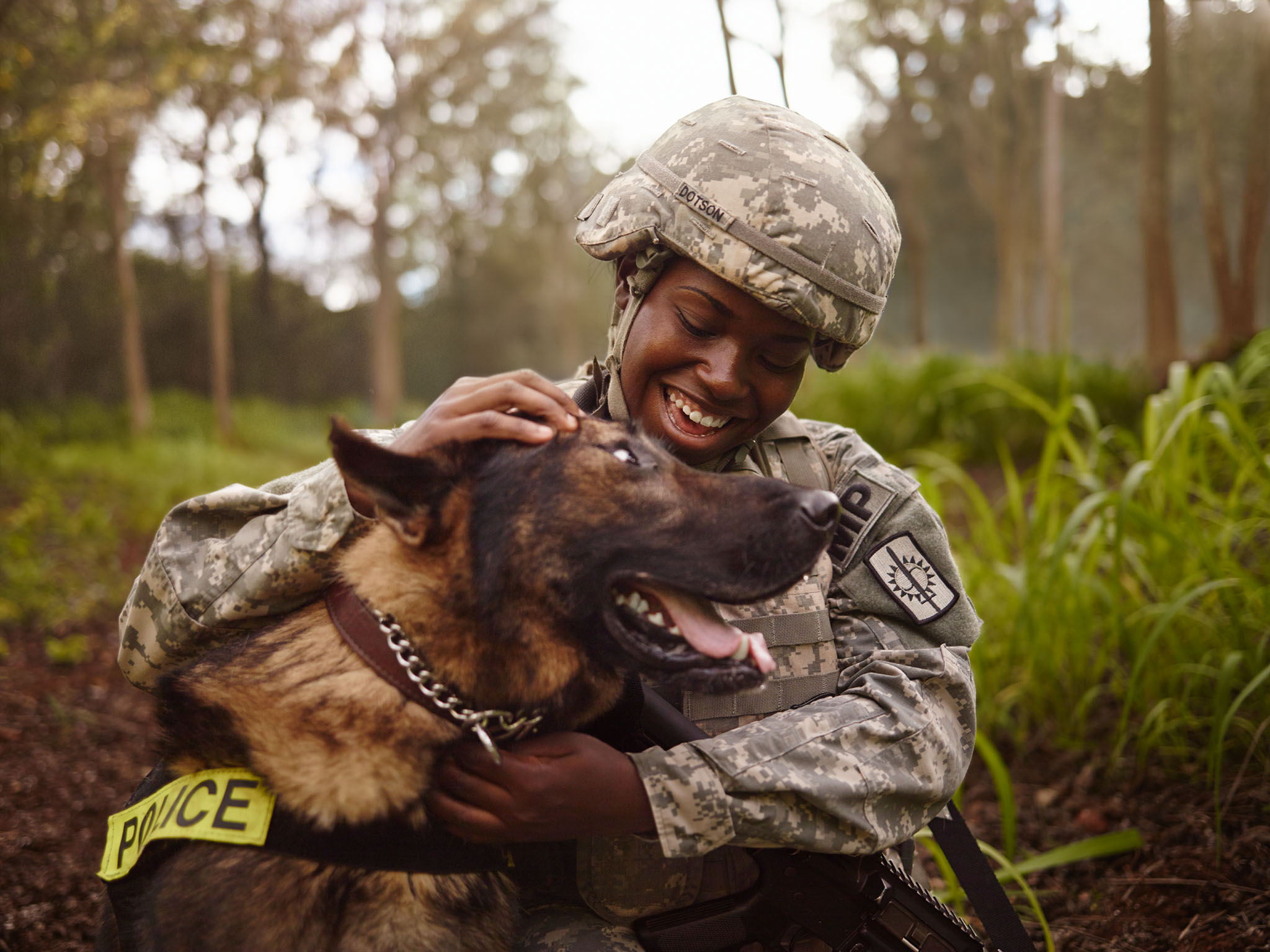
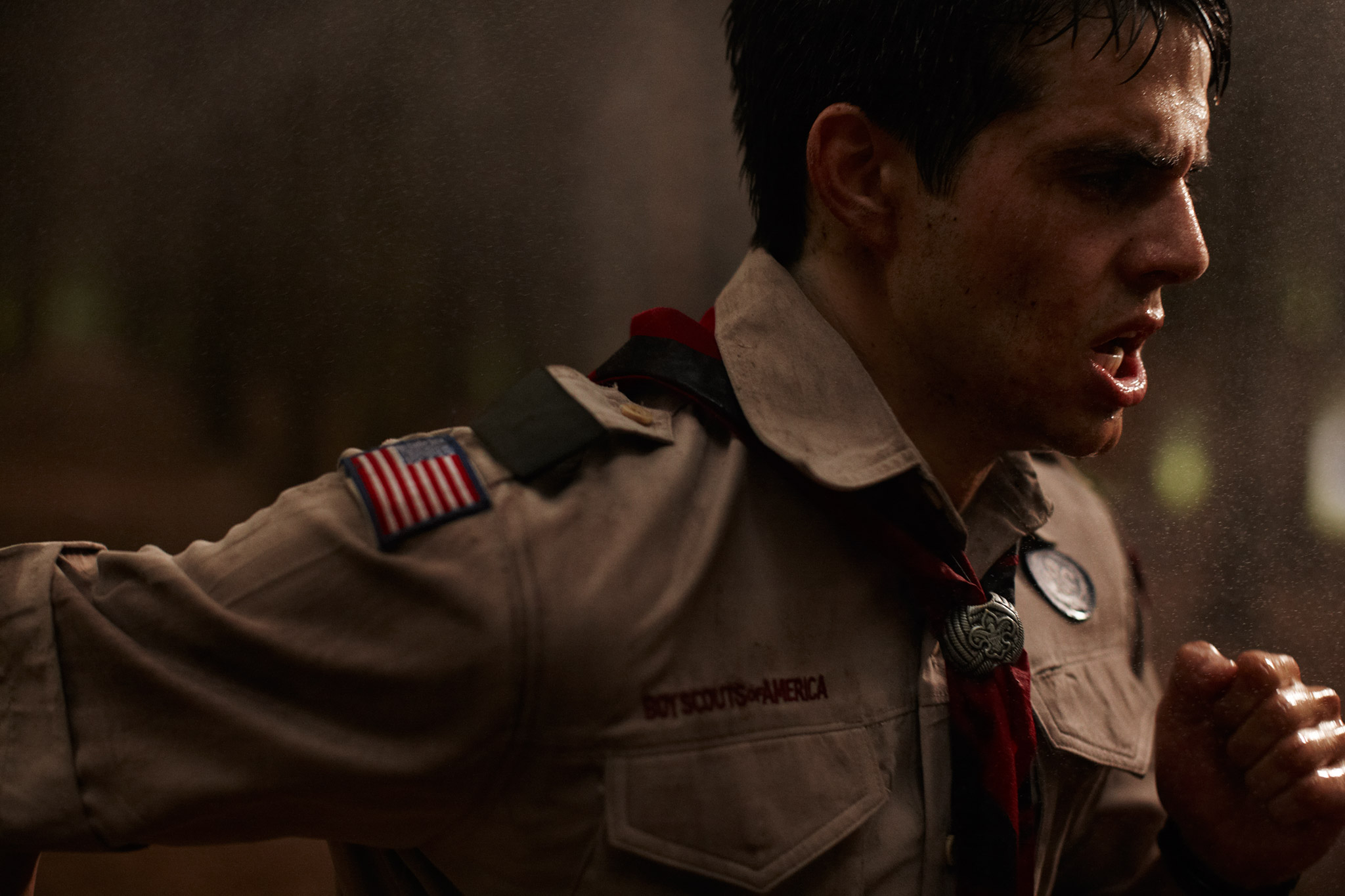
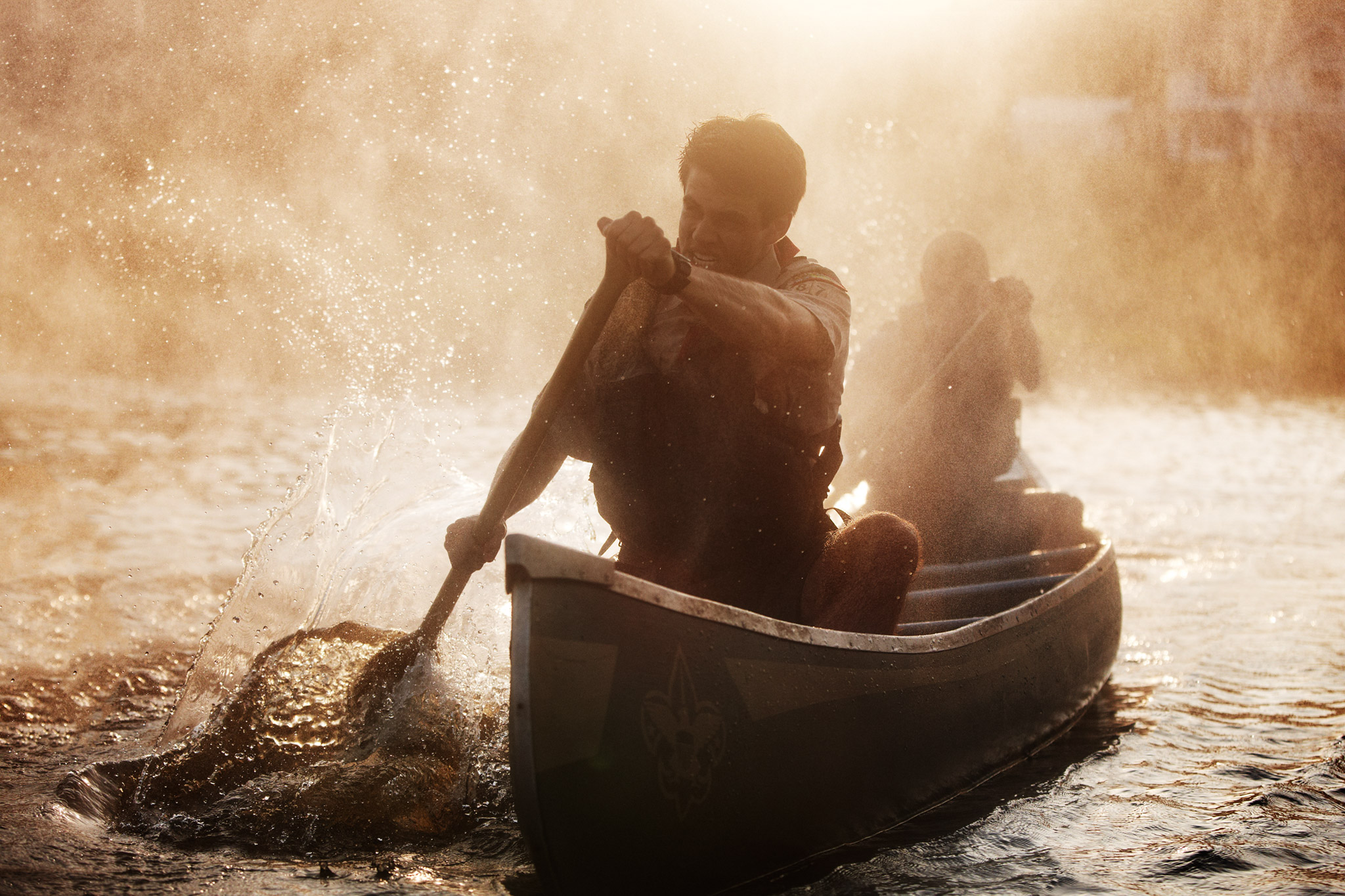
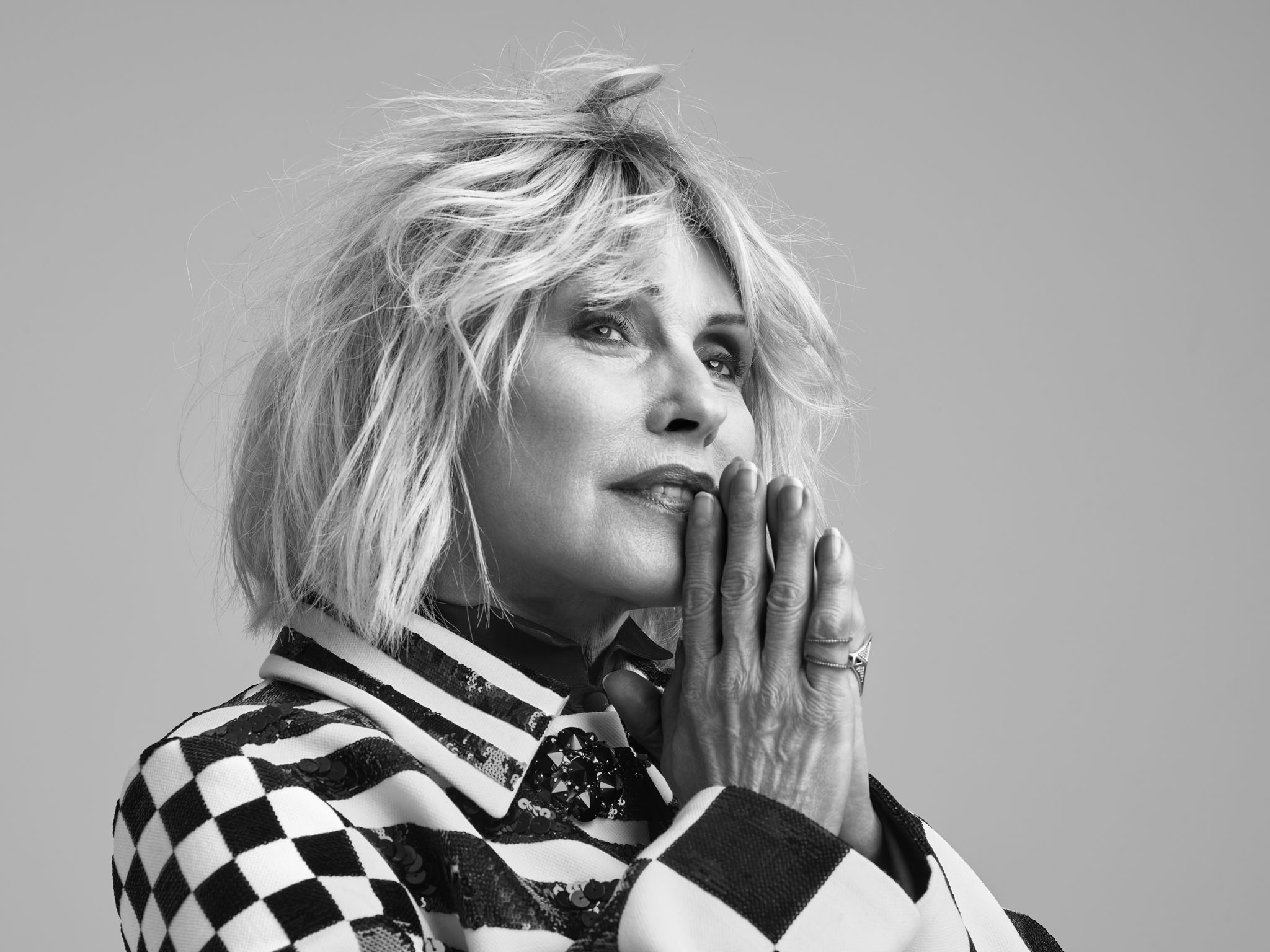
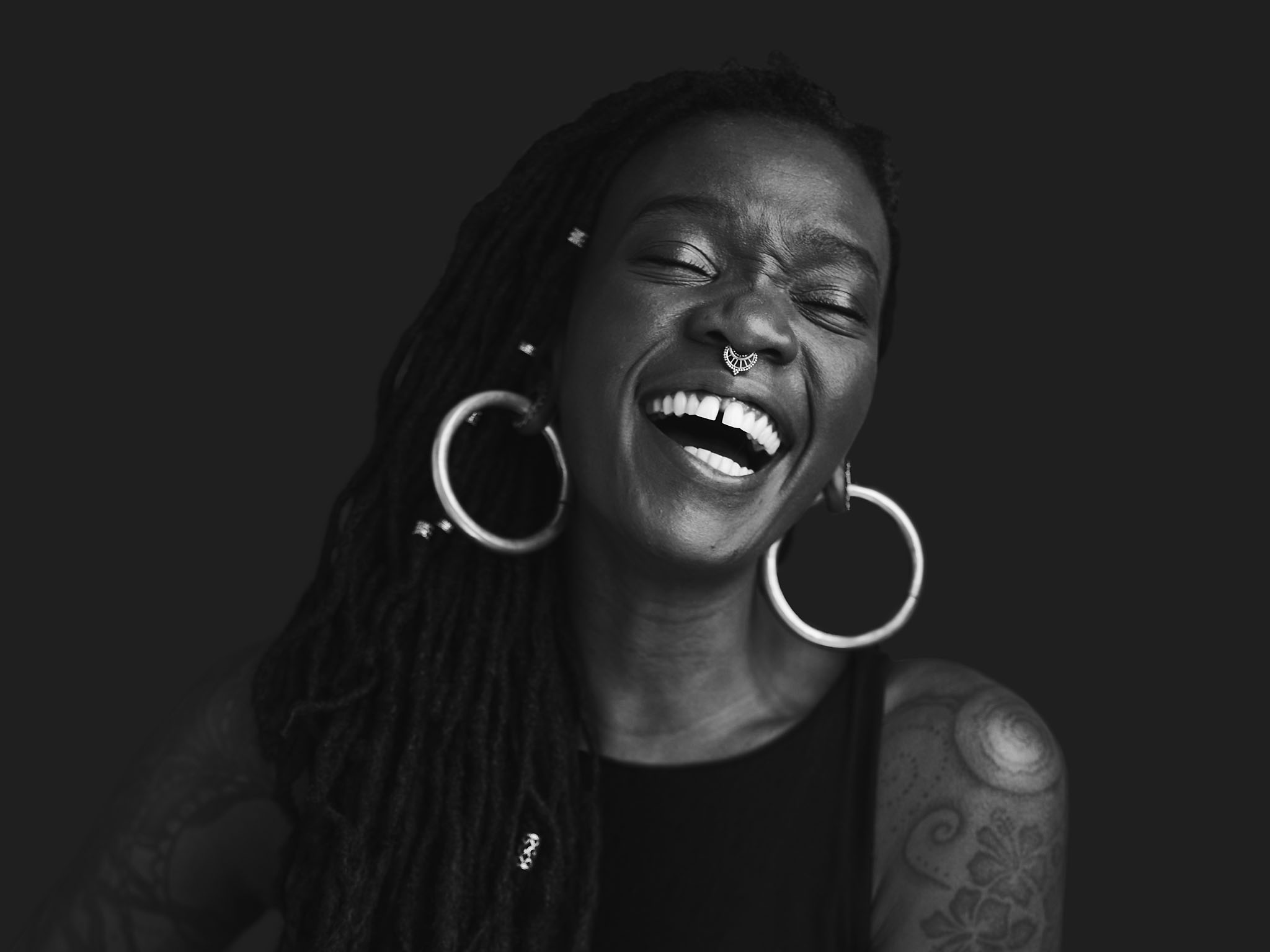
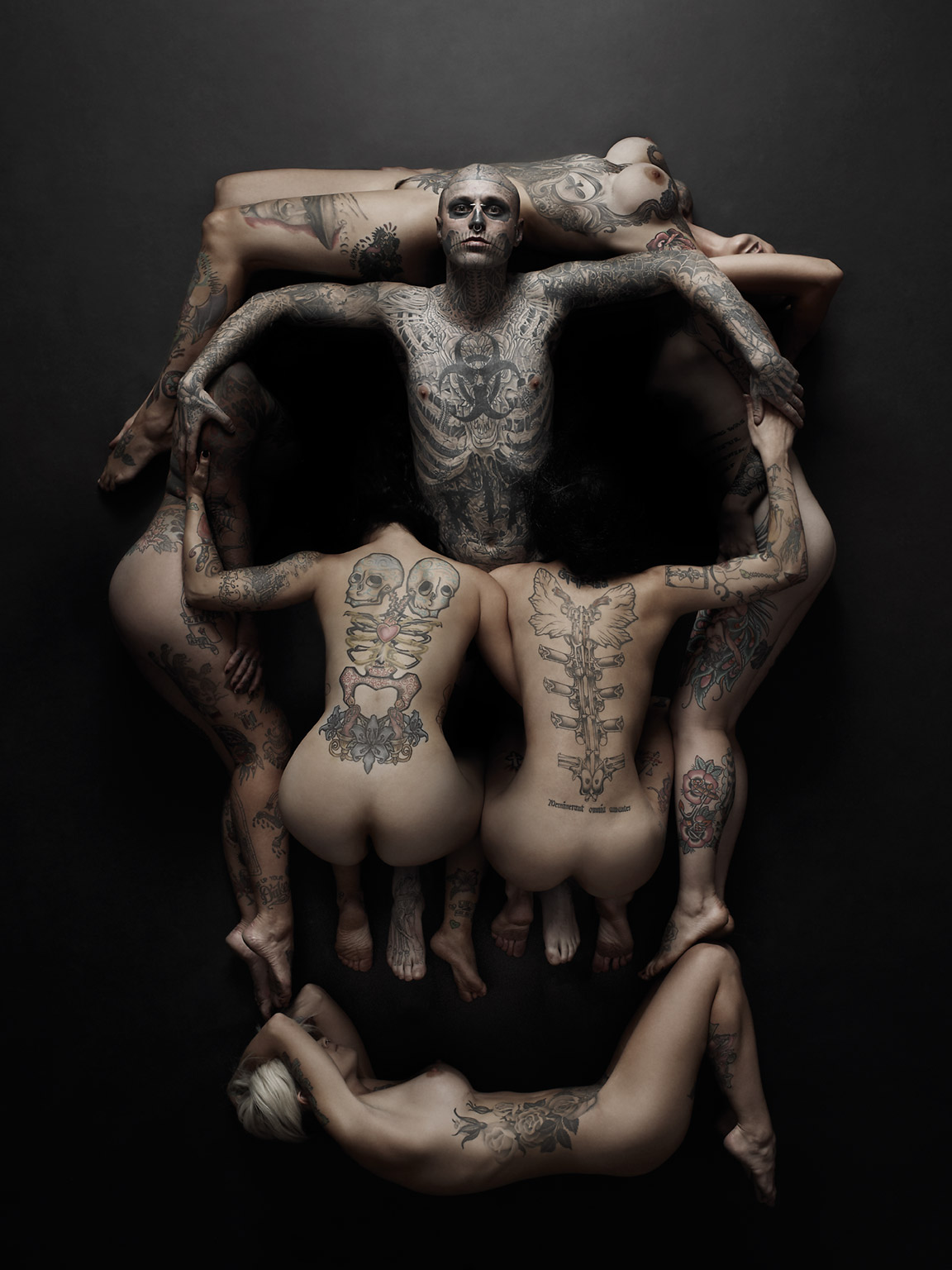
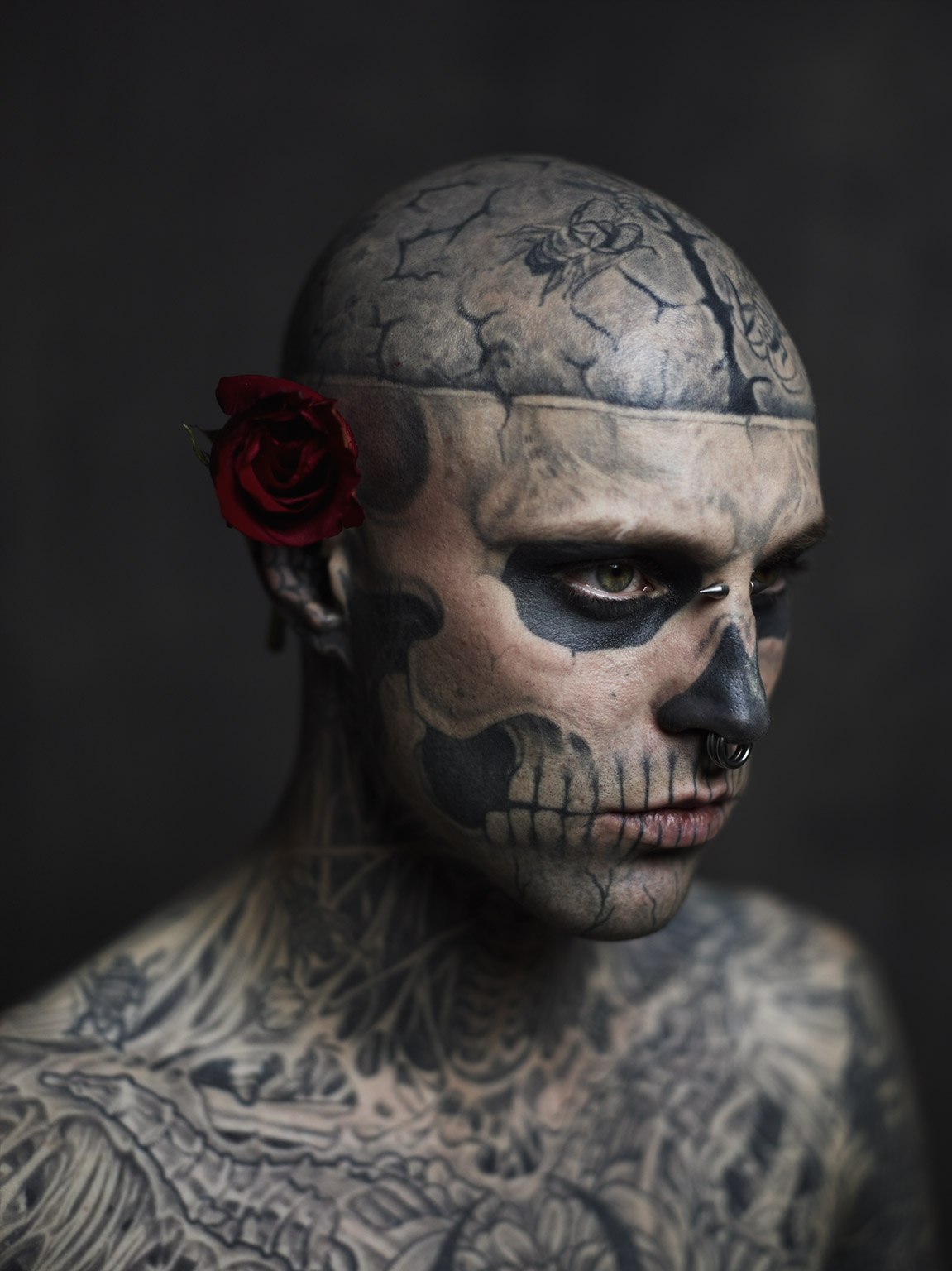
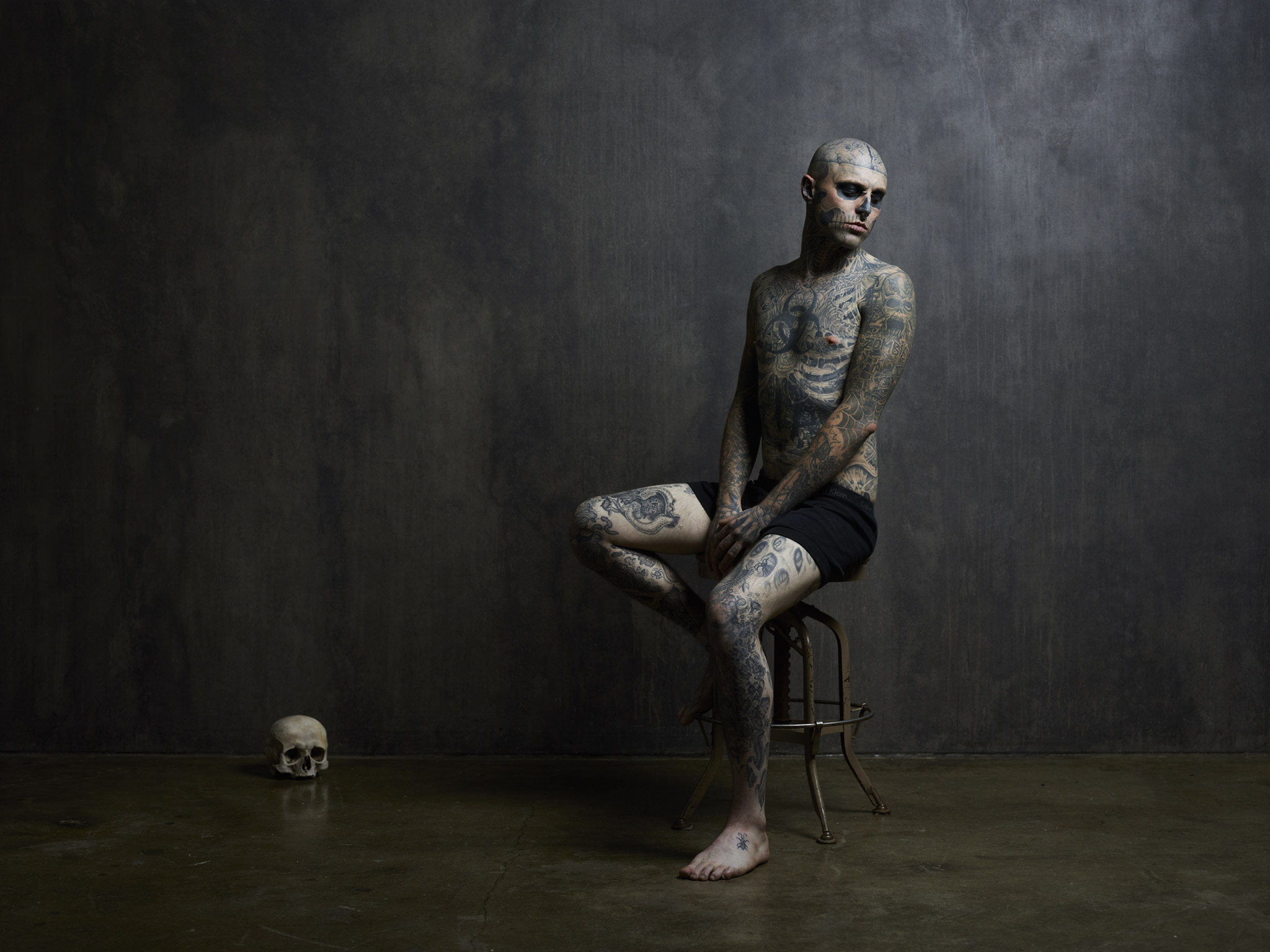
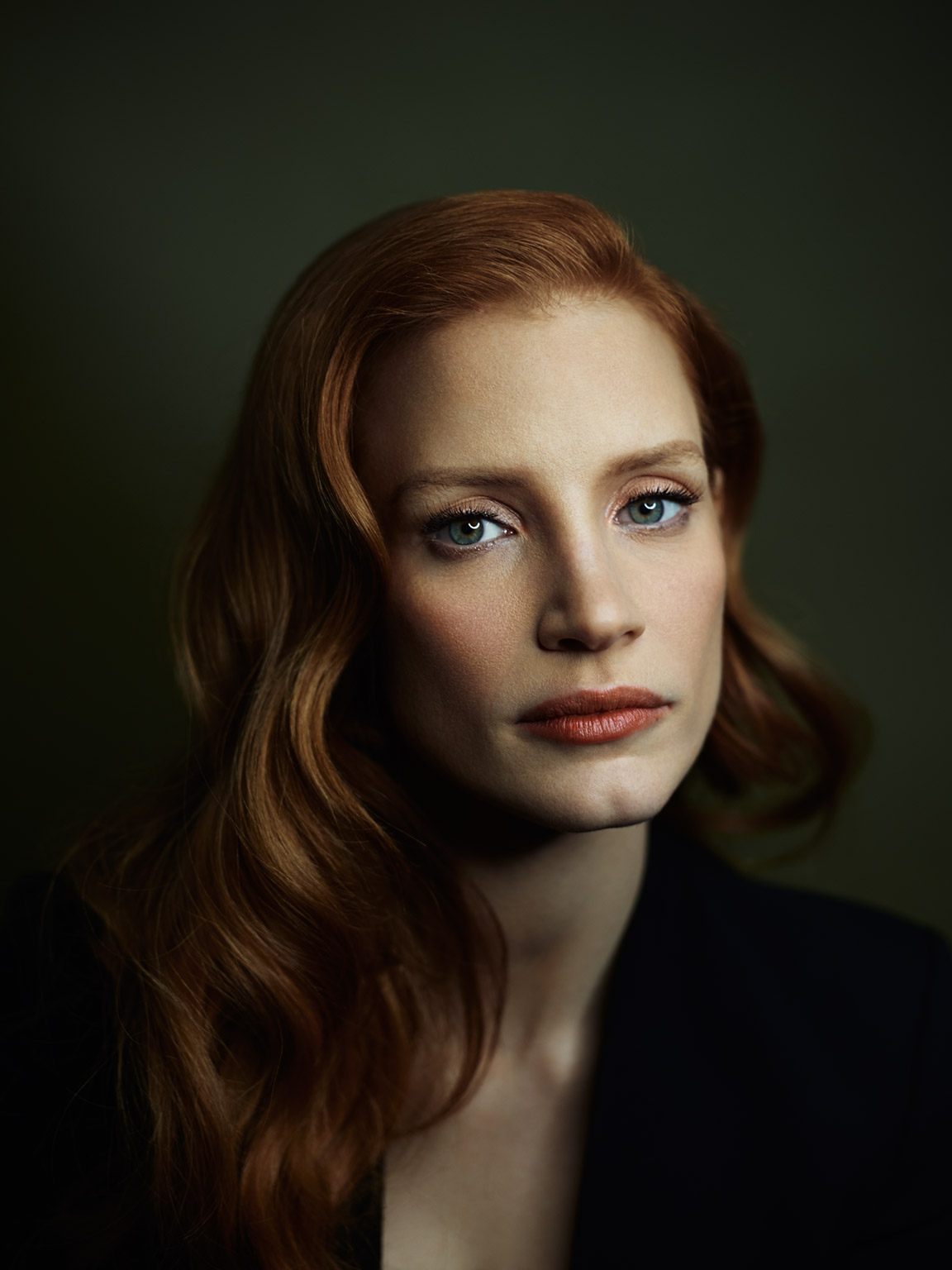
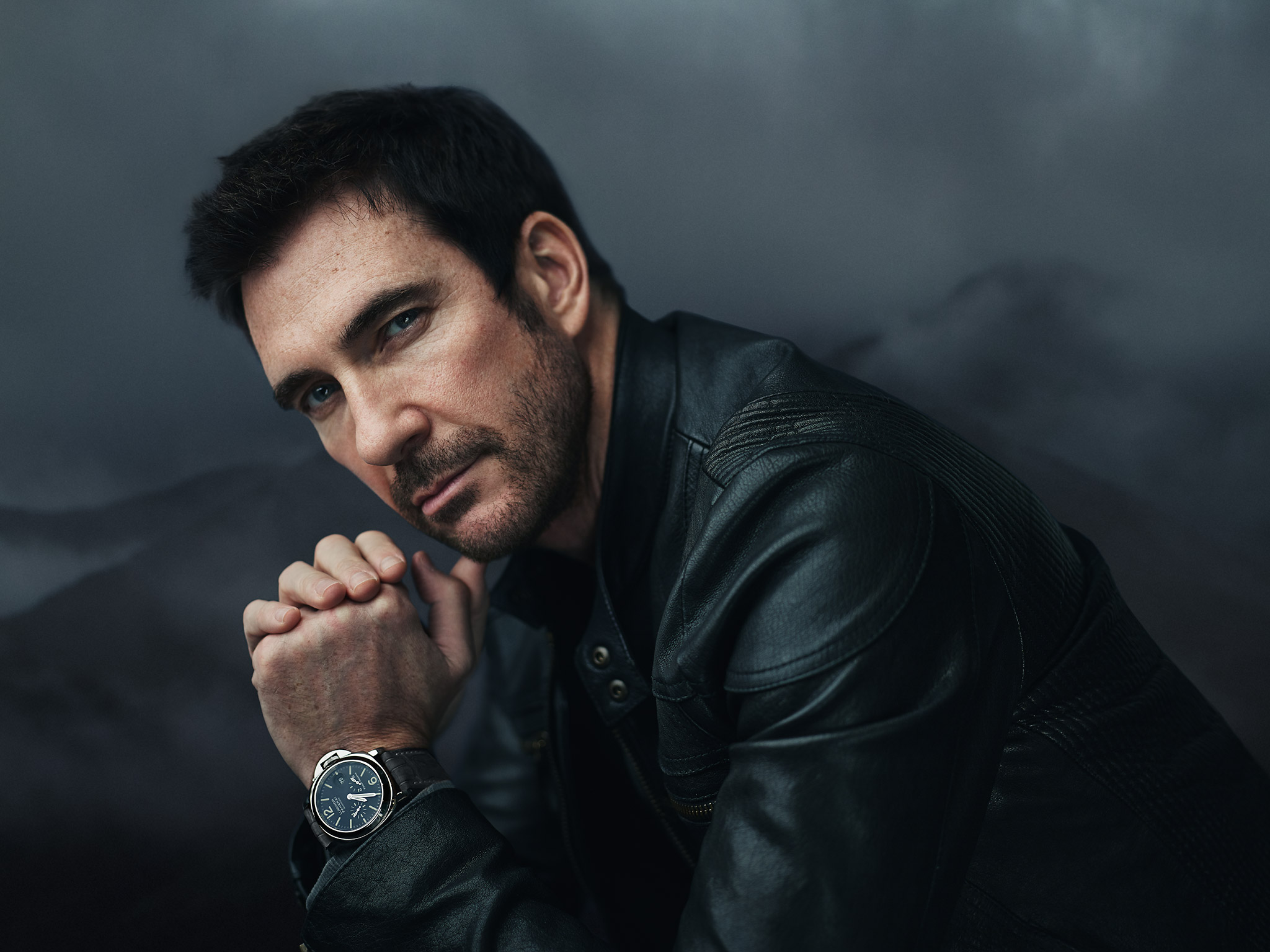
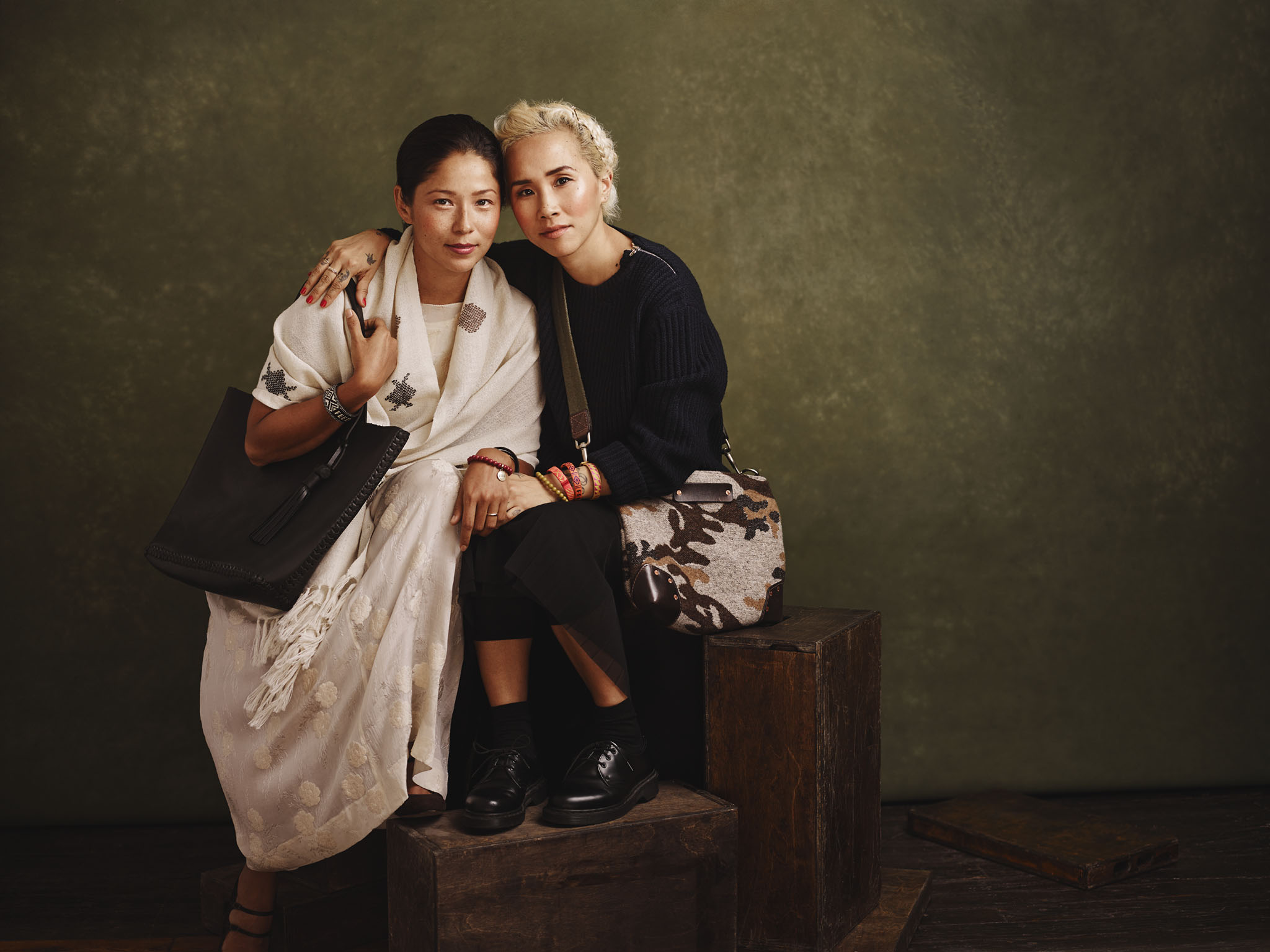
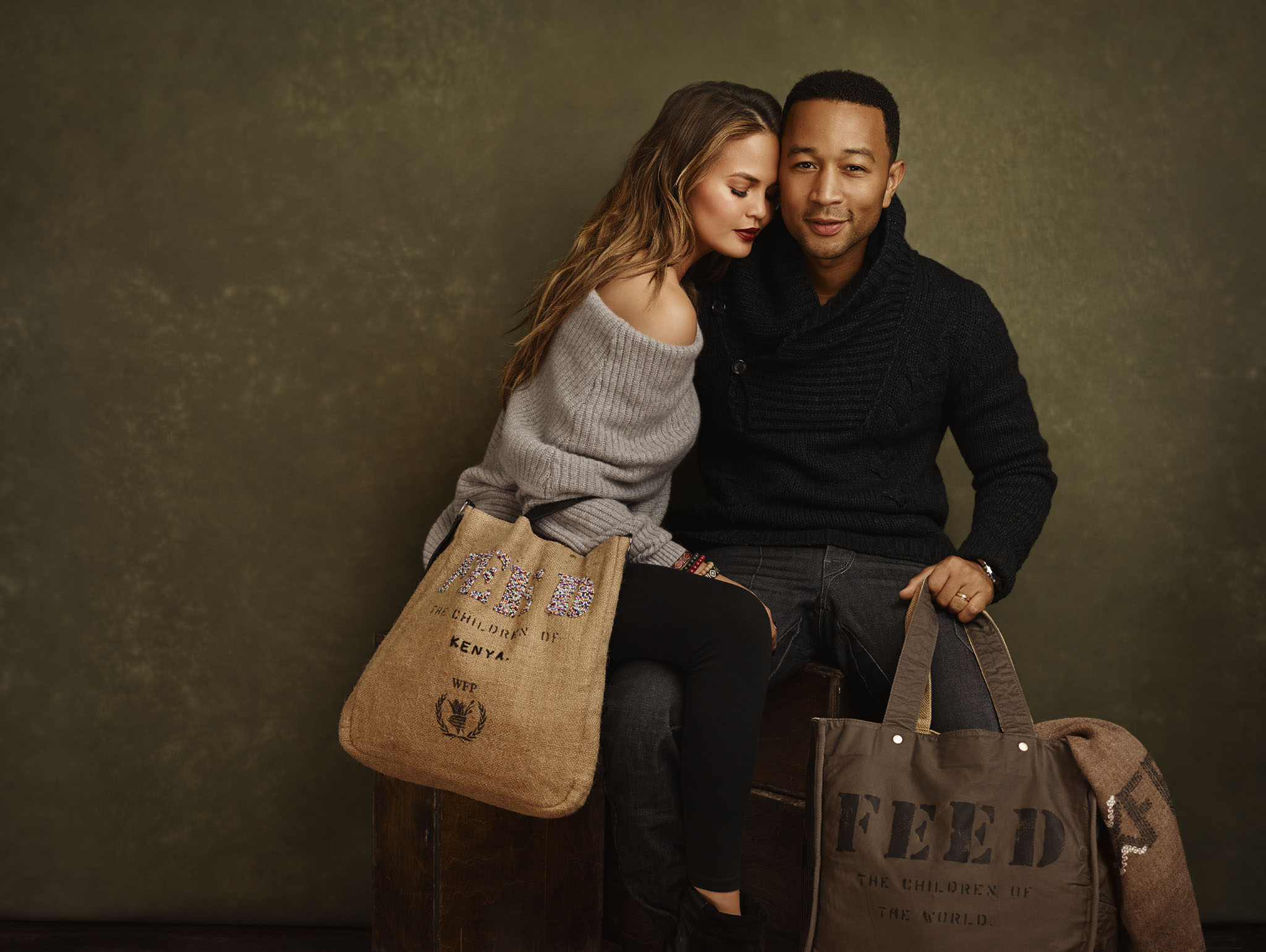
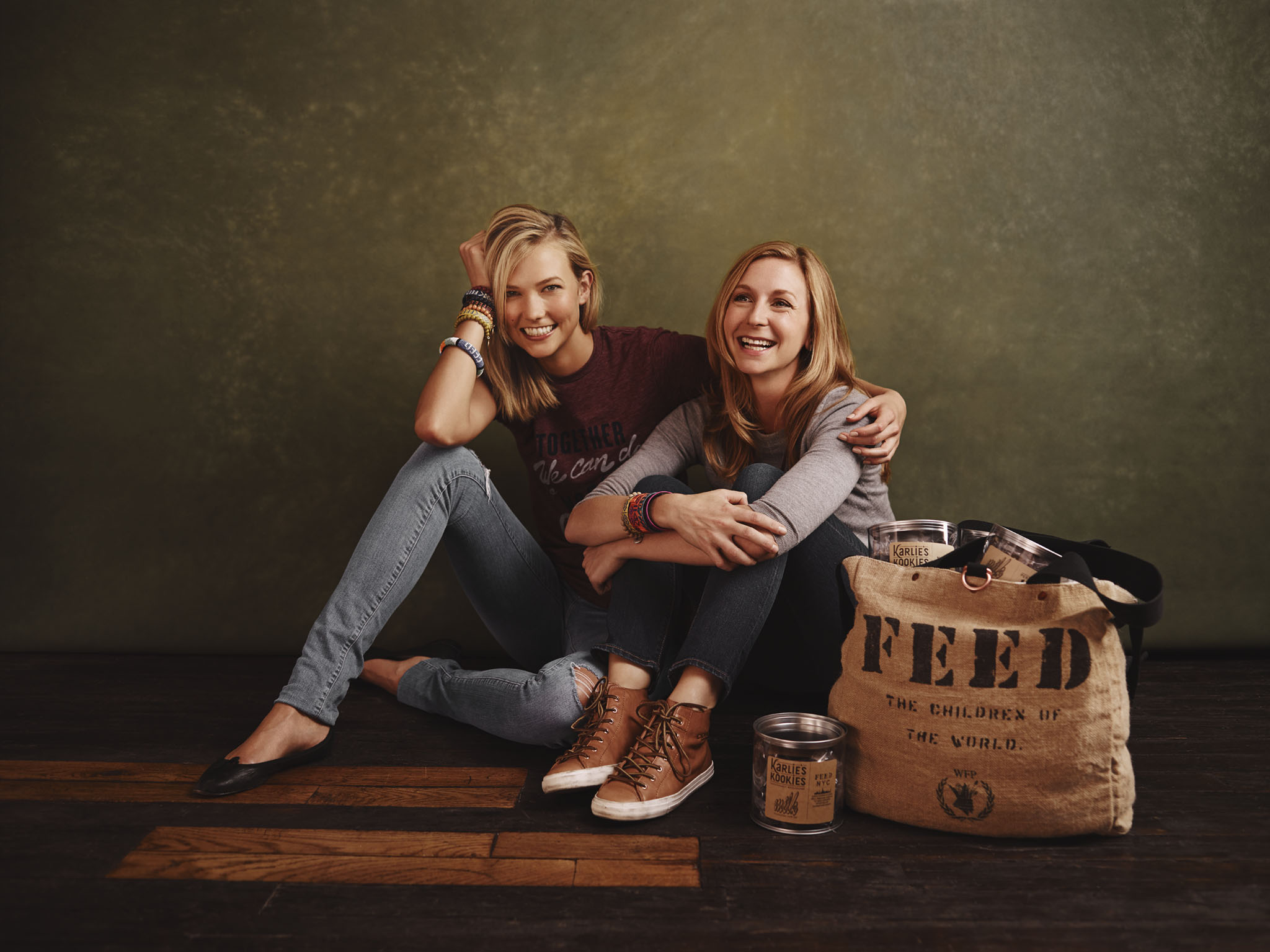
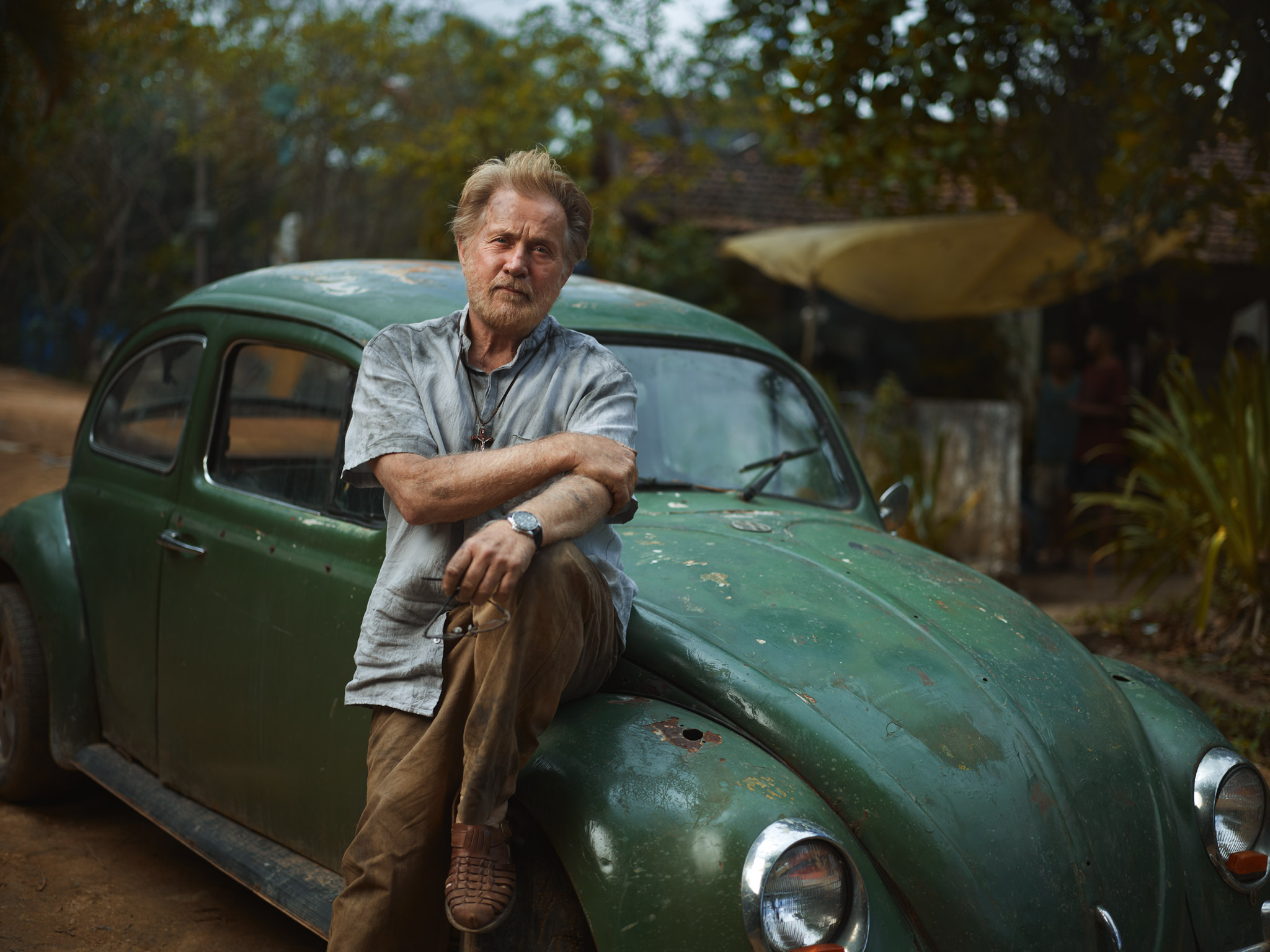
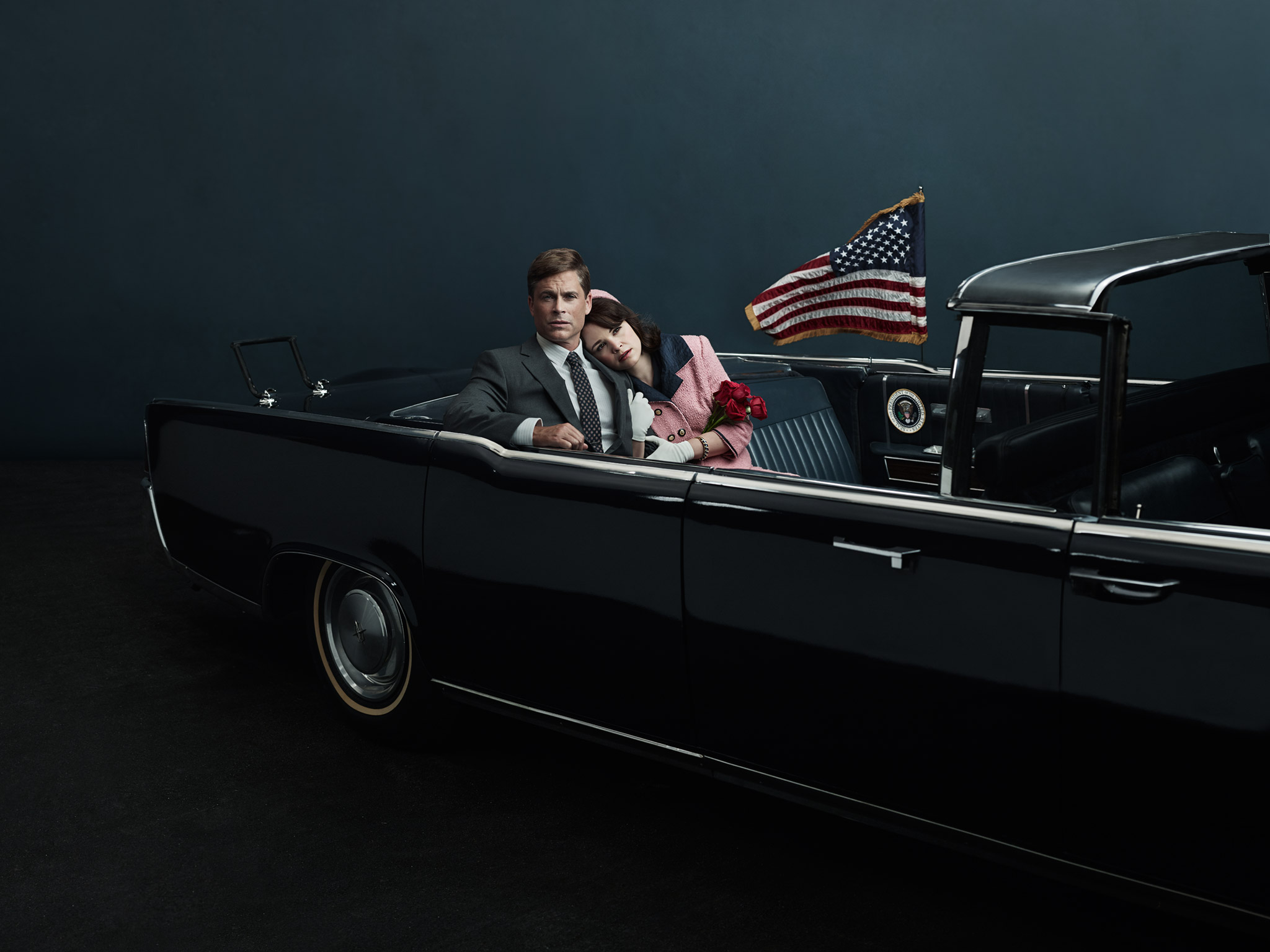
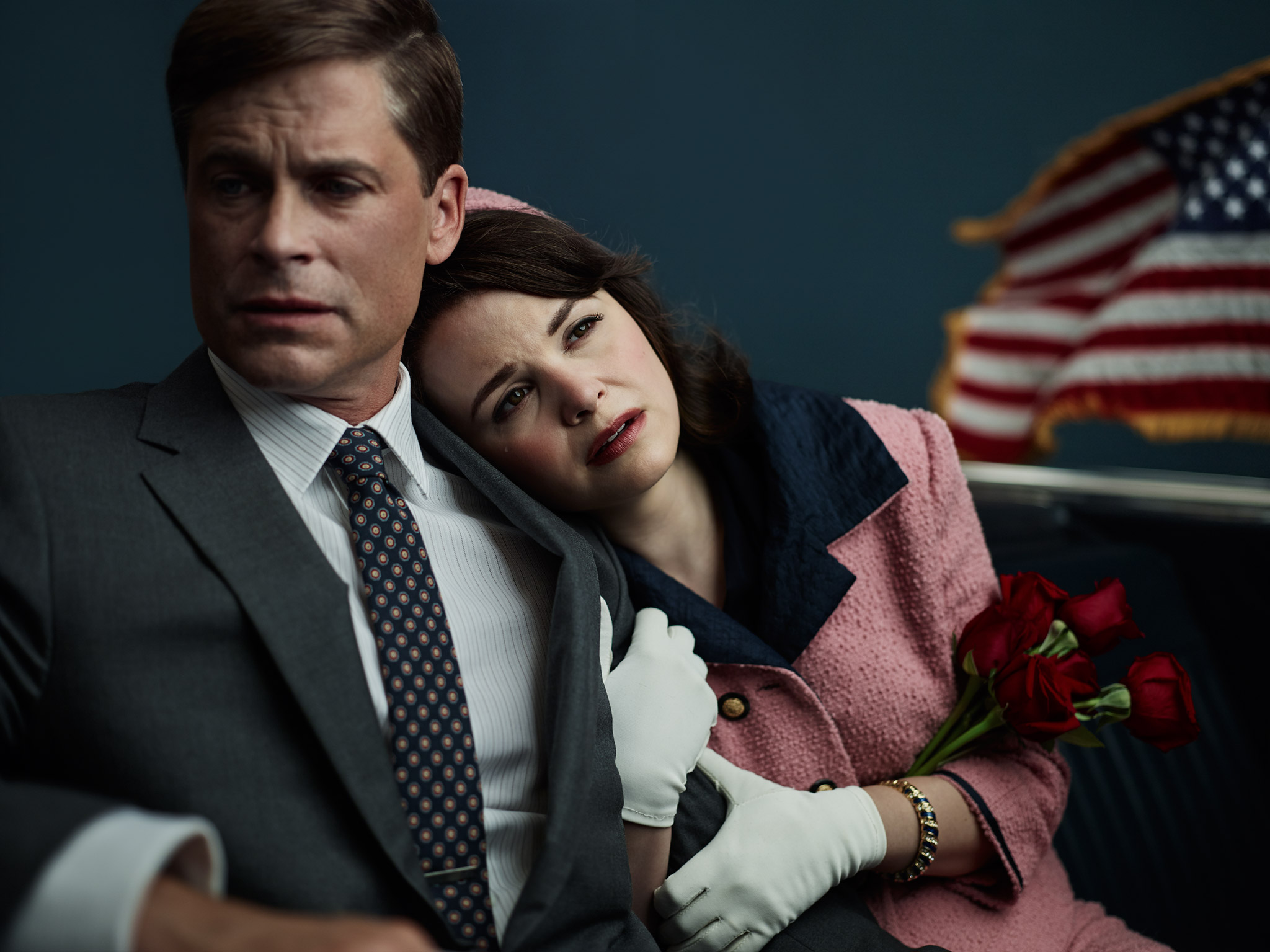
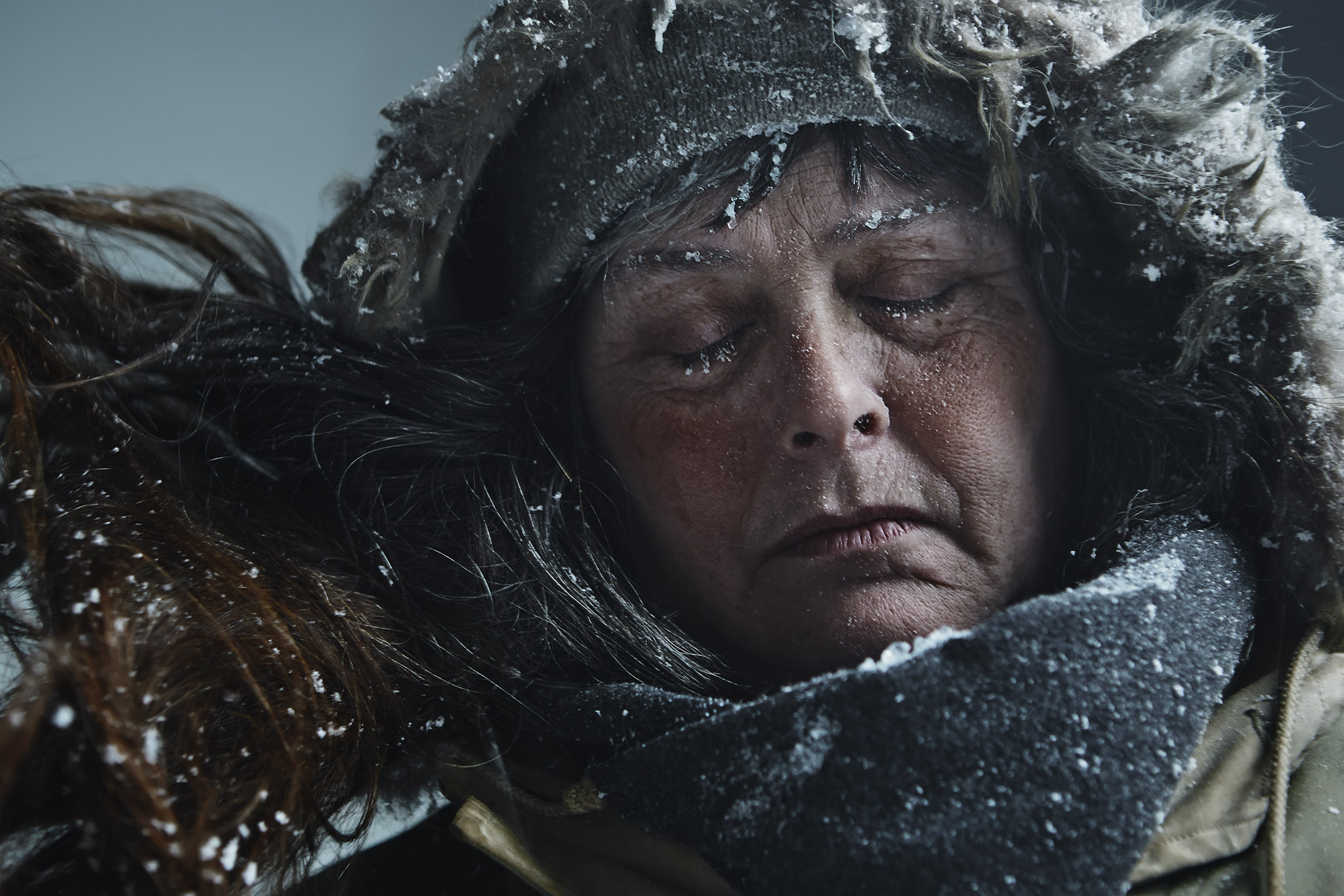
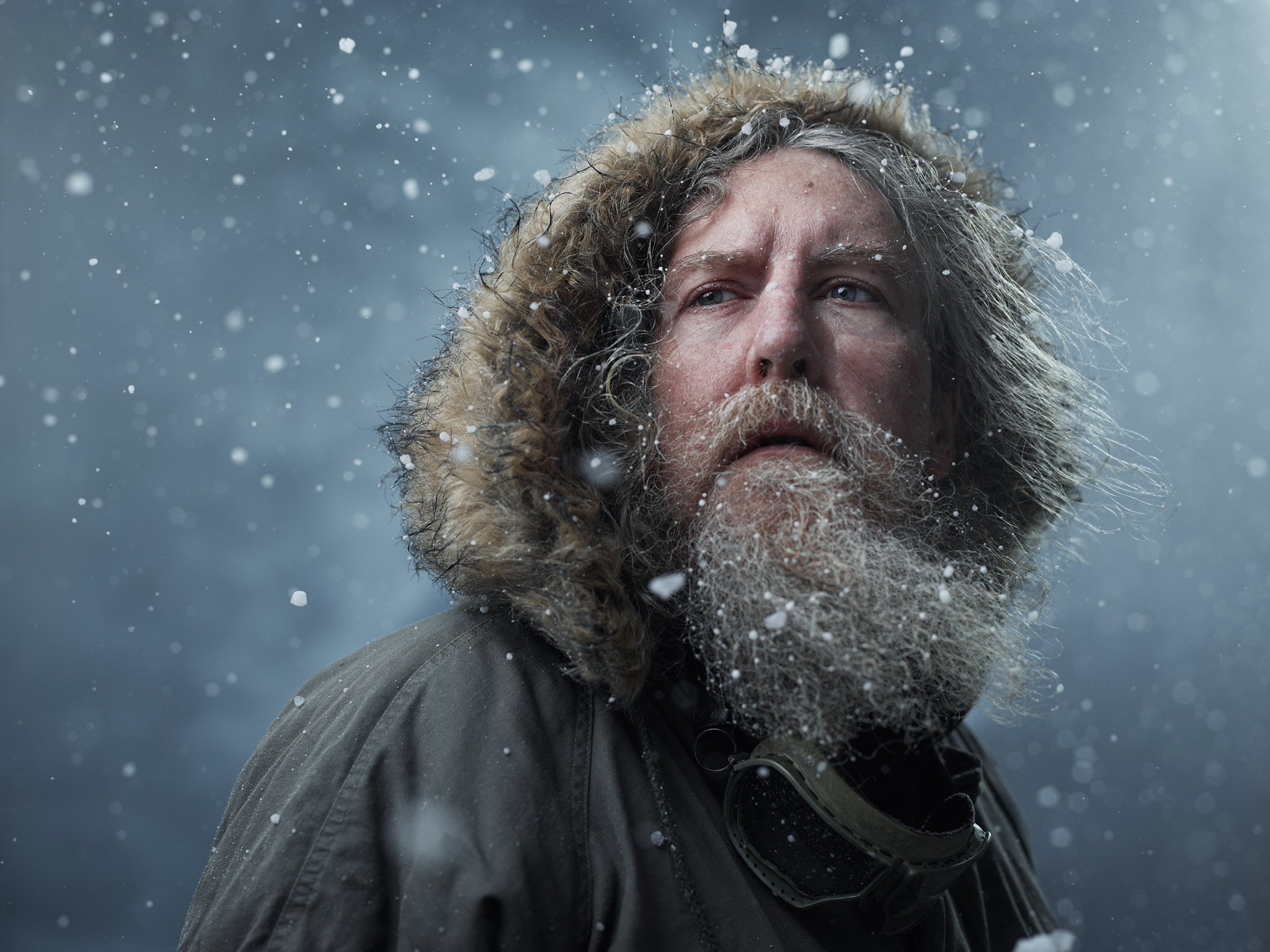
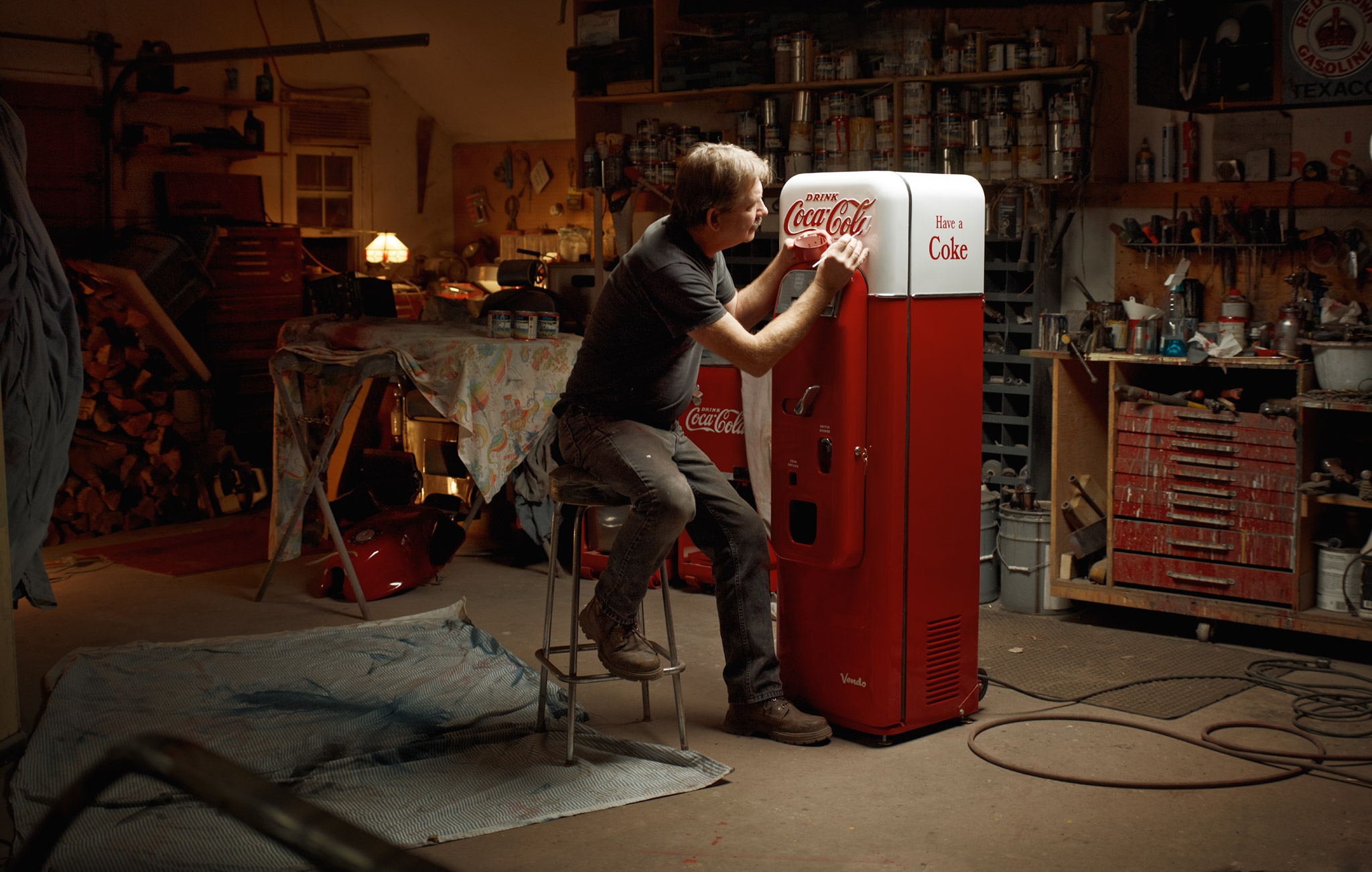
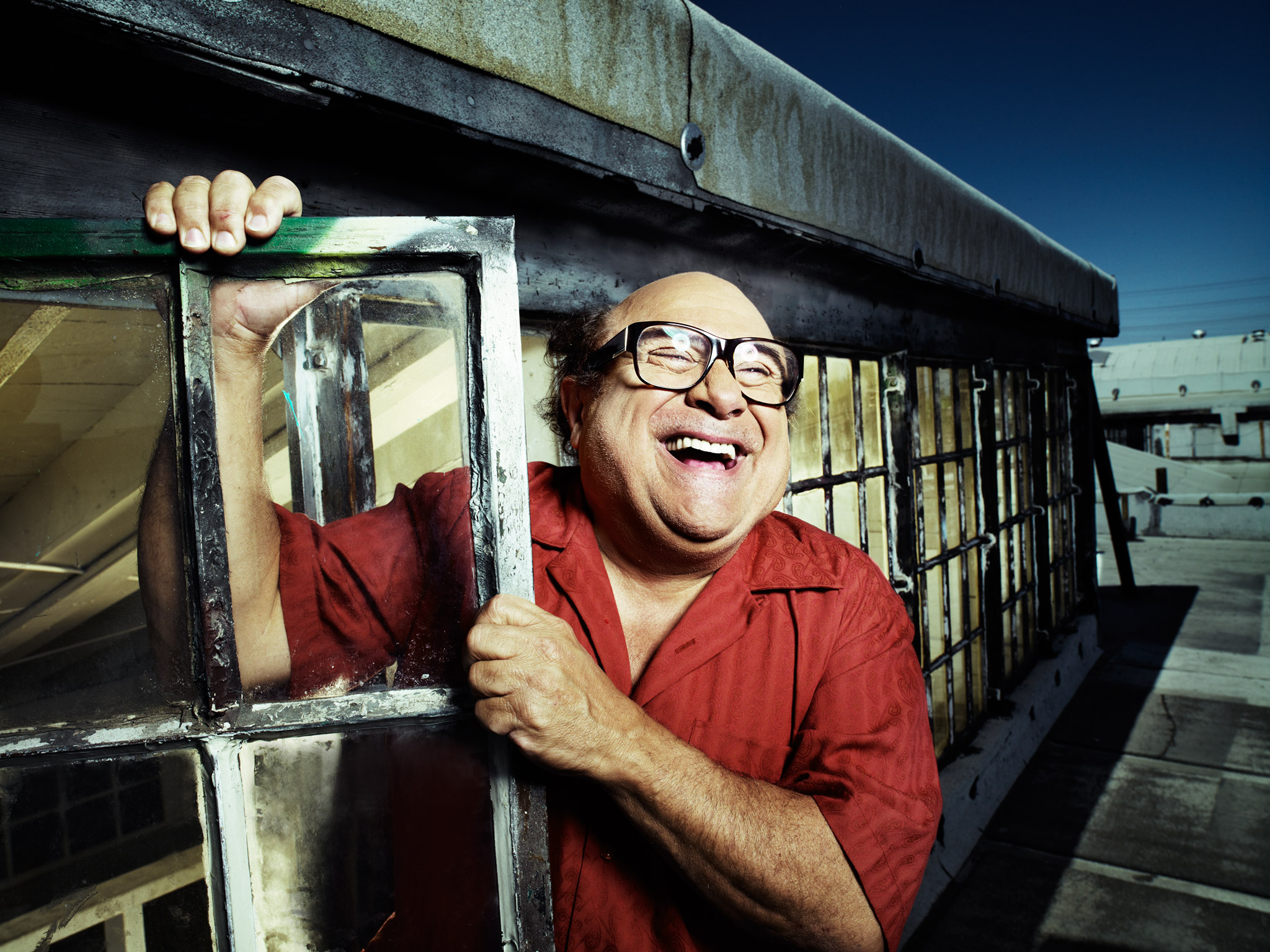
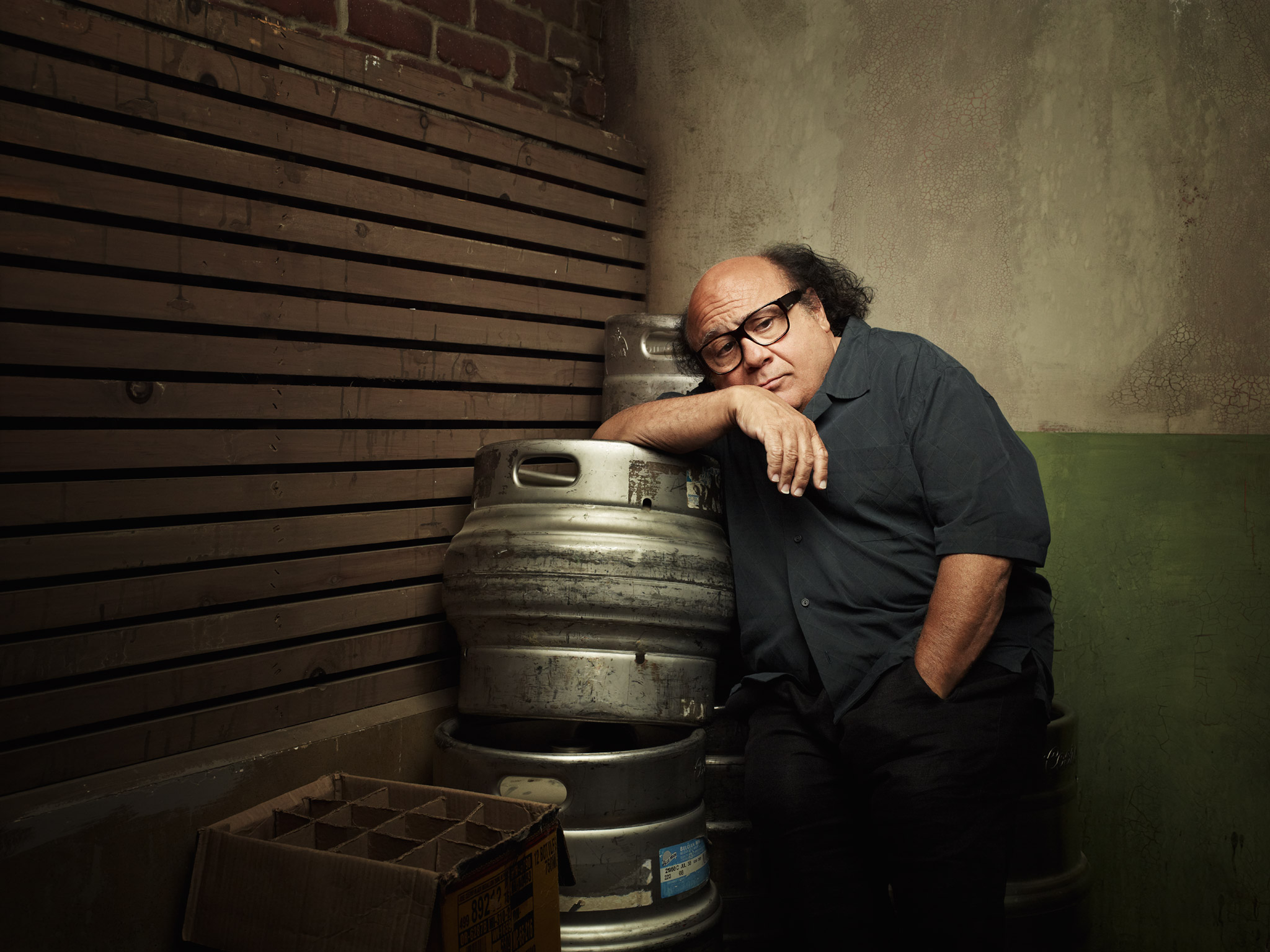
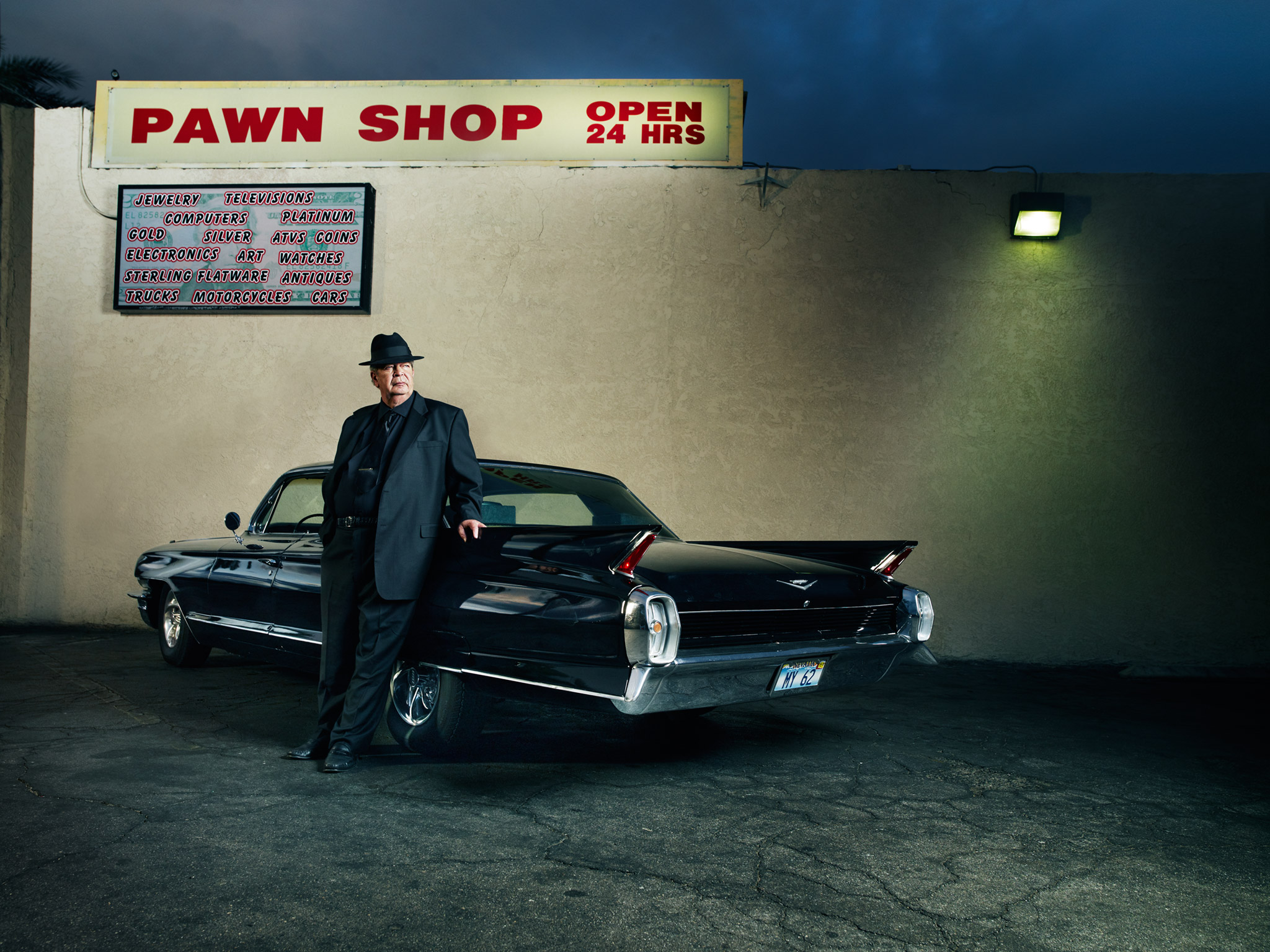
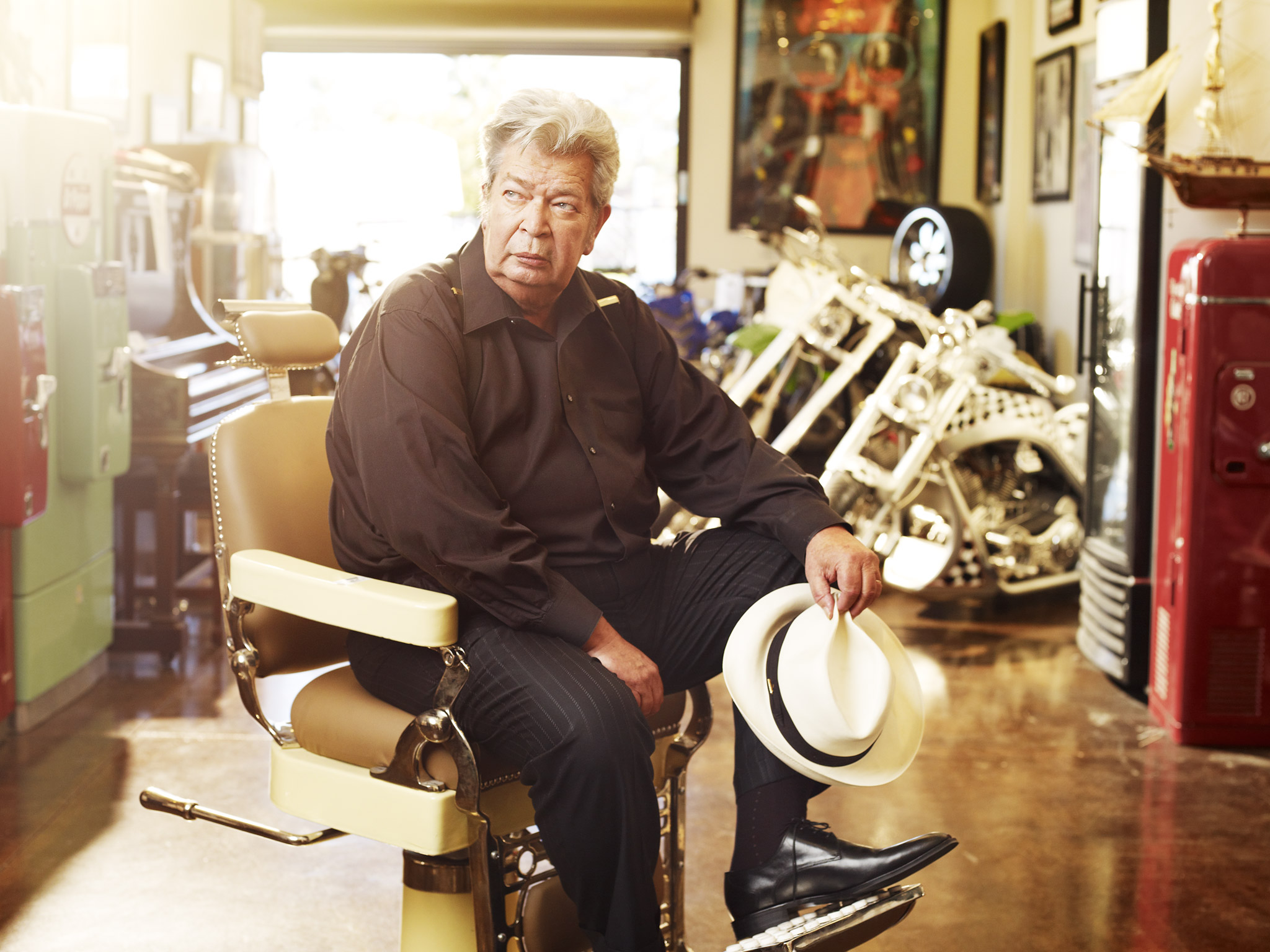
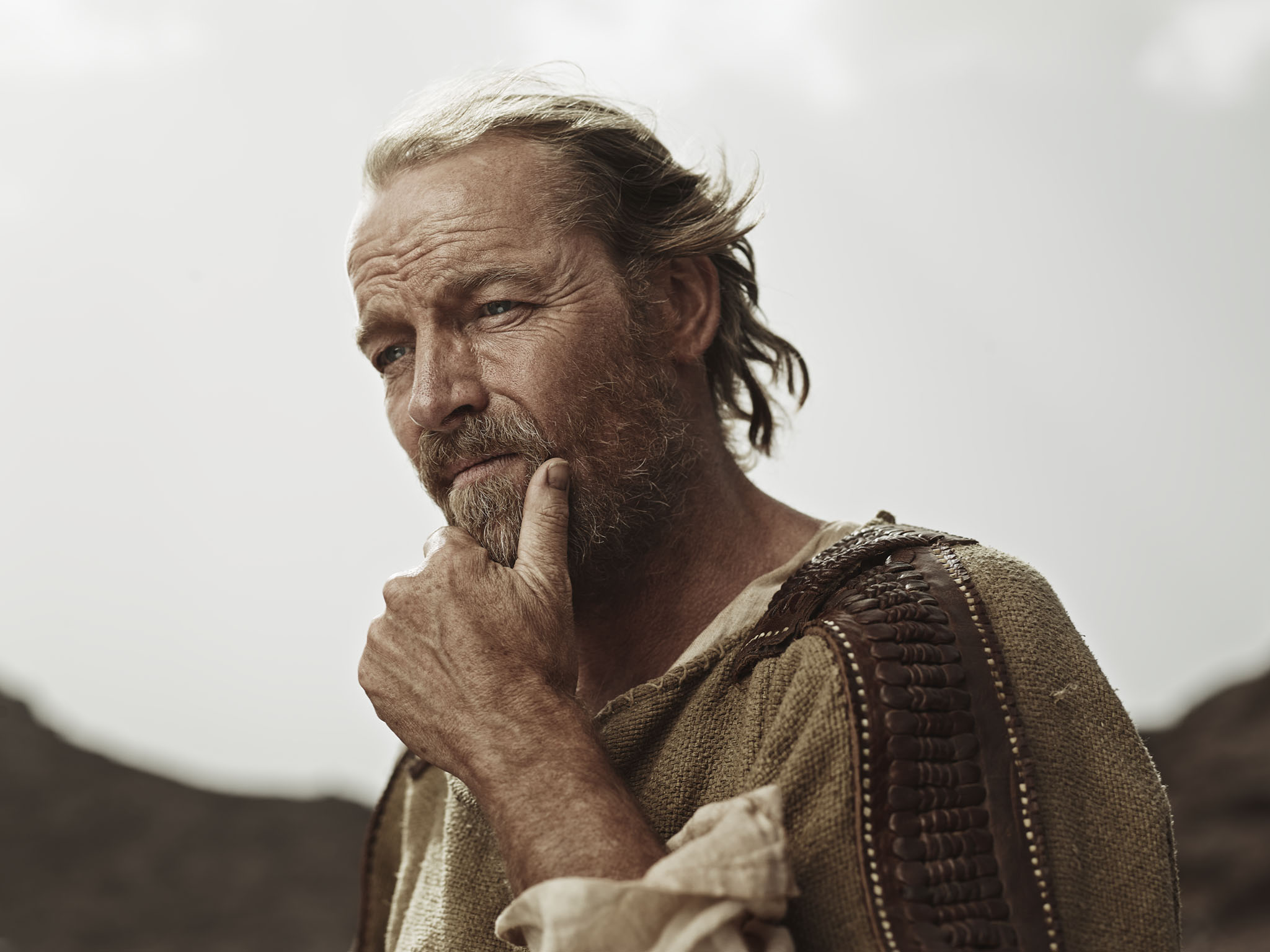
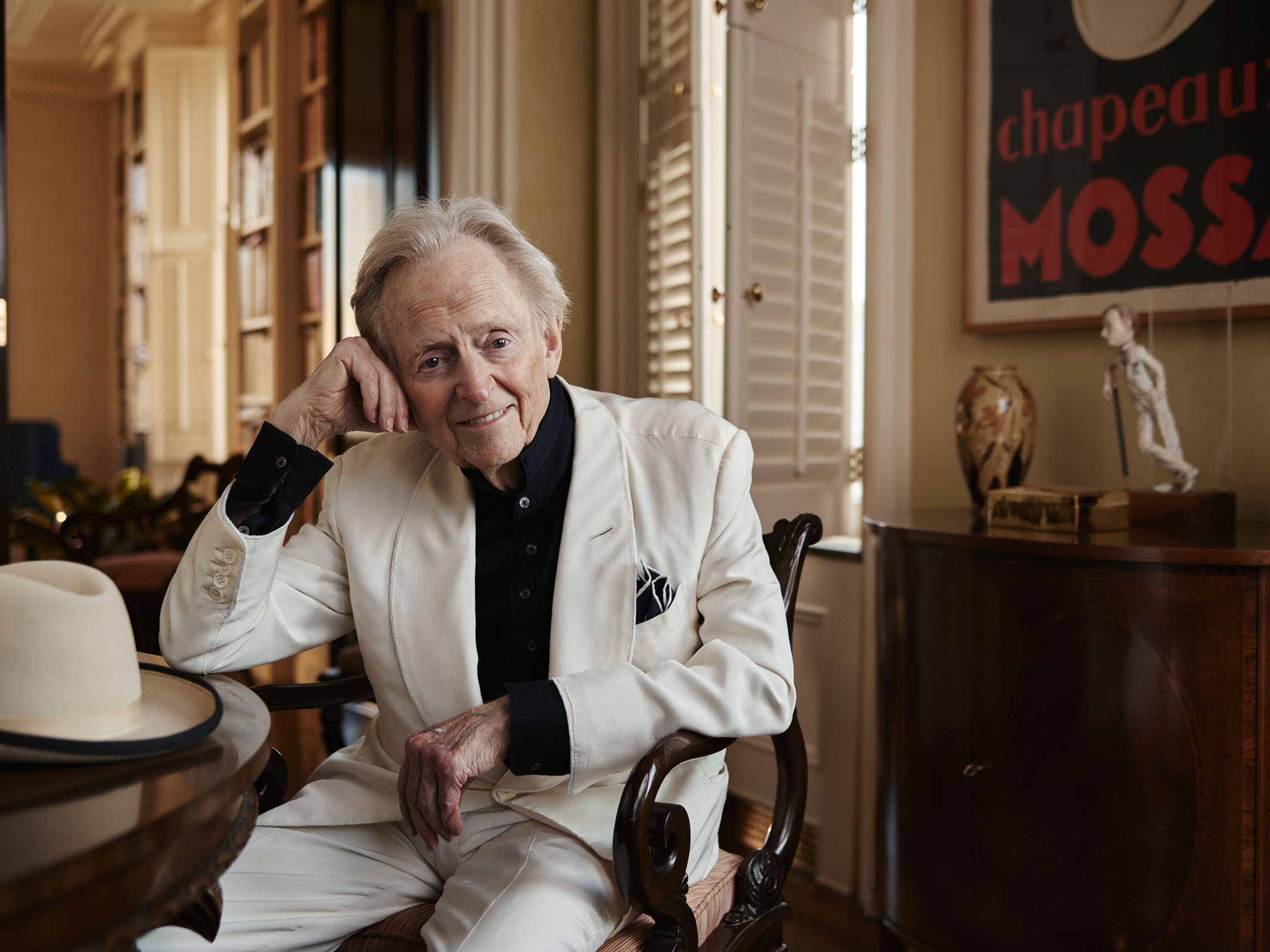
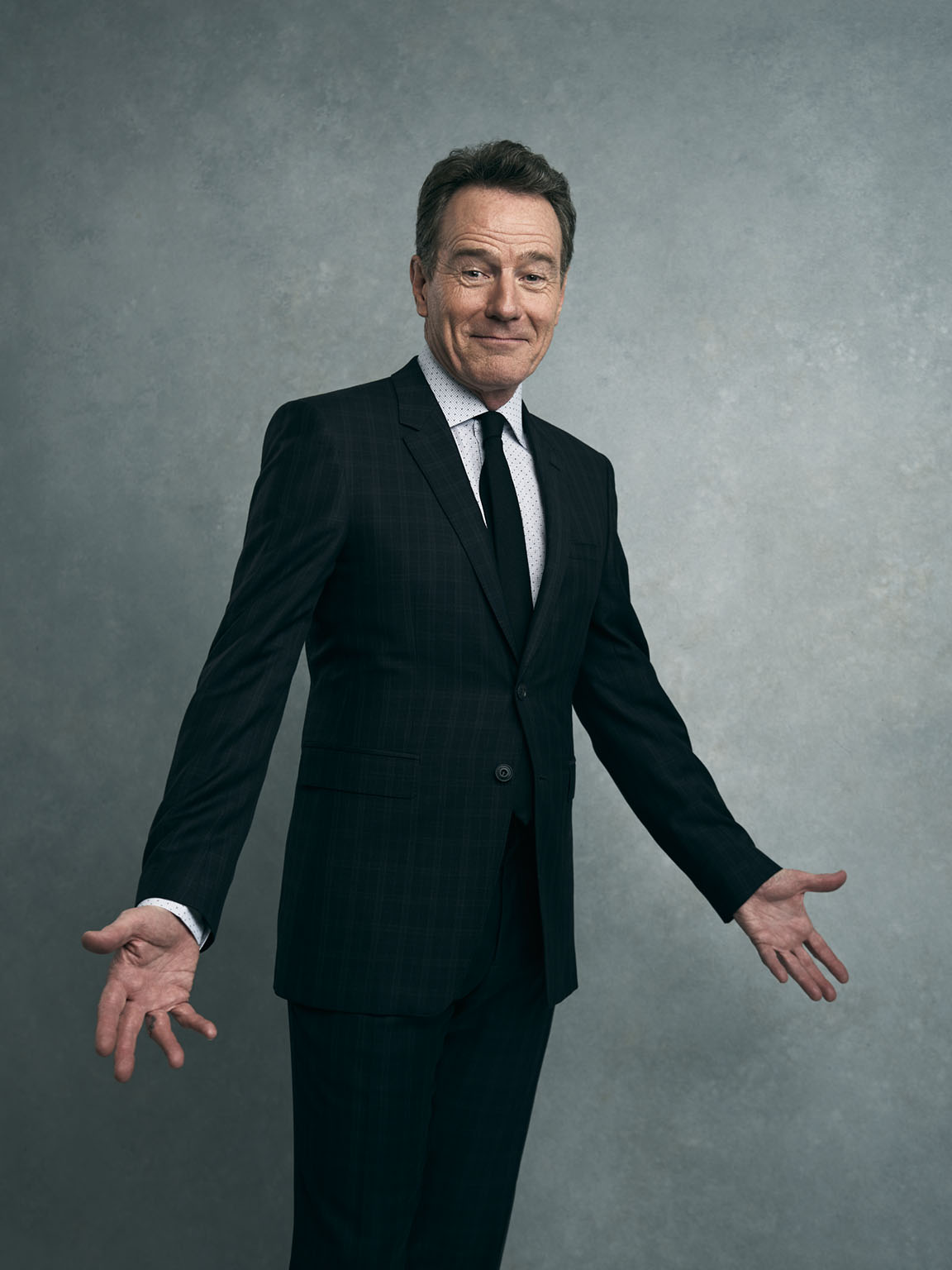
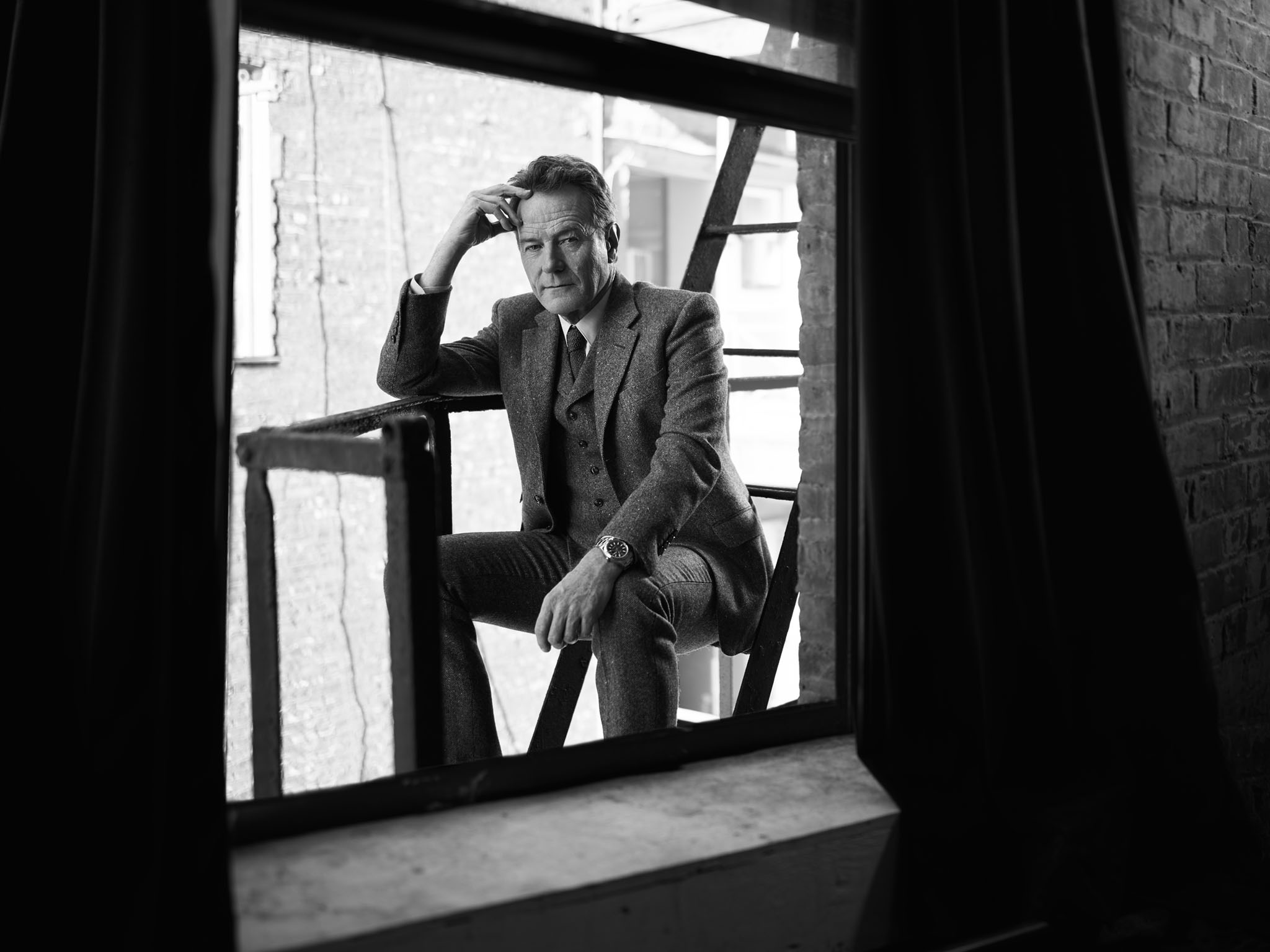
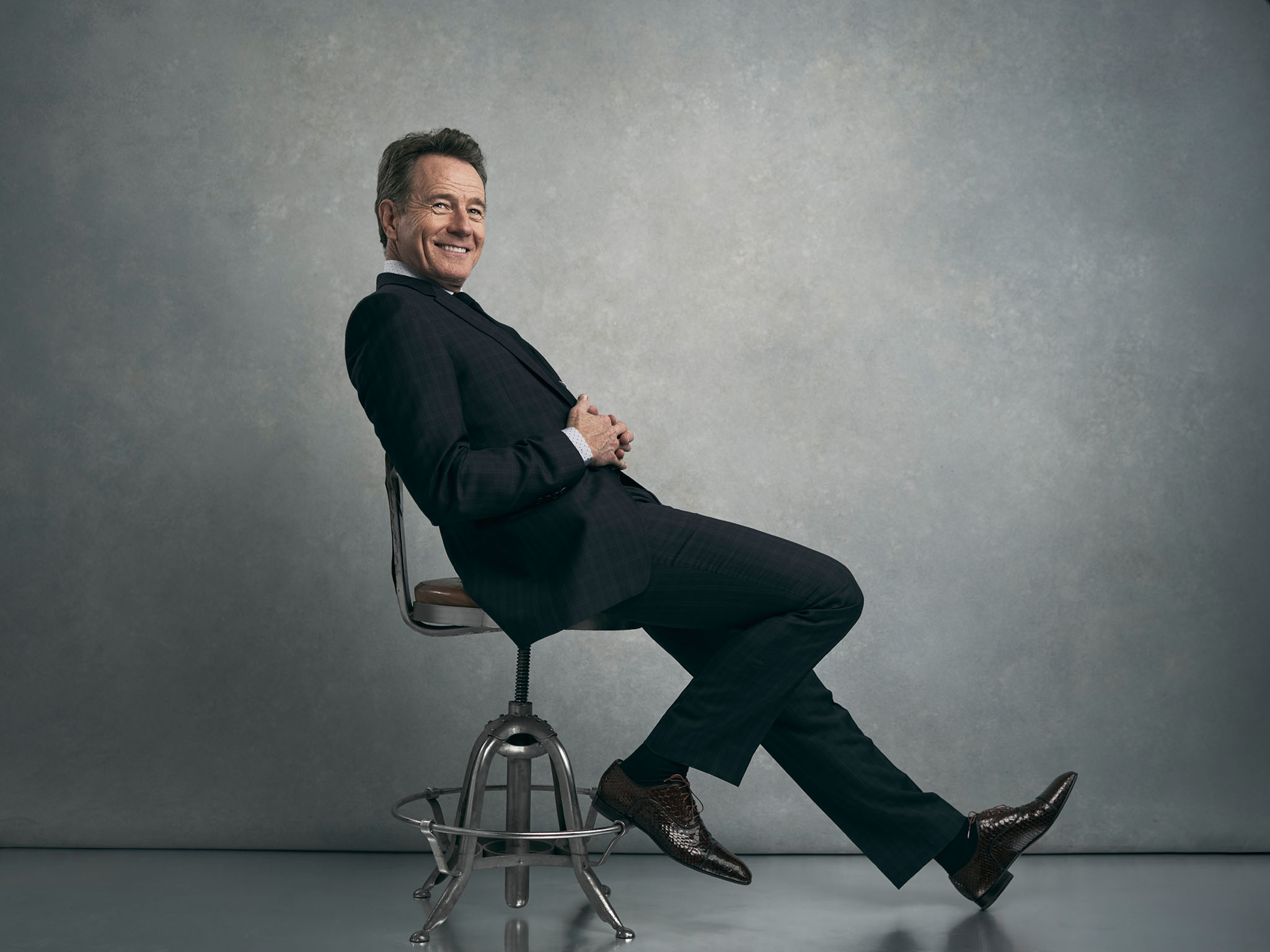
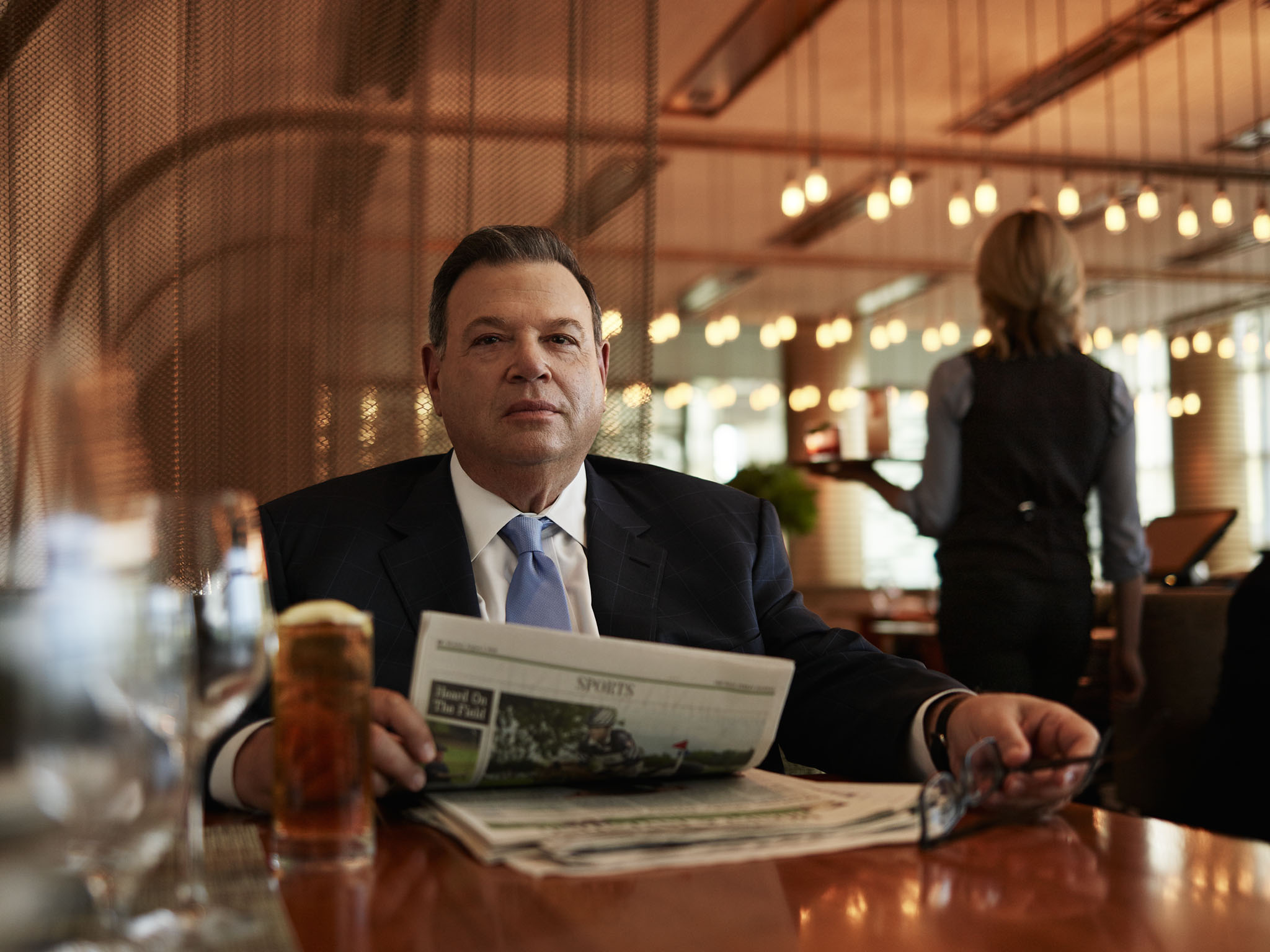
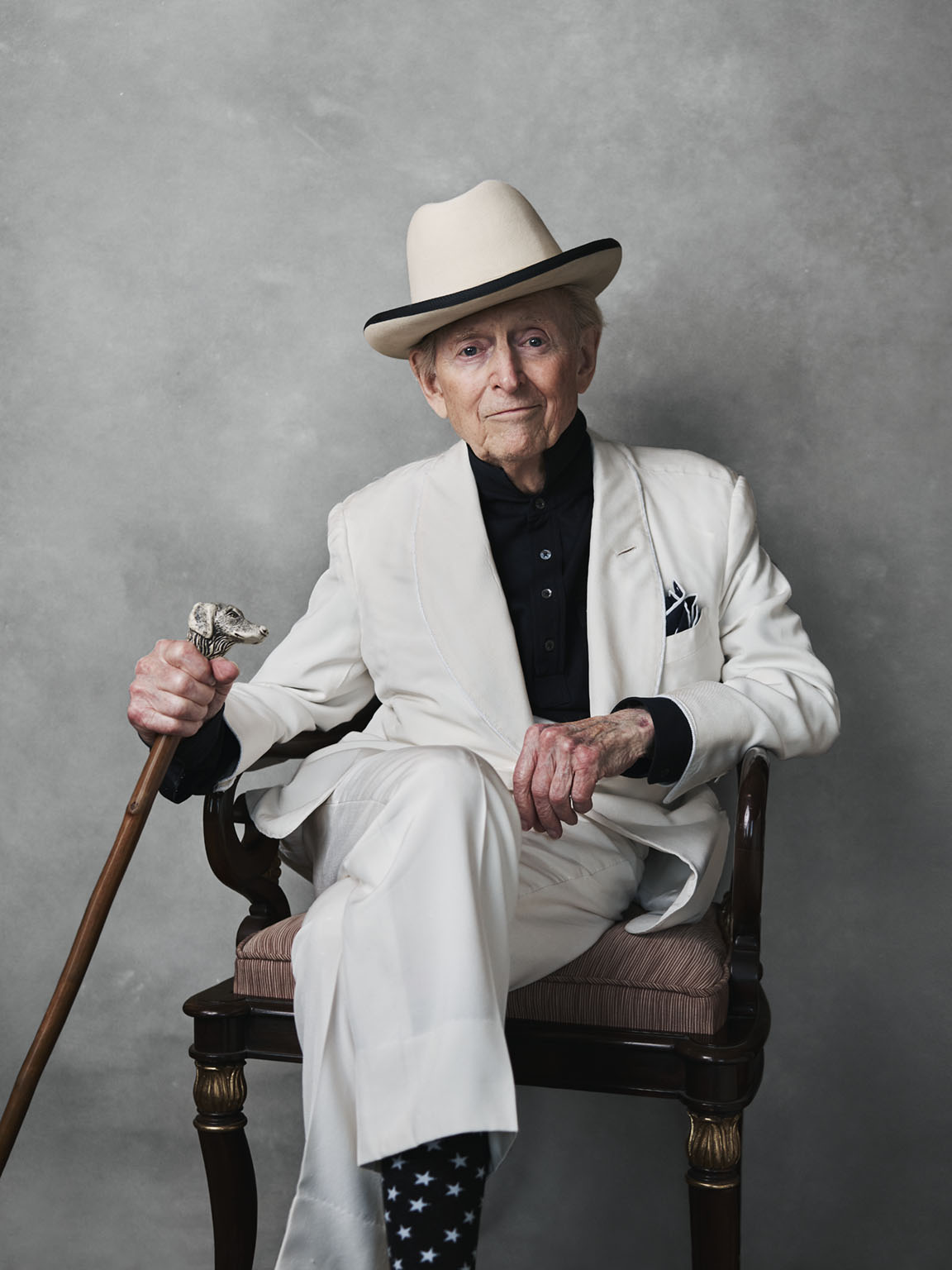
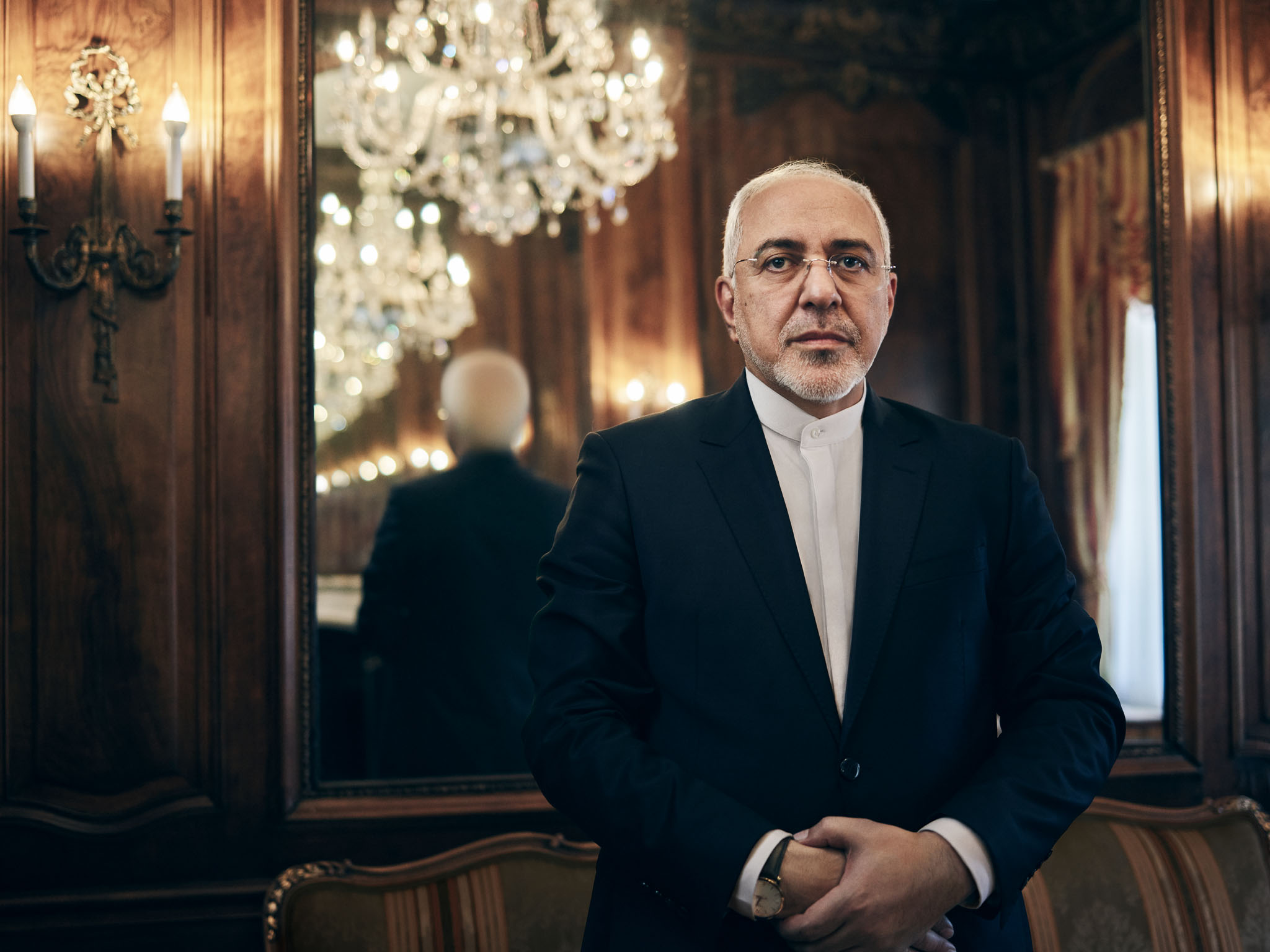
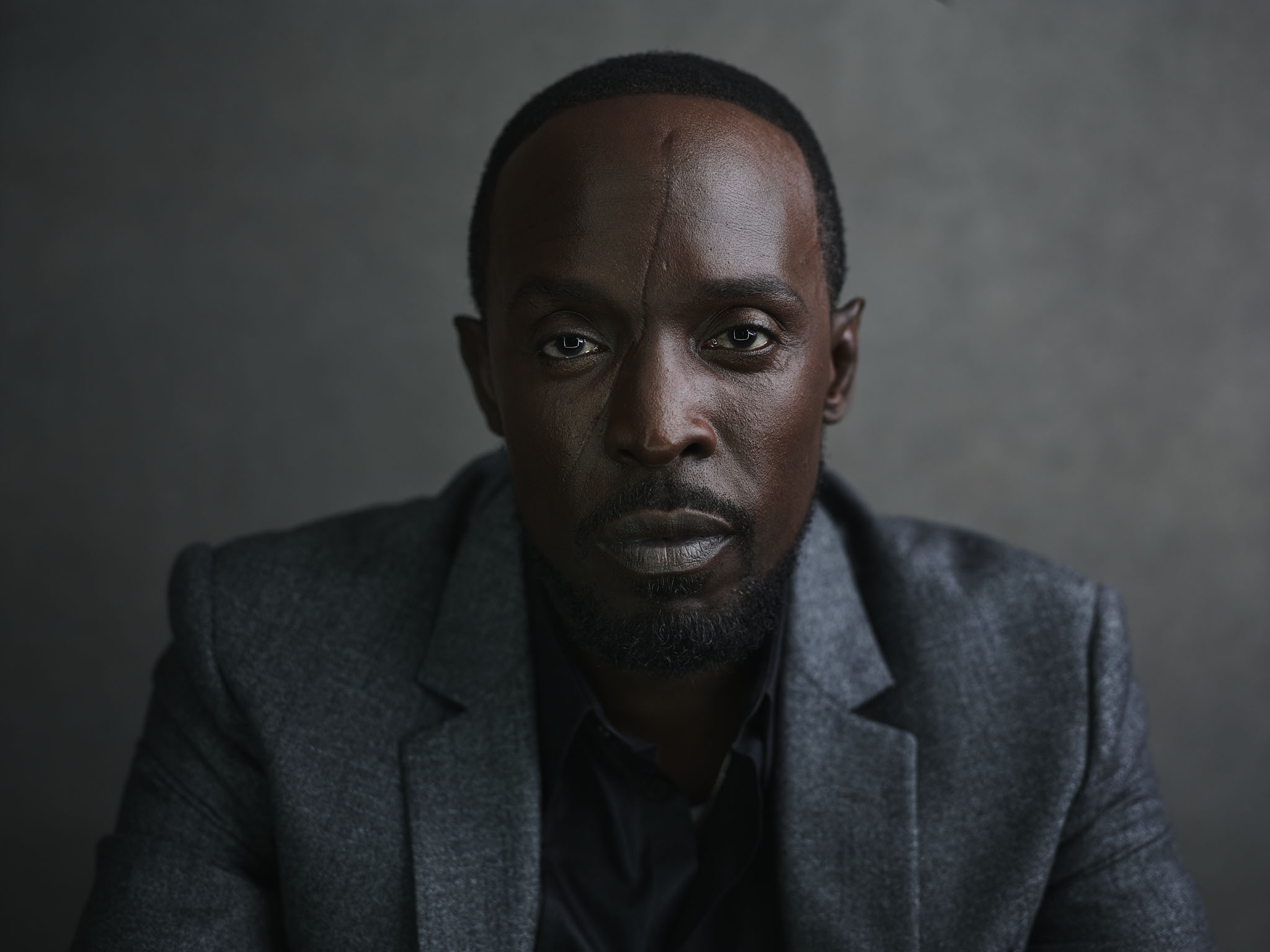
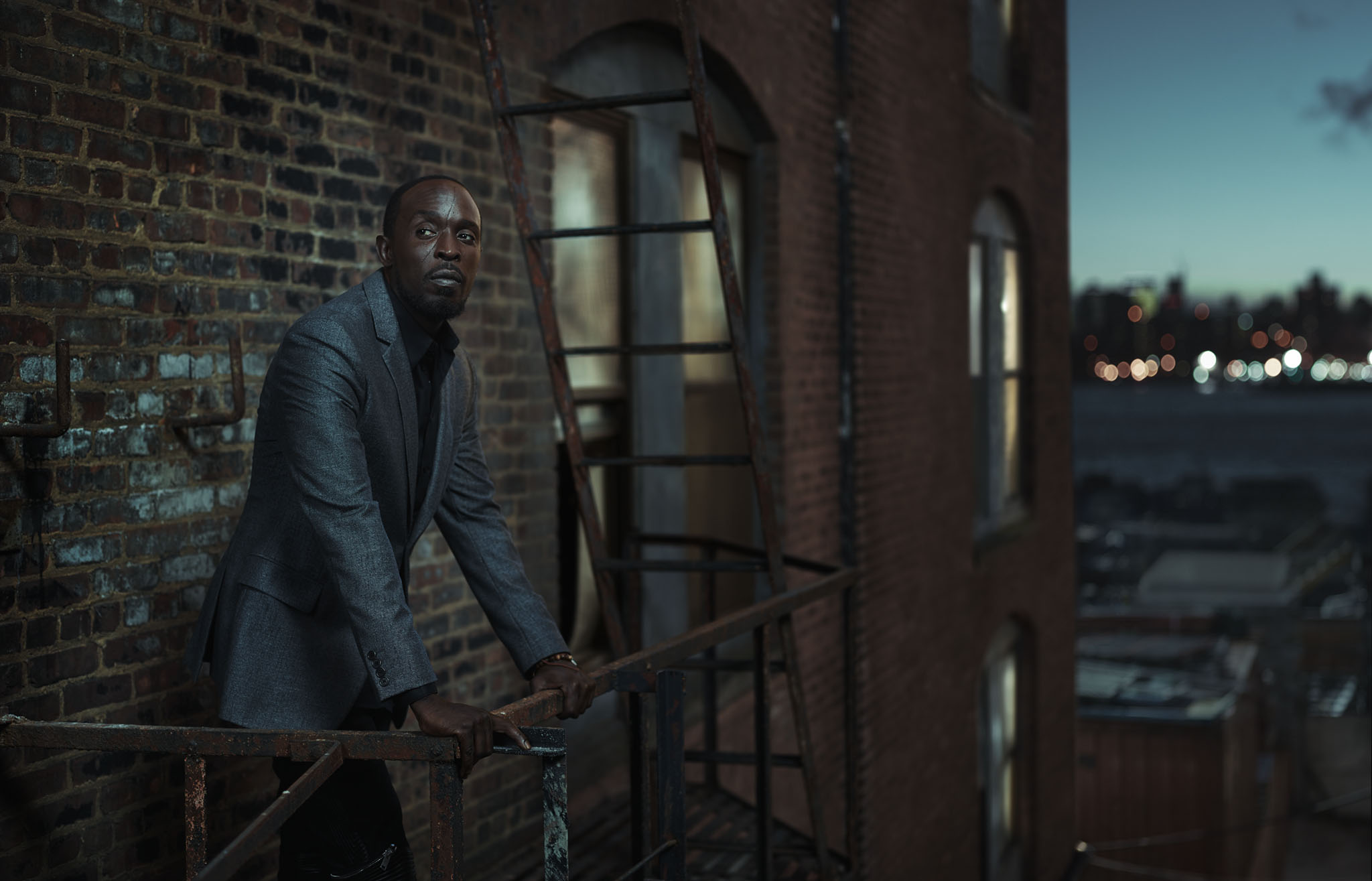
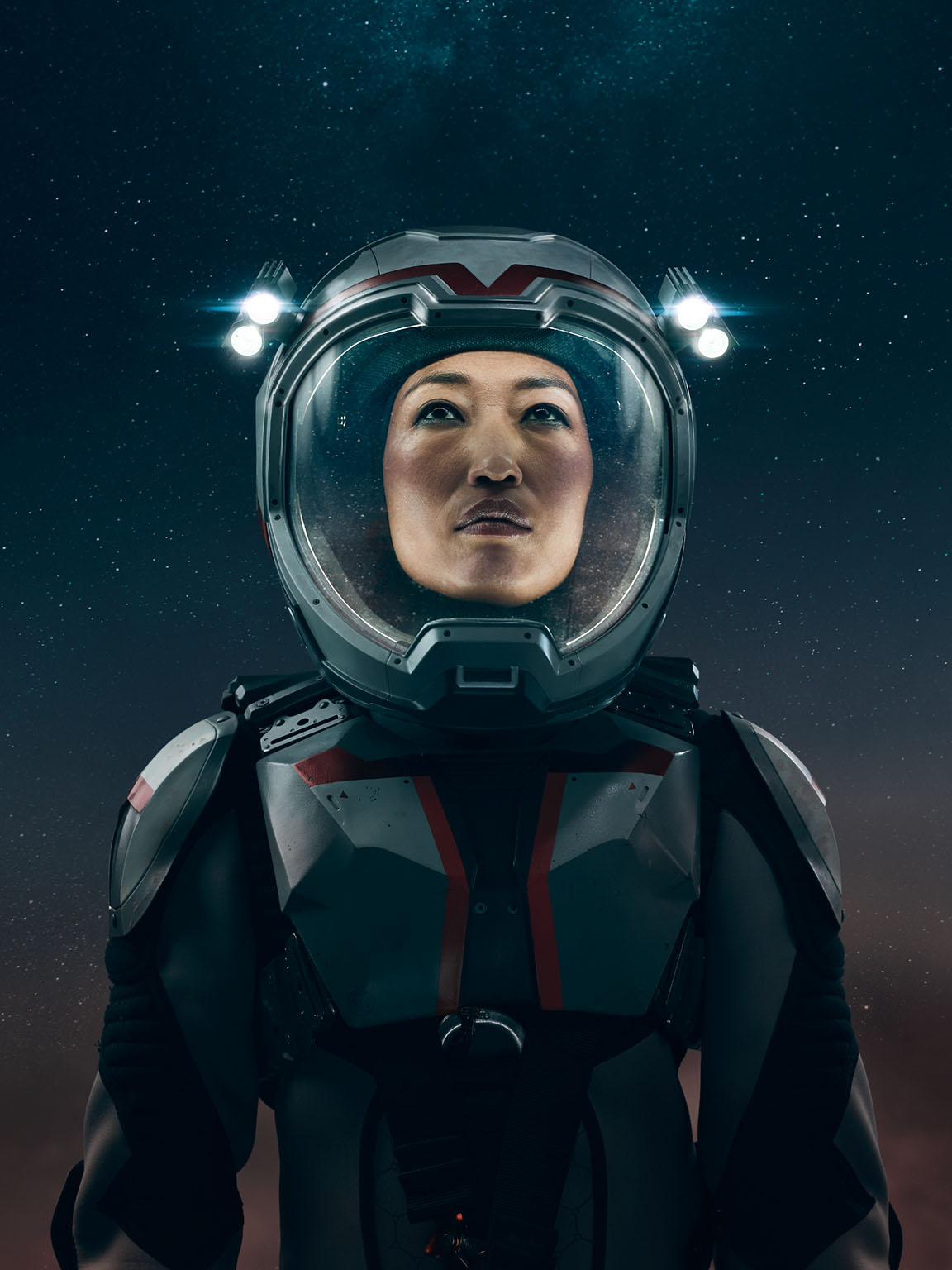
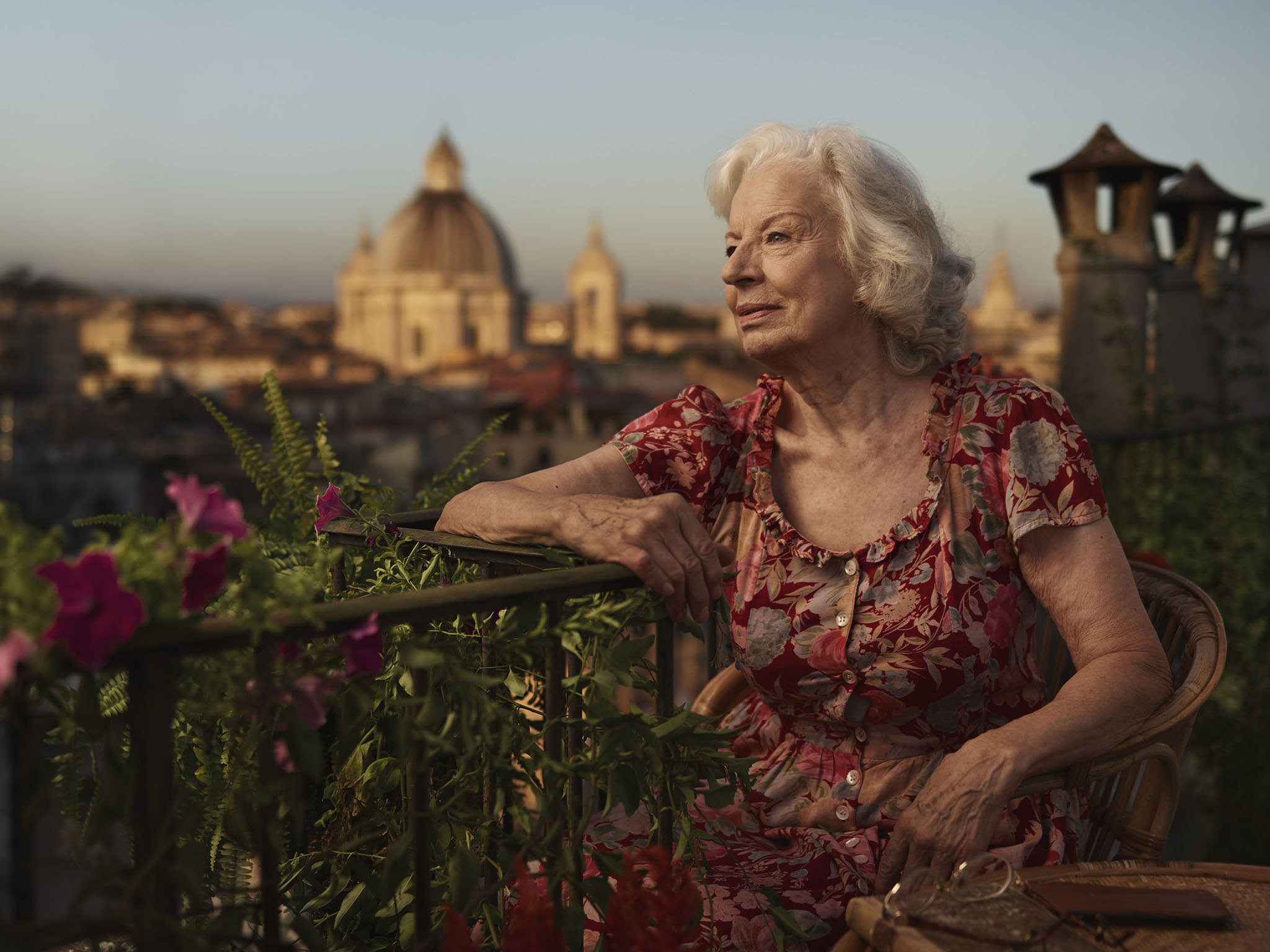
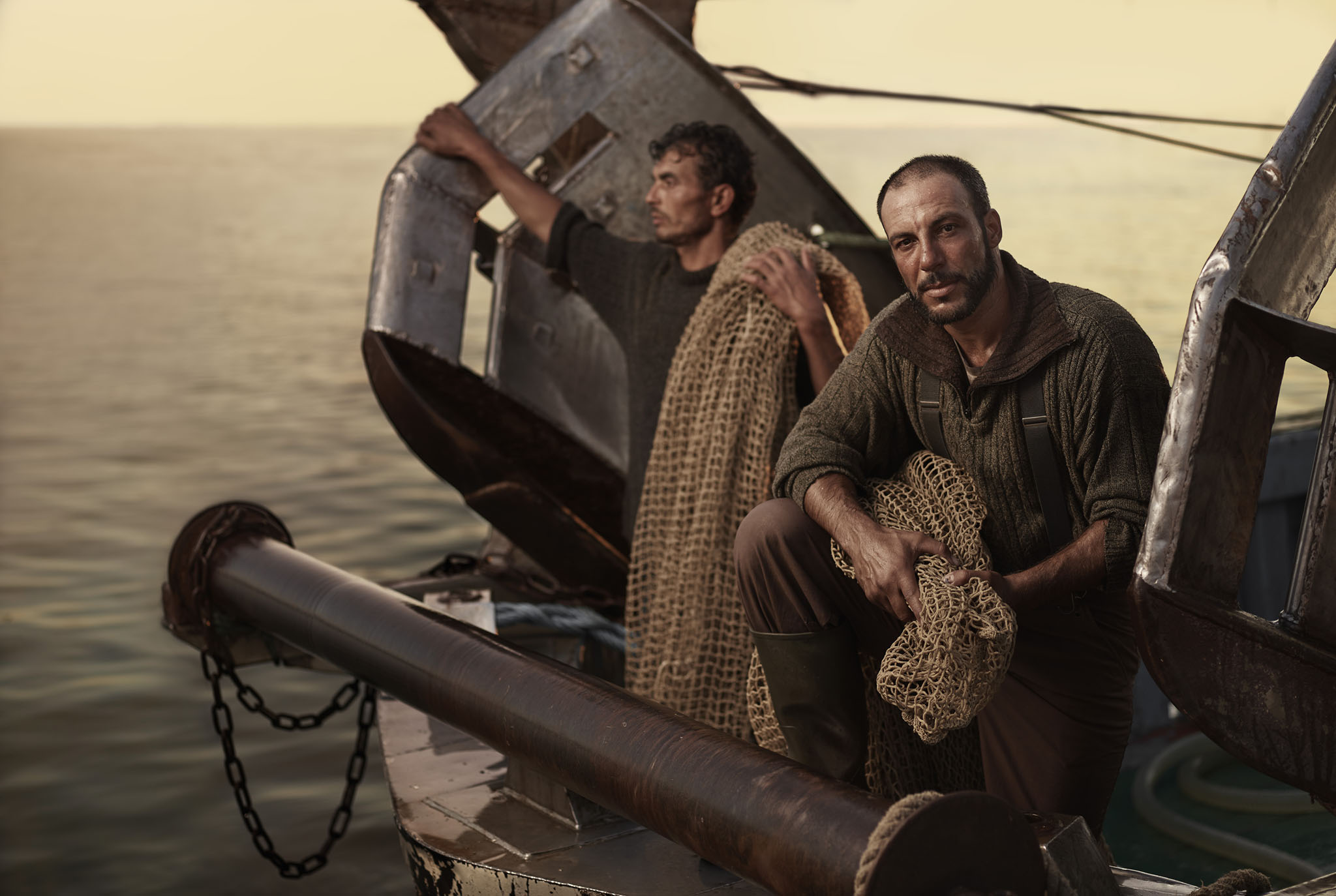
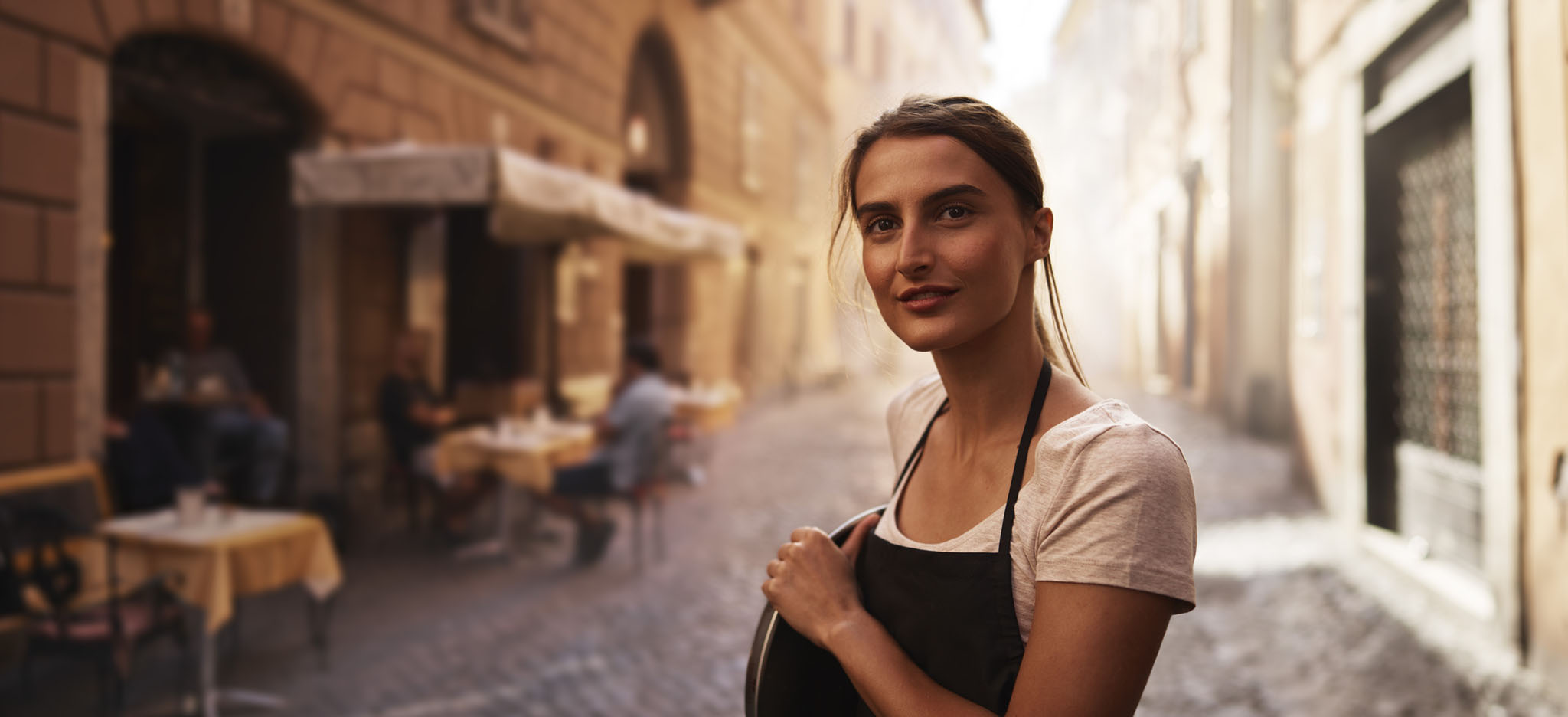
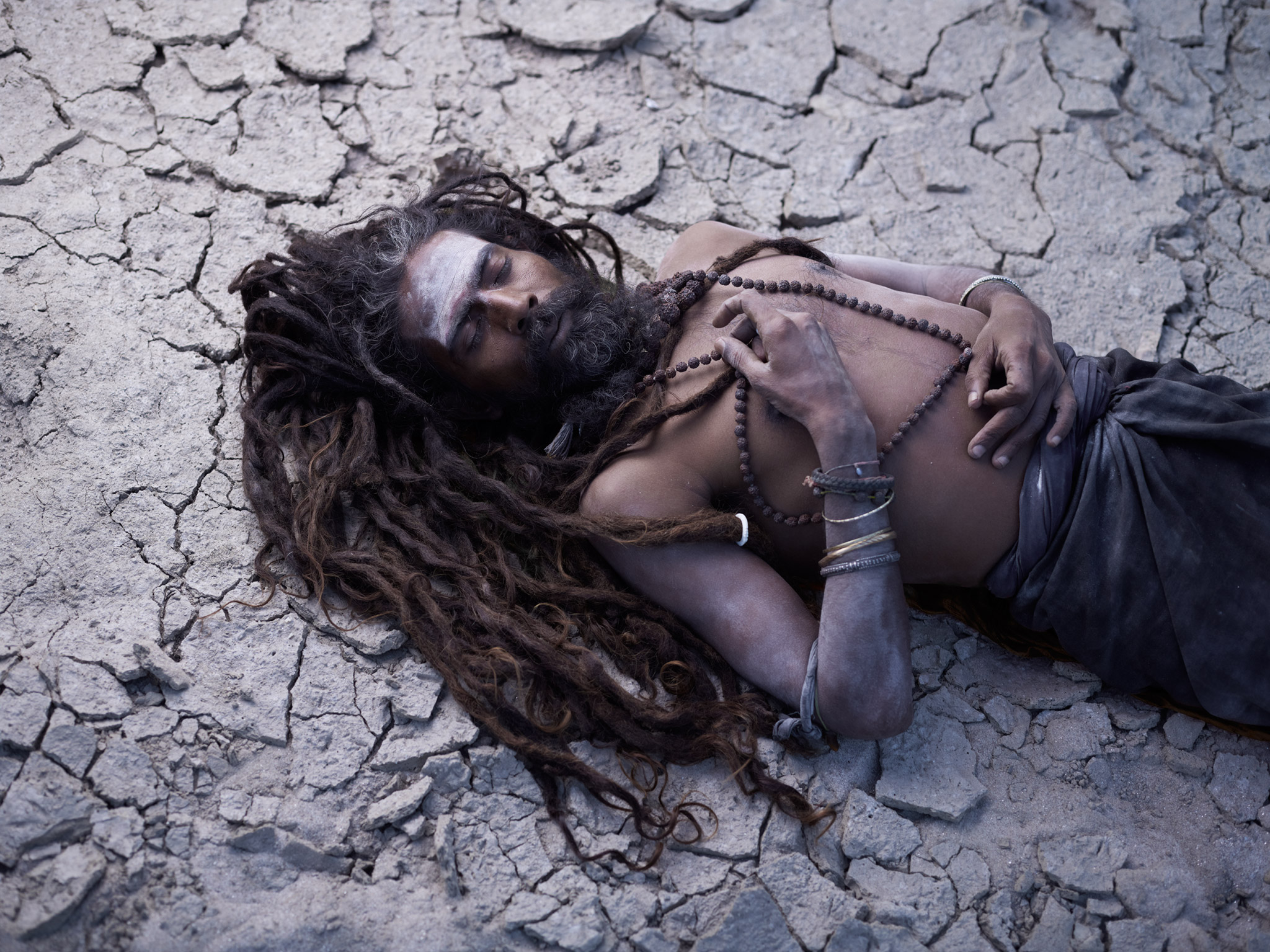
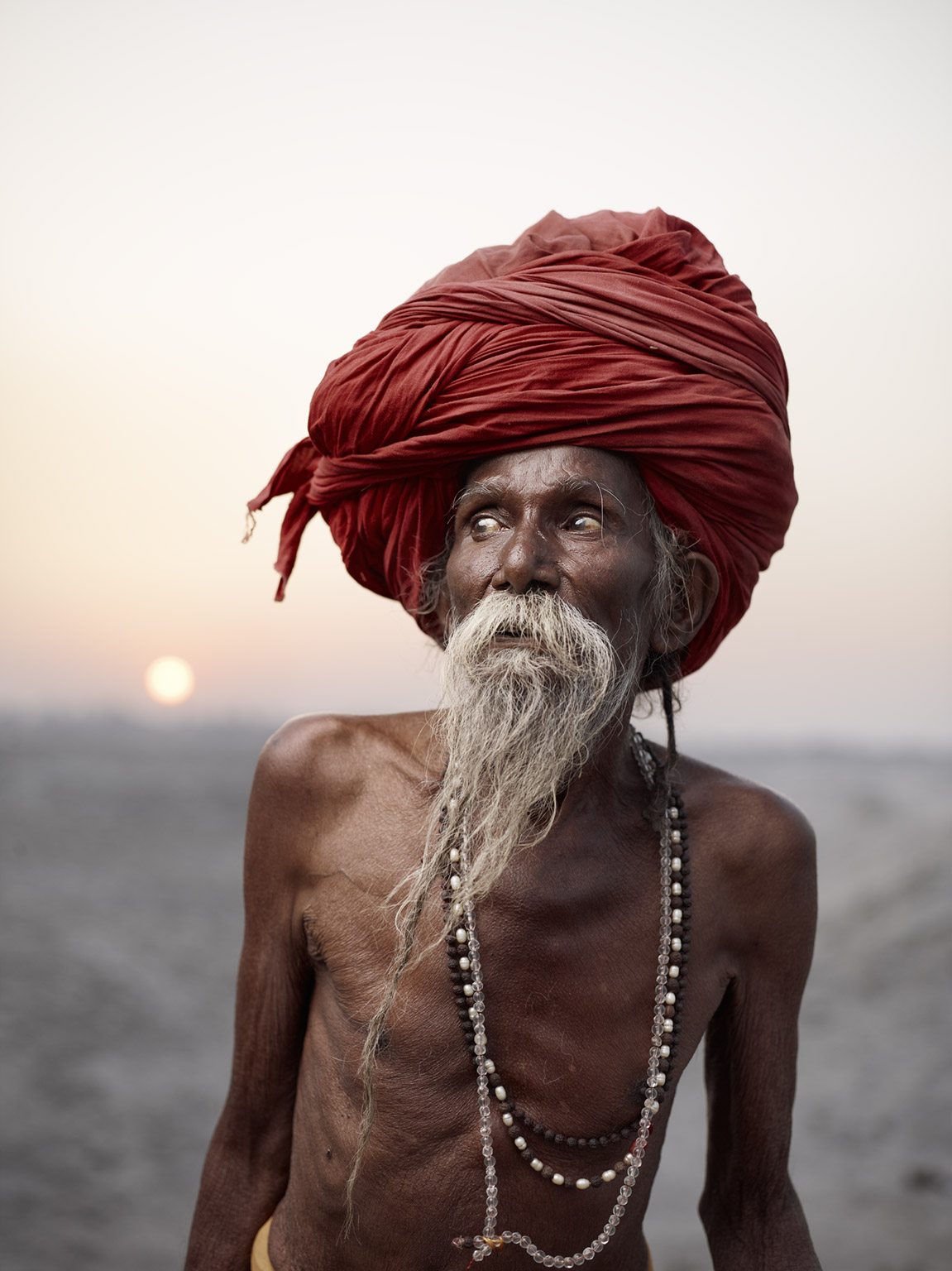
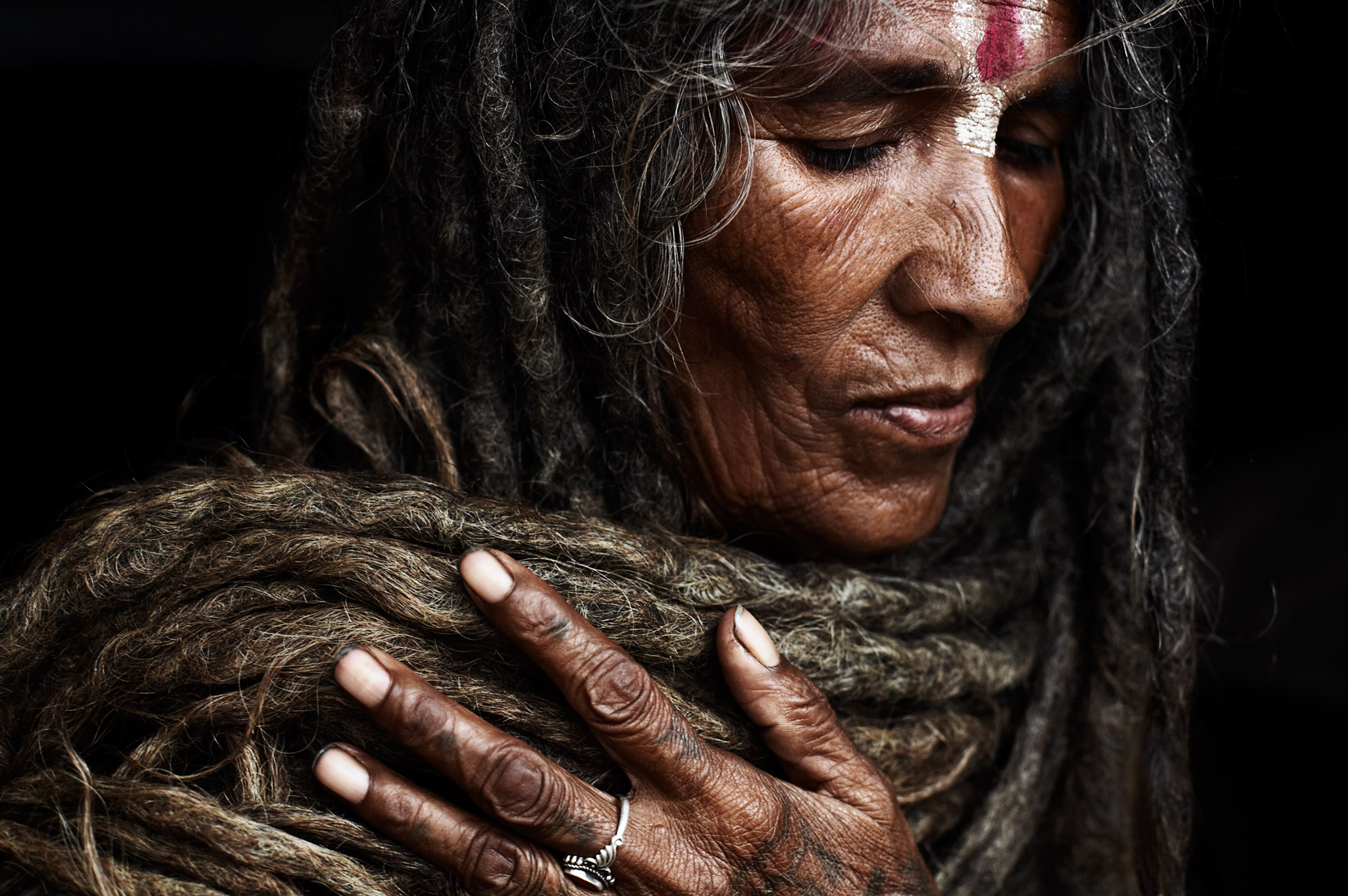
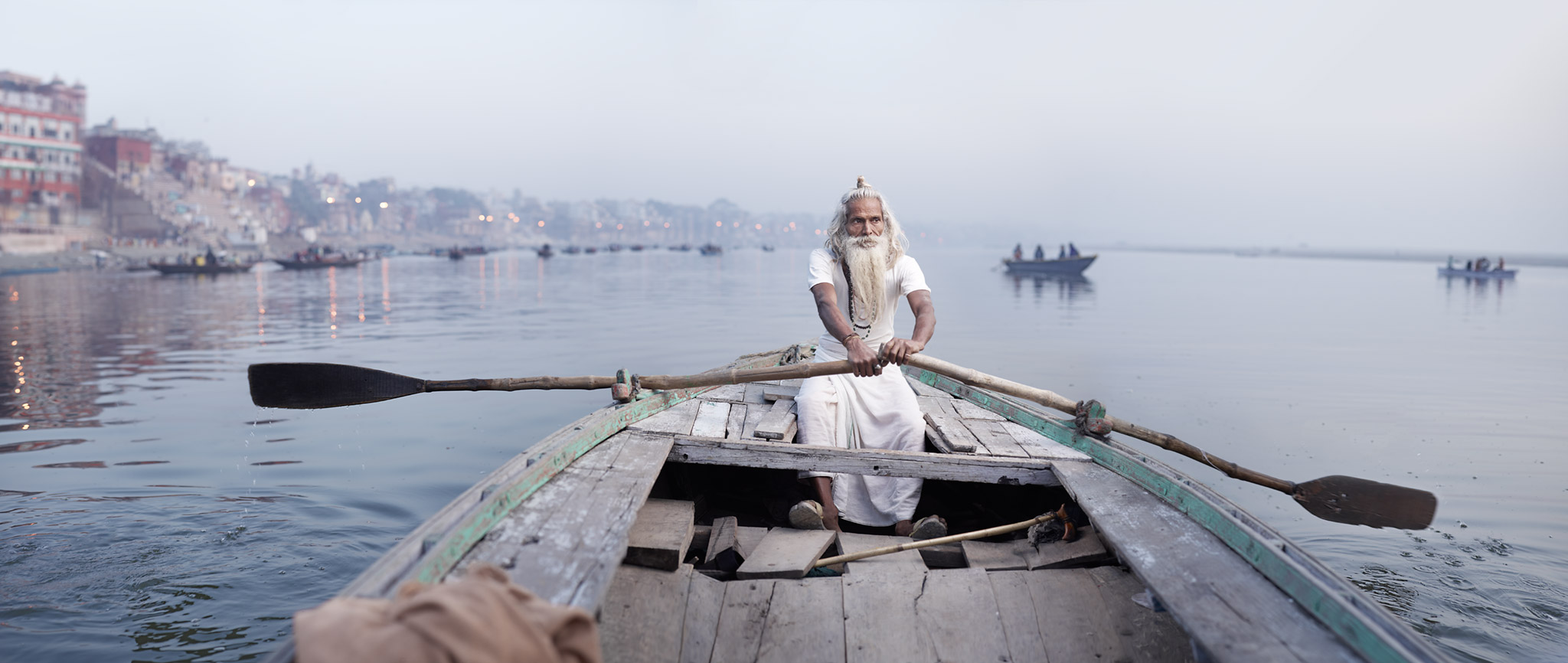
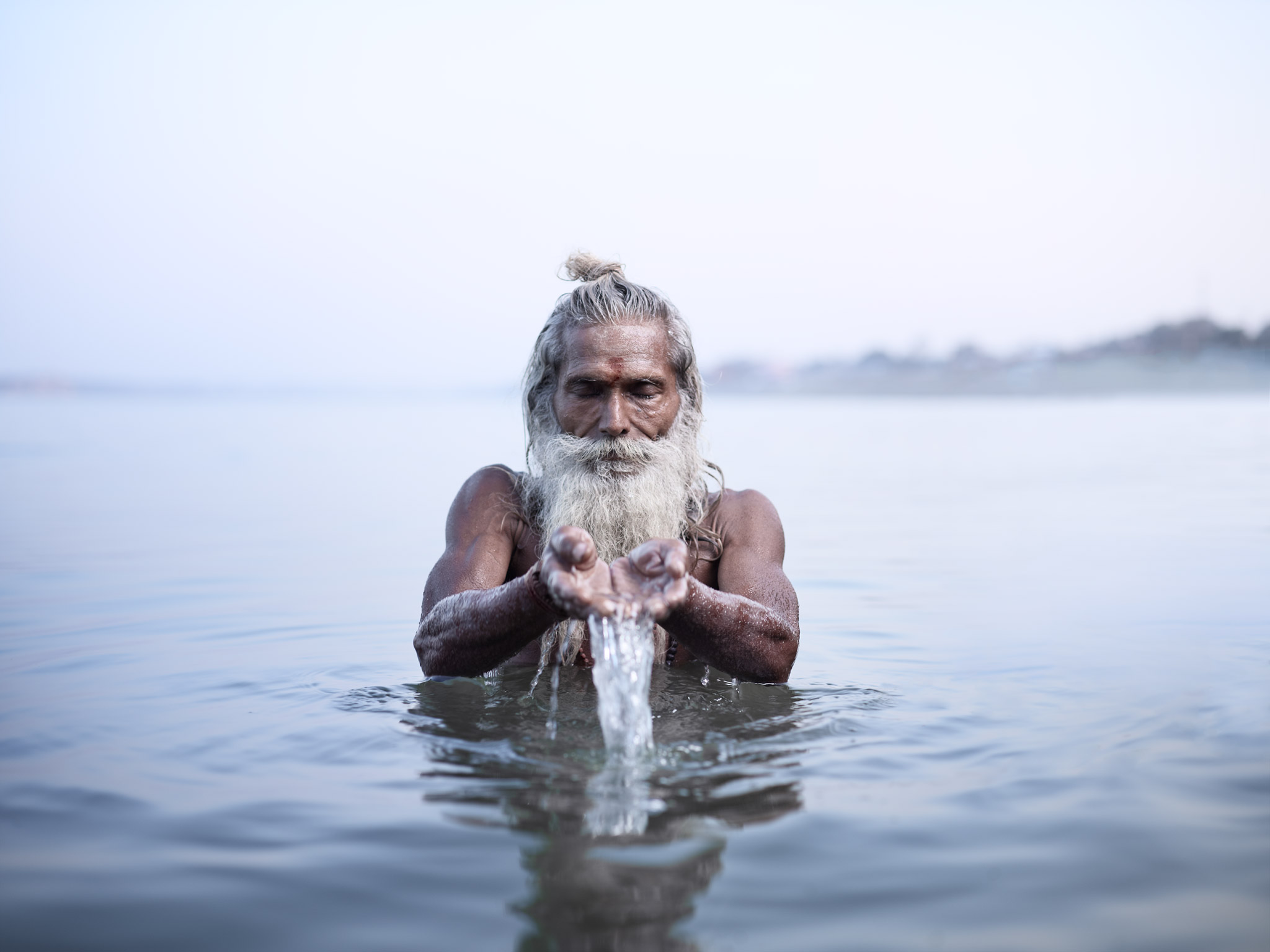
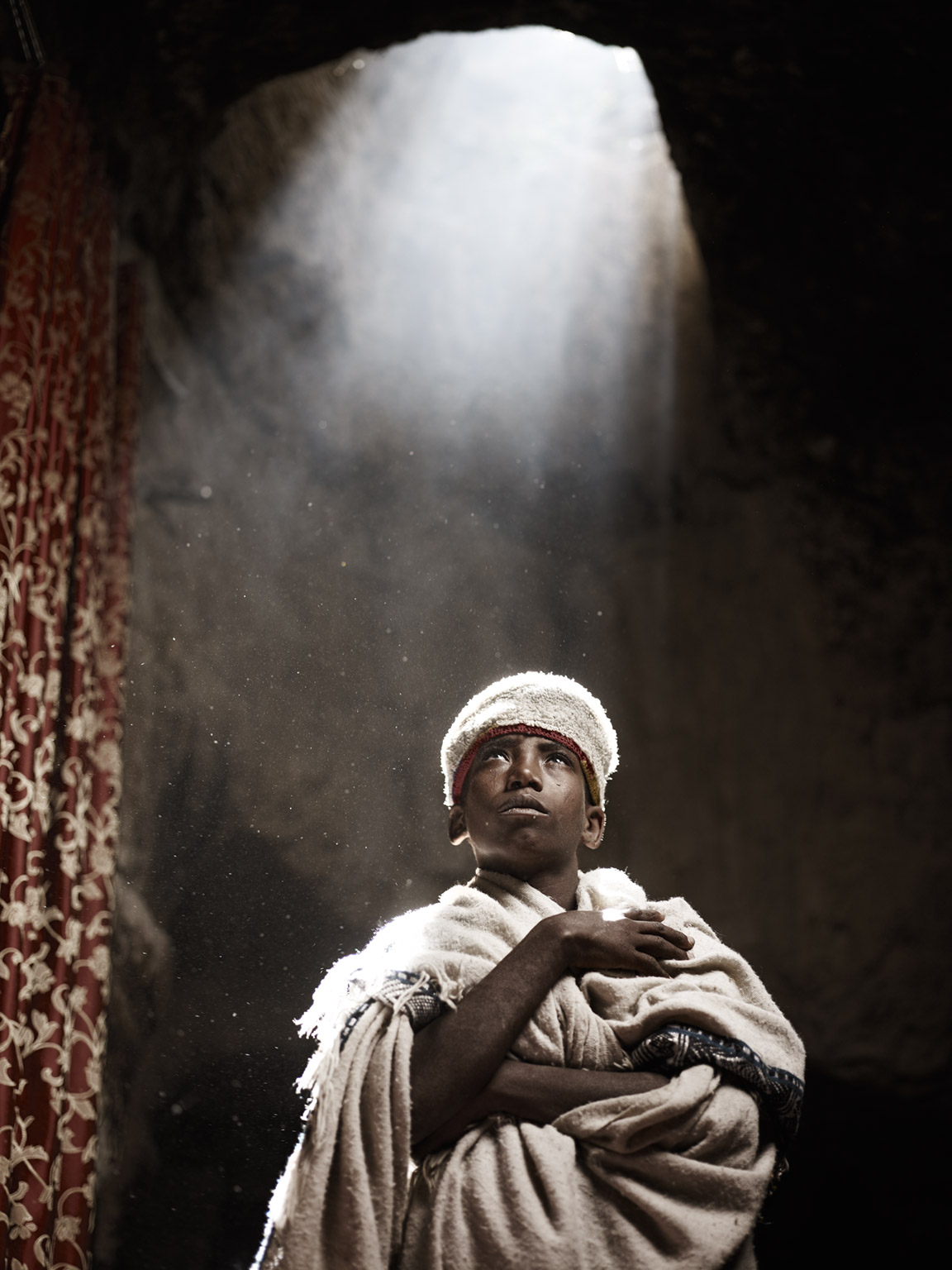
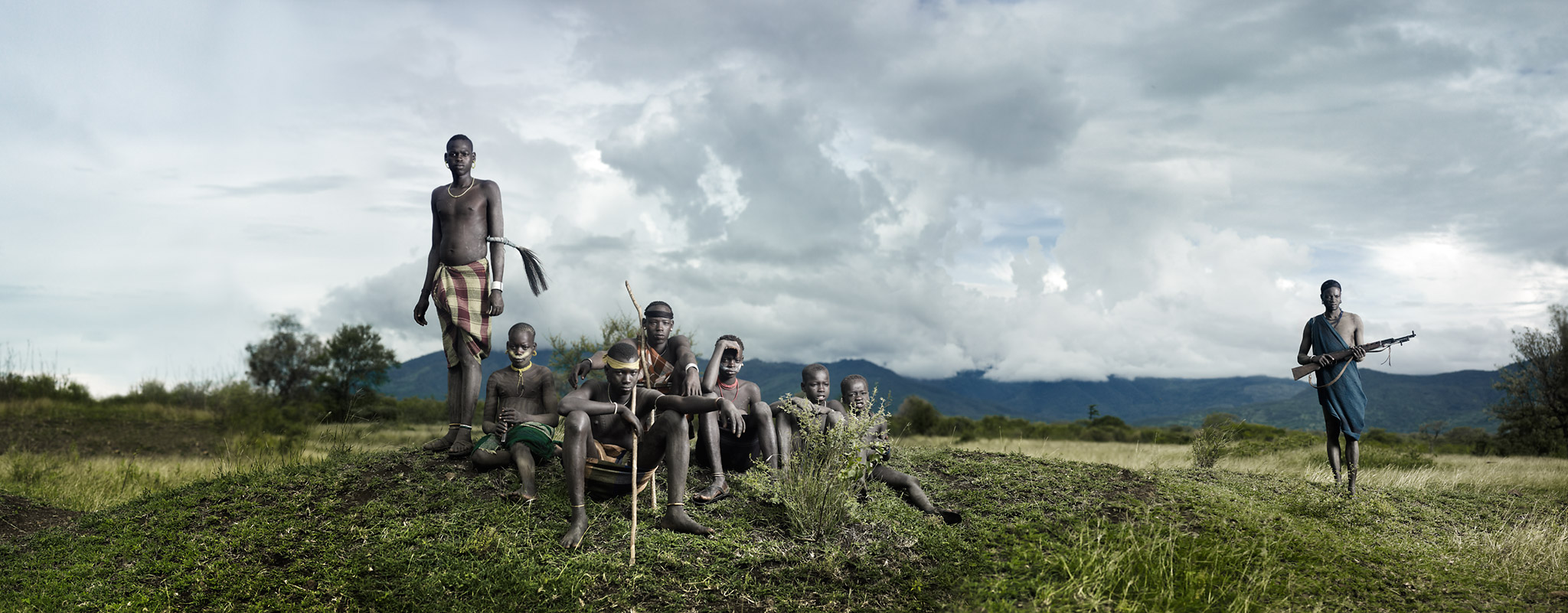
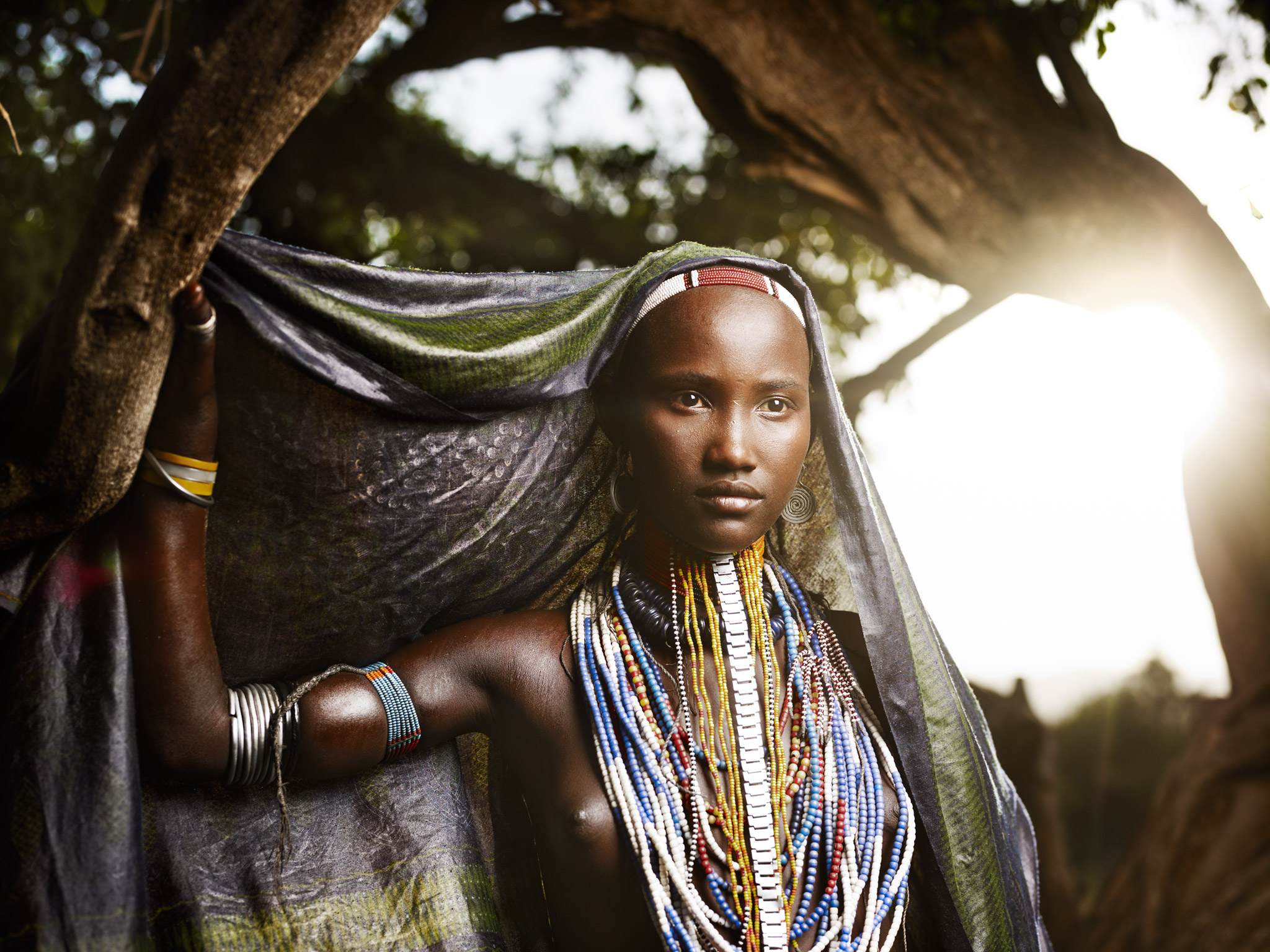
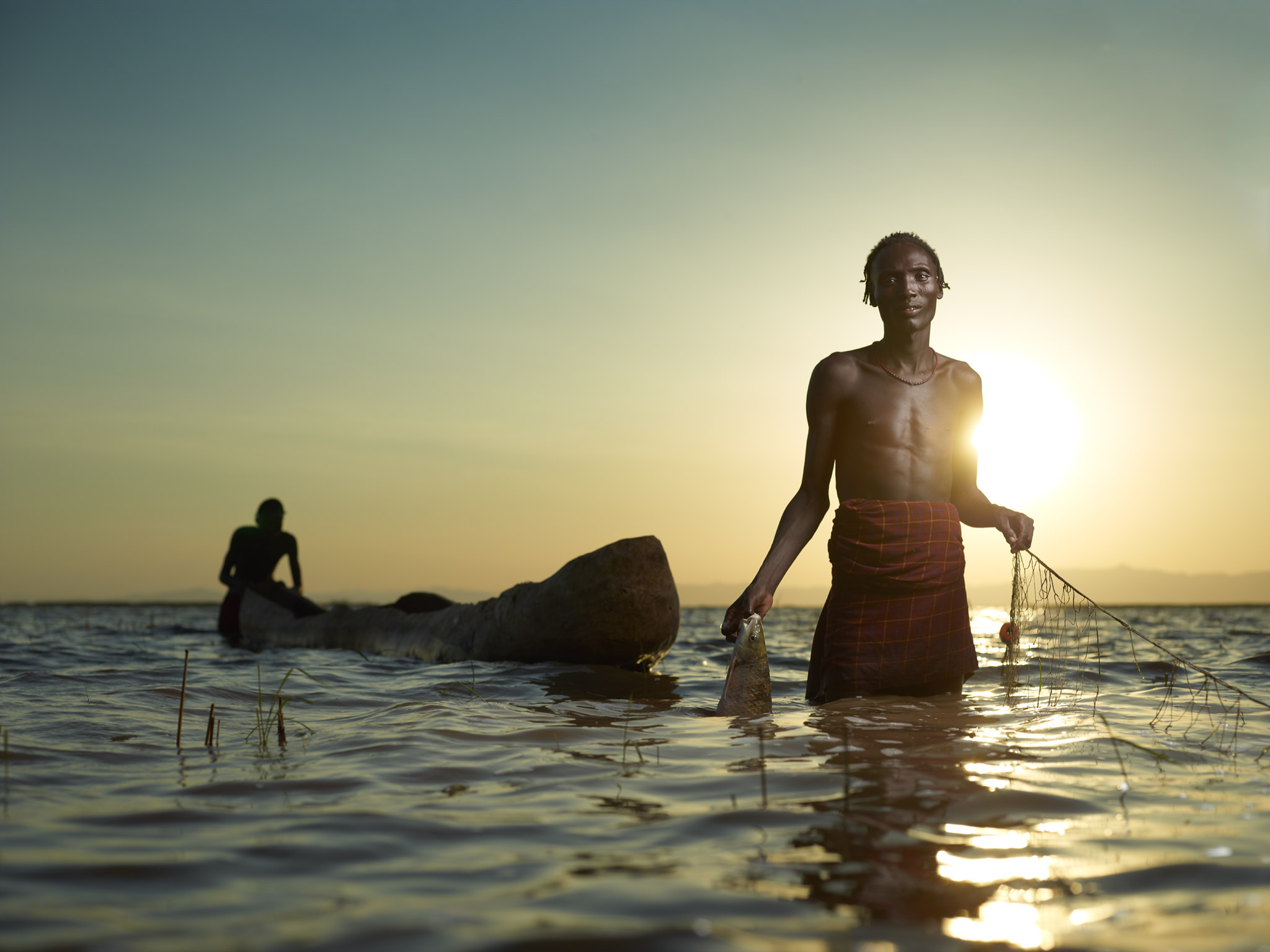
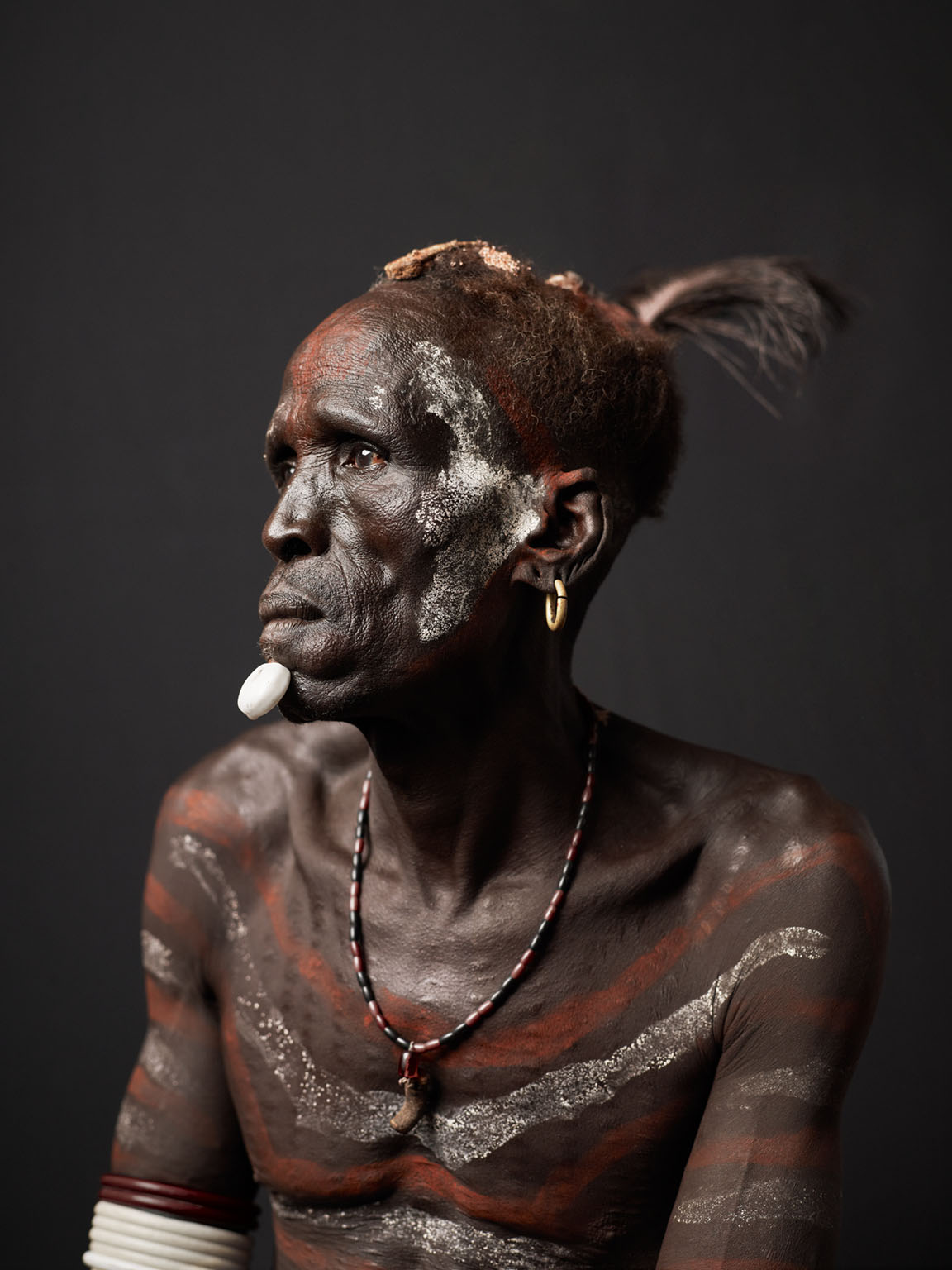
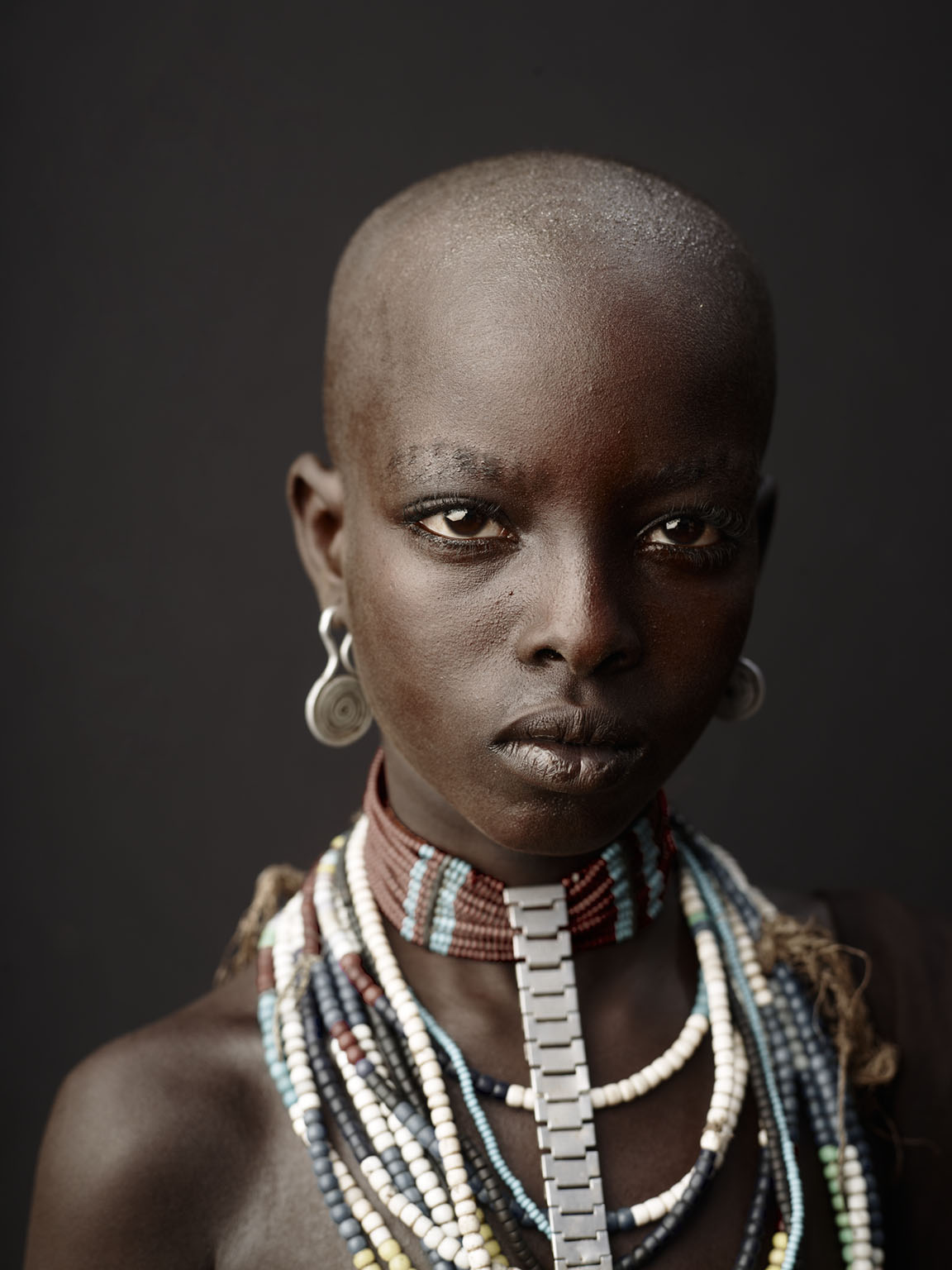
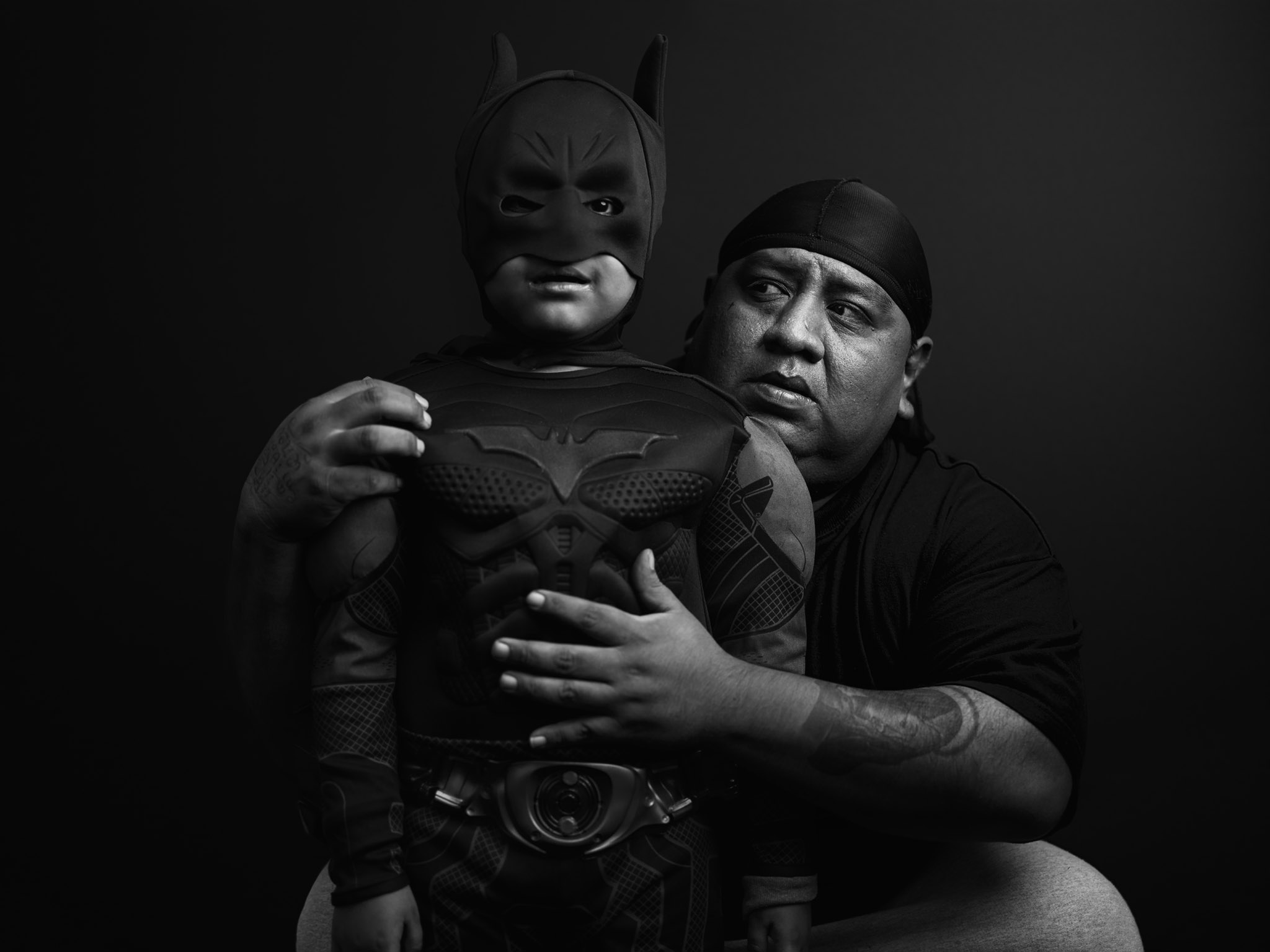
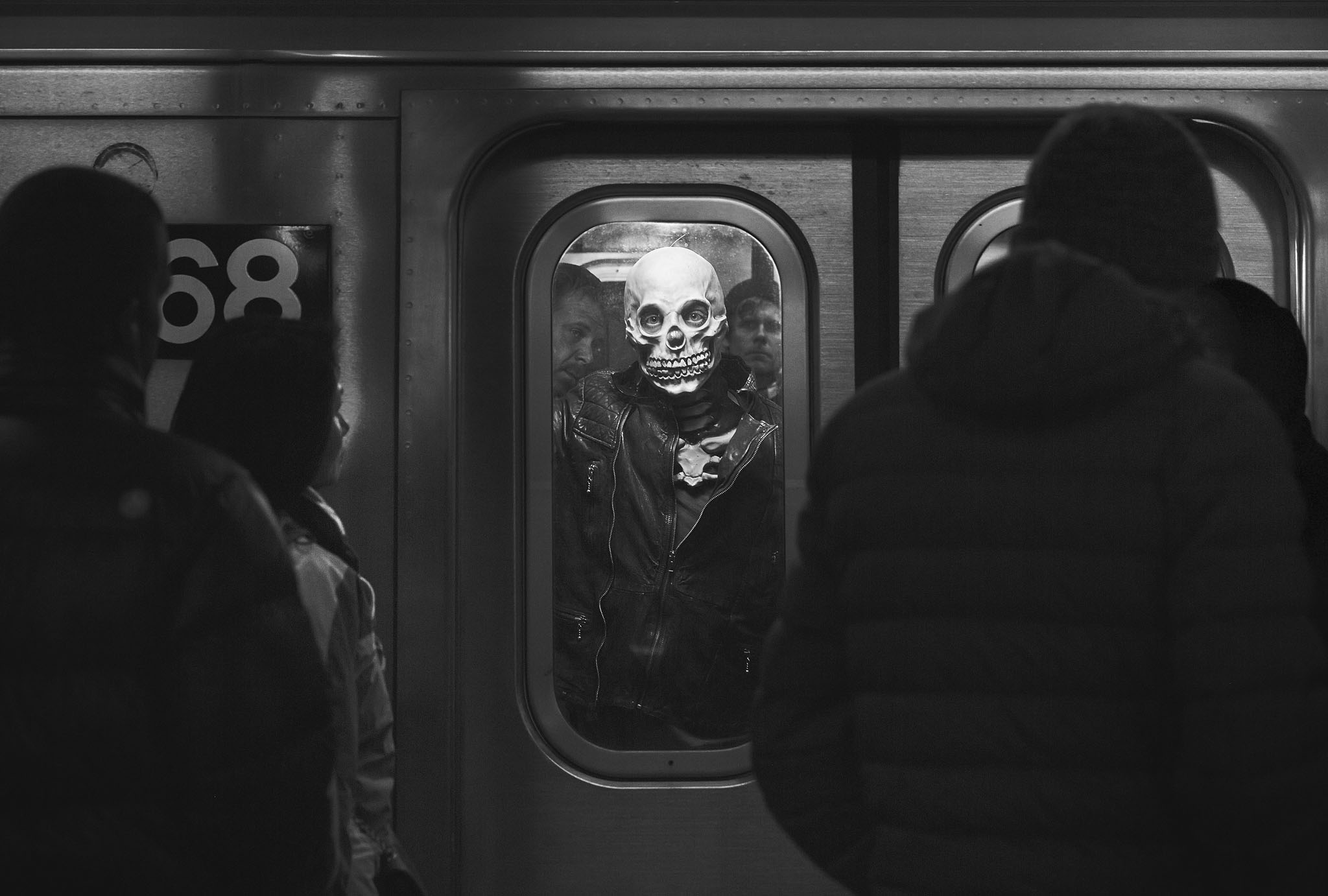
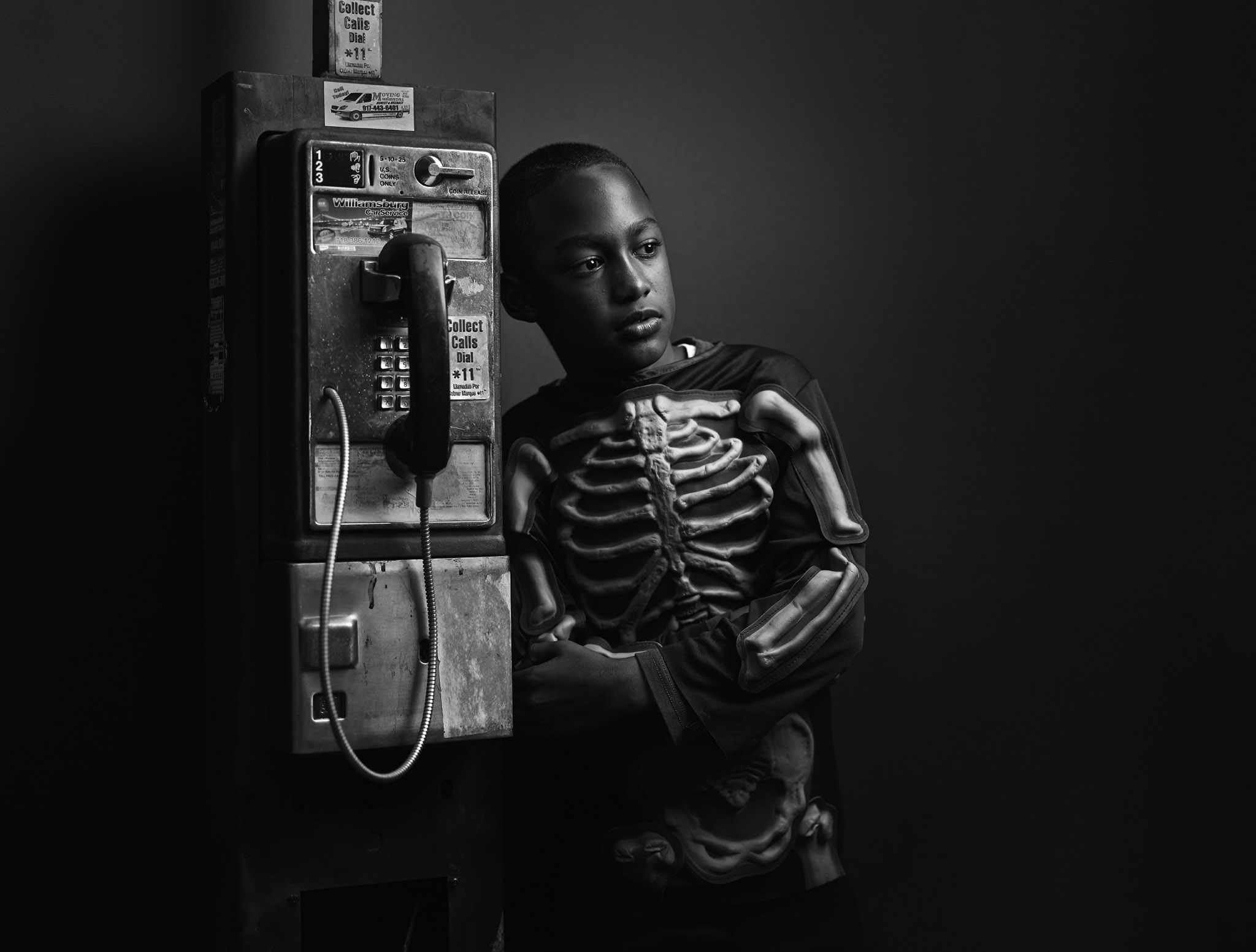
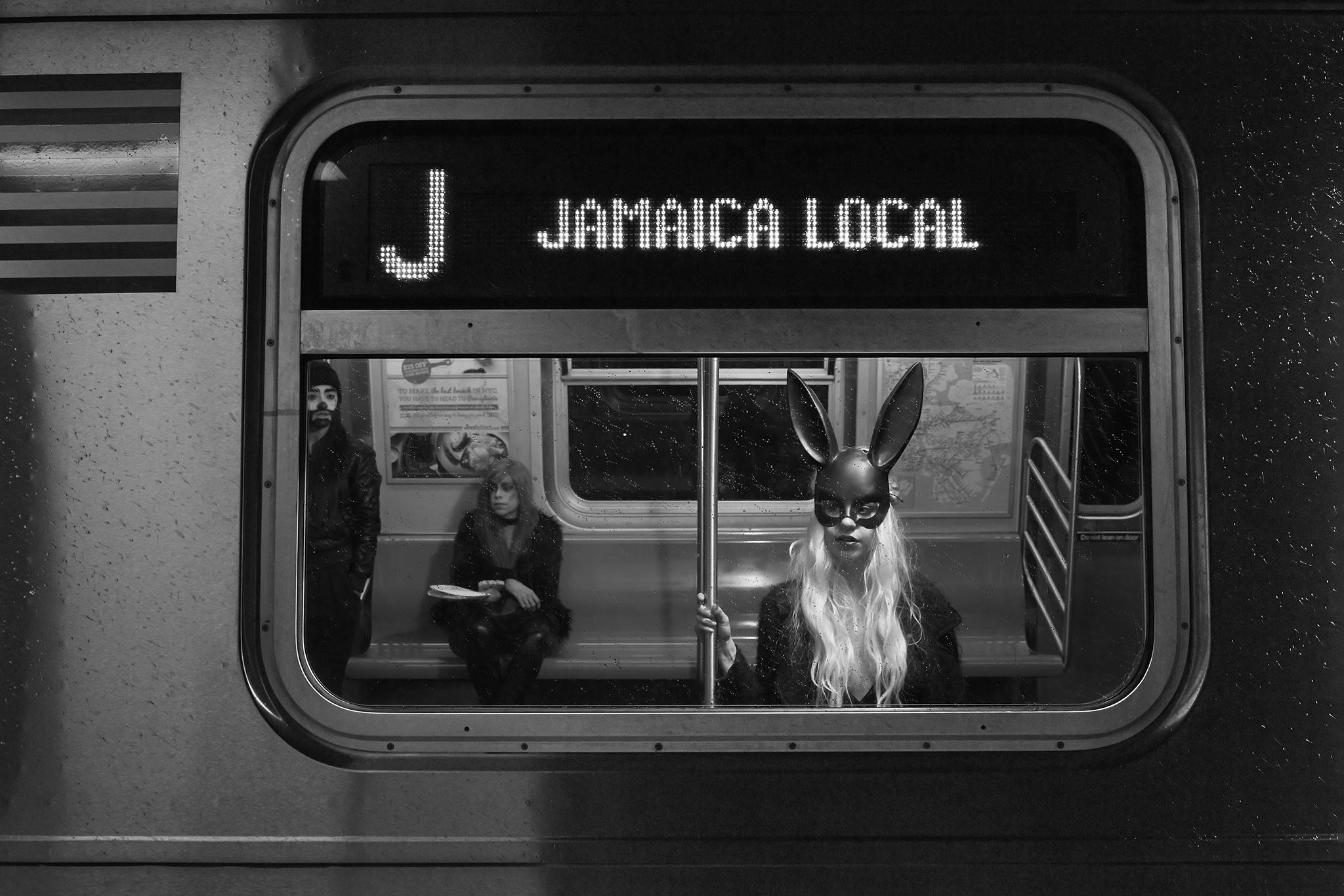
Instead of going through one or two images completely, I use many unique images in lessons and spend time on what techniques were applied to obtain the main impact of the photo. Here are some of the photos used in the different lessons.
Specialized RAW Conversion Techniques- blend many different variations of the same raw file / picture to get ‘manual’ HDR effects you control.
Levels and Curves- learn how I use (and positively abuse) these lightness and darkness tools together to their fullest capability.
Multiply techniques- learn how to get the “Joey L signature look” to obtain a muddy, dark yet vivid tonal range in your own images
Dodge / Burn - see how I use these tools to enhance certain areas of my pictures, and special tips I’ve come across by trial and error
Soft Light Techniques - how to obtain edgy, ‘embossed’ looks on your photographs that make them pop out of the screen
Grunge - the best ways to apply textures, scratches and other dirty elements to your images and blend them in with precision
Rescue - save and rescue a ‘bad take’ or mistake you can’t afford to have. Examples such as swapping peoples heads from different pictures, expanding the cut off area of a photo, etc.
Tilt / Shift effect - learn how to get a realistic ‘tilt shift’ lens blur effect in Photoshop without having to buy one / manual focus
Quick Masks - how to make realistic selections to influence light and dark values, manually controlling the look of an otherwise flat image
Cooking Your Own Textures- yup, I kid you not! How you can bake up your own textures in the oven to use in your grungey photographs
Click title link to download (low resolution .mov)
Official Preview(10.8mb)- huh? a karaoke intro?! Whaaaaaaaat? Completely unnecessary and sure to get stuck in your head
Lesson excerpt (2mb)- I don’t use any complex photoshop technological jargon in my narration. You got to keep it real!
The Interface(2.3mb) - check out the nice, easy to navigate interface of the tutorial. Videos load instantly as the core files are already on your hard drive after the download.
Click the link to launch the store page
*Instant download - For computer, not DVD player. (2 hours of material + texture library + Photoshop actions, 1.37 gigabytes) -$299
$20 discount for those who bought the last (now unavailable) disk
(Please e-mail joey@joeyL.com for promo code before purchasing. Include the name, address and e-mail you purchased the disk under).
$20 discount for those who bought the last (now unavailable) disk
(Please e-mail joey@joeyL.com for promo code before purchasing. Include the name, address and e-mail you purchased the disk under)
How It Works
You can pay online using a credit card or bank account securely and instantly or through Paypal. (It’s free to use.) You will automatically be sent an e-mail including a download link (which expires over time) and instructions for the tutorial. If anything goes wrong your info is kept on file and I’ll sort it out for you with no tears. If you live in the boons and have a really slow internet connection, you might want to order the Hard-copy DVD instead of the download.
If you are still afraid of buying online, no worries! Feel free to send a money order issued for Canadian use via snail-mail. Please e-mail joey@joeyL.com for more info.